Android desktop mode is turning phones into casual PCs
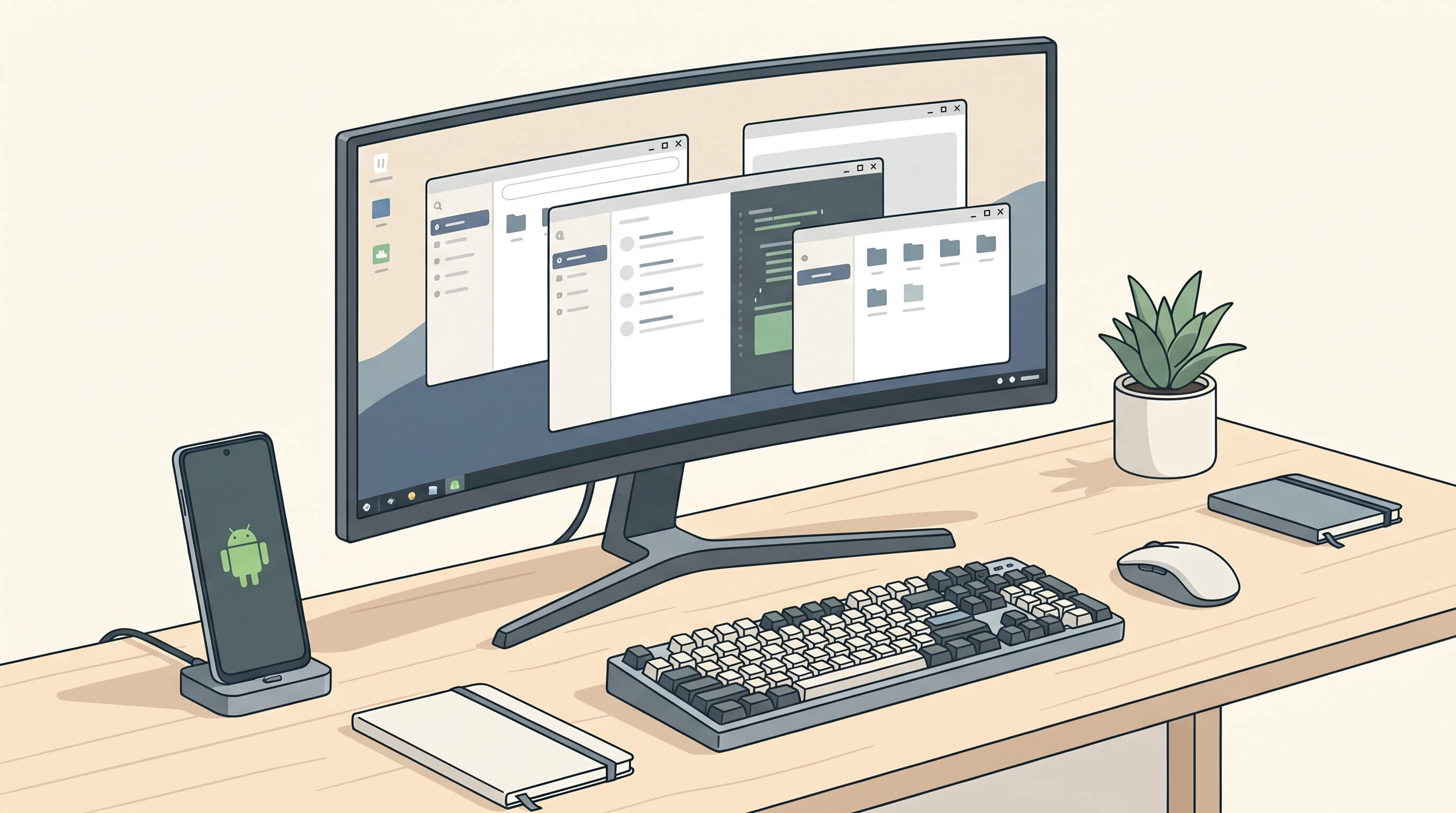
For more than a decade, the idea of replacing a laptop with a phone has hovered somewhere between tech demo and recurring industry fantasy. The hardware was never the entire problem. Modern phones have been fast enough for basic productivity for years. What kept the concept from feeling real was the software layer: poor windowing, awkward app scaling, inconsistent external display support, and too many vendor-specific hacks.
That is starting to change. Android desktop mode still is not a universal mainstream workflow, but it is moving from novelty toward practical utility. Google's ongoing work on desktop-style windowing, Samsung's long-running DeX experience, Motorola's Smart Connect, better USB-C display output, and the growing expectation that apps should adapt across screen sizes are finally pushing the phone-as-PC idea into a more believable phase.
Why this matters now
The interesting question is no longer whether a phone can replace a full laptop for everybody. It cannot, and for many jobs it should not. The more useful question is whether a high-end phone can replace a second computer for lightweight work, travel, frontline roles, education, kiosks, or shared desk setups. In those scenarios, the answer is increasingly yes.
That matters because it changes how people buy mobile hardware. A phone is no longer just a personal communication device. In some cases it becomes the only computer a worker carries, with the monitor, keyboard, and mouse treated as accessories at the destination. That model is cheaper than issuing both a laptop and a phone to some users, and it is easier to manage when identity, files, and apps already live in cloud services.
Android is finally taking external displays seriously
Android has flirted with desktop ideas for years, but recent progress looks more intentional. Google has spent the last two releases improving freeform windowing and adaptive app behavior, and desktop mode demonstrations now look much closer to a usable product than to an abandoned developer experiment. That matters beyond Pixel phones. Once Google treats large-screen Android and external-display workflows as a first-class design target, app developers have a stronger reason to support resizable layouts and keyboard-friendly navigation.
This is also strategically important for Google because ChromeOS and Android are moving closer together. If Android is going to power more laptop-like experiences in the future, it needs a credible desktop environment, not just a stretched phone UI on a monitor.
Samsung DeX proved the demand, even if it stayed niche
Samsung deserves credit for keeping the category alive long enough for the rest of Android to catch up. DeX never became a mass-market feature, but it proved that people will use a phone in desktop mode when the environment is polished enough. A taskbar, overlapping windows, keyboard shortcuts, proper pointer support, and good app behavior do not sound glamorous, yet those details determine whether desktop mode feels like a joke or like a tool.
DeX also showed where the model works best. It is especially compelling for people who do web-first work, travel light, or already live inside browser apps, messaging clients, cloud documents, and remote desktops. For those users, the difference between a thin laptop and a docked phone is smaller than it used to be.
The real bottleneck is app design, not silicon
High-end phones have plenty of CPU and GPU power for document editing, browsing, communication, lightweight design work, remote access, and media tasks. The harder problem is that many mobile apps still assume a narrow portrait display, touch-only input, and short bursts of attention. A desktop environment exposes every lazy layout choice instantly.
That is why adaptive design matters more than raw benchmark scores. If core apps handle resizable windows, split-screen layouts, keyboard focus, drag-and-drop, and sensible file interactions, desktop mode becomes useful very quickly. If they do not, users run into oversized buttons, broken menus, or tablet-like interfaces that waste half the screen.
In other words, Android desktop mode rises or falls on software discipline. The platform finally seems to understand that.
Where phone-as-PC actually works
The best use cases are narrower than the most ambitious marketing claims, but they are real. Hot-desk workers who mainly use SaaS tools, field staff who need one managed device, students working in browser-centric environments, and frequent travelers who want to plug into a hotel TV or office monitor can all benefit. Shared terminals in retail, logistics, healthcare, and hospitality are another interesting fit, especially when the phone acts as the secure personal compute unit and the desk setup acts as a disposable shell.
There is also a strong story in emerging markets and cost-sensitive deployments. If one premium phone plus peripherals can cover communication, identity, payments, messaging, browsing, and basic productivity, it changes the economics of personal computing. Not every household or small business needs two separate machines.
Why it still is not a laptop replacement
The gaps are easy to find. External display support is still inconsistent across Android vendors. Some devices omit DisplayPort Alt Mode over USB-C entirely. App behavior varies widely. Local file management remains clumsier than on a traditional PC. Peripheral compatibility can be uneven. And if your job depends on desktop-grade creative software, development tools, or complex multitasking across many windows, a laptop still wins comfortably.
There is also the issue of trust. People know what a laptop is for. They do not yet assume a phone can anchor a desk setup. That mental model will change slowly, and only if the experience becomes predictable enough that non-enthusiasts can use it without tinkering.
What to watch next
The next phase depends on three things. First, Google needs to keep turning desktop mode from a hidden capability into a polished product. Second, major app developers need to treat adaptive layouts and keyboard-mouse support as standard Android work, not optional polish. Third, hardware vendors need to stop treating display output as a premium curiosity and make it a dependable part of the USB-C stack.
If those three pieces line up, Android desktop mode will not kill the PC. It will do something more interesting. It will turn the smartphone into a credible casual computer for millions of people who mostly live in the cloud already. That is a smaller claim than the old phone-replaces-everything dream, but it is finally a believable one.