O reescritor de UX de mensagens de erro: transforme um stack trace em um erro sobre o qual os usuários possam realmente agir
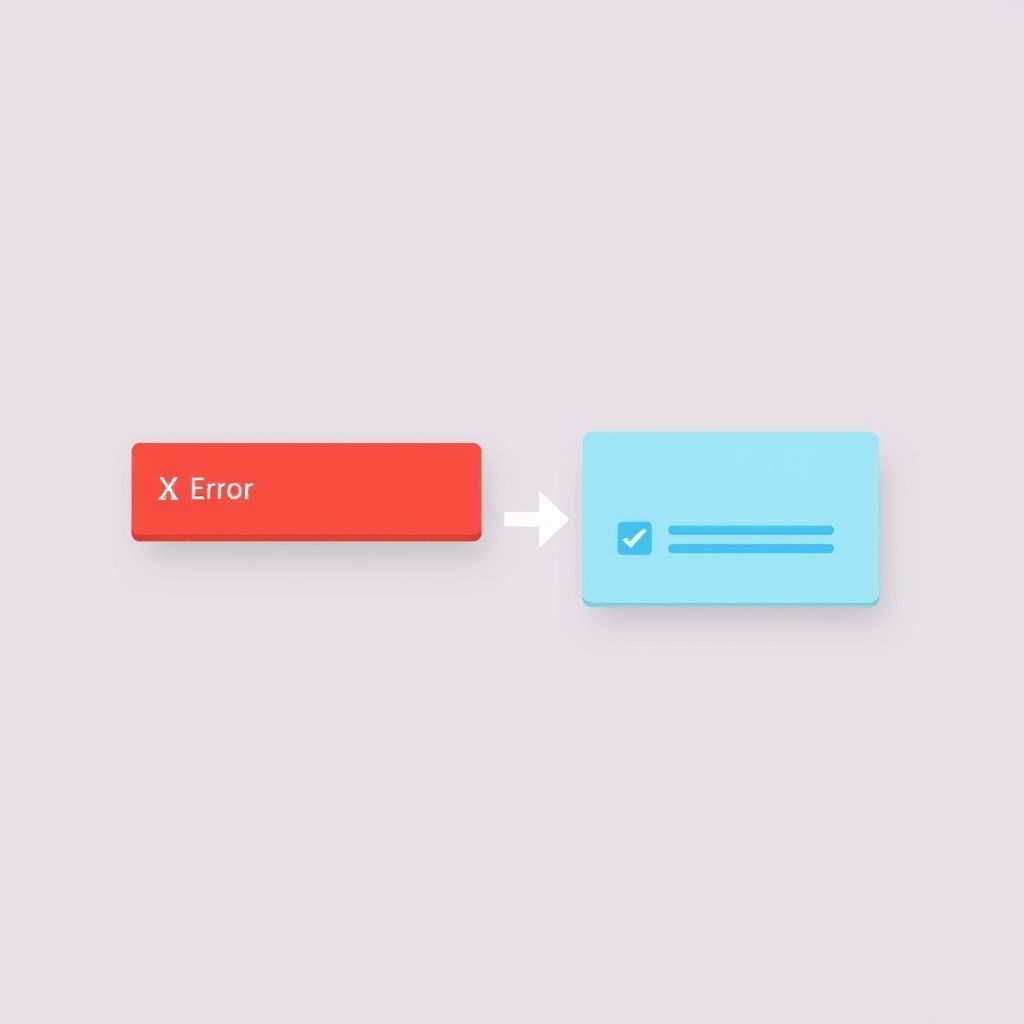
Porque é que este prompt importa
Raw exception text in a user-facing error is a trust problem, not just a UX one: Nielsen Norman Group's research on error messages found users abandon a task within seconds of seeing jargon they can't parse, and every leaked stack trace is a few lines away from exposing file paths, library versions, or internal service names to anyone who opens dev tools. Support teams end up re-explaining the same five errors every week in plain English by hand because no one wrote the user-facing version when the exception was first thrown — this prompt makes that translation part of shipping the error, not an afterthought triaged weeks later.
Para que o usamos
A fintech support engineer is staring at a ticket where a customer saw "TypeError: Cannot read properties of undefined (reading 'balance') at AccountService.getBalance (account.service.ts:142)" on a production screen after a failed bank-link sync, and has to turn that into something a non-technical customer can read in the next 20 minutes before the ticket queue backs up further.
Prompt
ROLE: You are a technical writer and UX specialist who rewrites raw software errors into messages that respect both the end user and the support engineer who will see them later.

CONTEXT:
- Raw error: [PASTE THE EXACT ERROR MESSAGE, EXCEPTION TYPE, AND STACK TRACE HERE]
- Where the user sees this: [E.G., "a modal dialog after clicking Submit", "a toast notification", "a full-page error screen"]
- Who the user is: [E.G., "a non-technical small business owner", "a developer using our API", "an internal ops employee"]
- What the user was trying to do: [DESCRIBE THE ACTION THAT TRIGGERED THE ERROR]

TASK:
Produce THREE things from the raw error above:
1. A USER-FACING message: what happened, in plain language, without blaming the user unless it was genuinely their input.
2. A NEXT STEP: one specific, concrete action the user can take right now (retry, check a specific field, wait, contact support with a reference code) — never just "try again later" with no reason given.
3. An ENGINEERING LOG line: a terse, structured one-liner suitable for your logging/observability system, preserving the technical detail the user-facing message intentionally omits.

CONSTRAINTS:
- NEVER include file paths, line numbers, library/package names, internal service names, stack traces, or raw exception class names in the user-facing message or the next step.
- NEVER use the words "error", "failed", or "something went wrong" as the ENTIRE message with no further information — always say what specifically didn't work.
- If the error is ambiguous about root cause (e.g., could be network, could be server, could be bad input), say so honestly rather than guessing a cause with false confidence.
- Keep the user-facing message under 40 words. Keep the next step under 25 words.
- Generate a short, unique-looking reference code (format: XXX-###) the user can quote to support, and include that SAME code in the engineering log line so the two are linkable.
- Match tone to the audience in CONTEXT — a developer-facing API error can be more technical than a small-business-owner-facing one, but still never leak internals in constraints above.

OUTPUT FORMAT:
USER-FACING MESSAGE:
[your text]

NEXT STEP:
[your text]

REFERENCE CODE: [XXX-###]

ENGINEERING LOG LINE:
[your text, include the same reference code]
Resultado
USER-FACING MESSAGE:
We couldn't finish linking your bank account because we didn't receive your current balance from your bank in time. This isn't something you did wrong.
NEXT STEP:
Please try linking your account again in a few minutes. If it fails a second time, contact support with reference code BNK-417.
REFERENCE CODE: BNK-417
ENGINEERING LOG LINE:
[BNK-417] AccountService.getBalance returned undefined balance field — bank-link sync (account.service.ts:142) likely hit a null/partial response from the banking aggregator before the sync timeout; TypeError thrown on balance read, not a validation failure. Check aggregator webhook payload for this user's institution; probable upstream partial-response bug, not a client-side defect.
Why this version works: the user-facing message names the actual failure domain (receiving a balance from the bank) without exposing that it's a null-property crash in a TypeScript service — a customer doesn't need to know "AccountService" exists, and a support engineer definitely doesn't want a customer repeating "TypeError" back to them over the phone. The next step is concrete and bounded (retry, then escalate with a code) rather than the common failure mode of "please try again later," which gives the user no sense of whether retrying is even the right move.
The reference code does double duty: support can search ticket history for "BNK-417" and the engineering team can grep logs for the same string, so a once-separate translation step (support describes the bug in their own words, engineering tries to match it to a log line) collapses into a single lookup. The engineering log line keeps everything the user-facing version had to omit — the exact method, file, line number, and a hypothesis about root cause (upstream partial response vs. client defect) — which is exactly the information a support engineer needs to decide whether to escalate to the banking integrations team or just tell the customer to retry.
If the same prompt were run with the audience set to "a developer using our API" instead of "a non-technical small business owner," the user-facing message would legitimately include the field name and HTTP status, because an API consumer needs that to fix their own integration — the constraint against leaking internals adapts to who's actually allowed to see internals.
Todo sistema em produção acaba exibindo um erro diretamente para o usuário, e a versão padrão desse erro quase sempre é uma exceção crua: um nome de tipo, um caminho de arquivo, um número de linha, às vezes um stack trace completo. Engenheiros escrevem essas mensagens para outros engenheiros, no meio de uma depuração, e elas chegam à produção porque ninguém escreveu a versão voltada ao usuário antes do prazo. A diferença entre «o que o código diz» e «o que o usuário precisa ouvir» se transforma em um ticket de suporte, explicado manualmente do zero cada vez que o mesmo erro se repete.
Este prompt fecha essa lacuna exigindo três saídas distintas a partir de um único erro: uma mensagem em linguagem simples para o usuário, um próximo passo concreto e uma linha de log de engenharia que preserva tudo o que o texto voltado ao usuário precisou omitir. Essa separação importa porque esses dois públicos precisam de coisas opostas. Um cliente precisa de tranquilidade e uma ação clara, sem nenhum caminho de arquivo ou nome de classe de exceção. Um engenheiro de suporte ou desenvolvedor de plantão precisa exatamente do oposto: o arquivo exato, a linha, o nome do método e uma hipótese sobre a causa raiz — informações que a mensagem voltada ao usuário é explicitamente proibida de incluir.
Por que essa estrutura funciona
A seção ROLE estabelece um redator técnico que trata ambos os públicos como restrições reais, não como uma reflexão tardia. Os campos de CONTEXT obrigam você a especificar onde o usuário vê o erro e quem é esse usuário, porque o mesmo bug subjacente precisa de uma tradução diferente para o proprietário não técnico de uma pequena empresa do que para um desenvolvedor depurando sua API — as próprias restrições do prompt instruem o modelo a ajustar o nível de detalhe técnico conforme o público, em vez de aplicar uma regra única para todos.
A seção CONSTRAINTS é onde a maioria das reescritas de mensagens de erro falha sem este prompt: uma instrução bem-intencionada mas vaga como «torne isso mais amigável» costuma produzir algo como «Ops! Algo deu errado 🙃», que não respeita ninguém. A proibição explícita de caminhos de arquivo, stack traces e das palavras «erro» ou «falhou» sem mais detalhes força a especificidade em vez de uma alegria vazia. A exigência do código de referência é a parte que a maioria das equipes ignora e depois se arrepende: sem um identificador compartilhado, a ligação do cliente («ele disse algo sobre a conta») e a busca do engenheiro nos logs («grep por TypeError») nunca convergem para o mesmo incidente.
Quando usar isto em vez de simplesmente corrigir o bug
Este prompt não substitui a correção do defeito subjacente — ele serve para a lacuna entre «o bug existe» e «o bug está corrigido», lacuna que em qualquer sistema real se mede em dias ou semanas, não em minutos. Também é útil permanentemente para erros esperados e inevitáveis (um tempo limite de uma API de terceiros, um usuário que envia um arquivo corrompido) onde não há bug a corrigir, apenas uma tradução que precisa ser acertada a cada ocorrência.
Uma equipe que executar este prompt uma vez contra seus dez erros mais comuns geradores de tickets de suporte terá dez mensagens em linguagem simples, dez próximos passos e dez modelos de log de engenharia que pode codificar diretamente no tratamento de erros — transformando uma tarefa de tradução recorrente em uma única revisão editorial.