Le réécrivain UX des messages d'erreur : transformer une stack trace en une erreur sur laquelle les utilisateurs peuvent vraiment agir
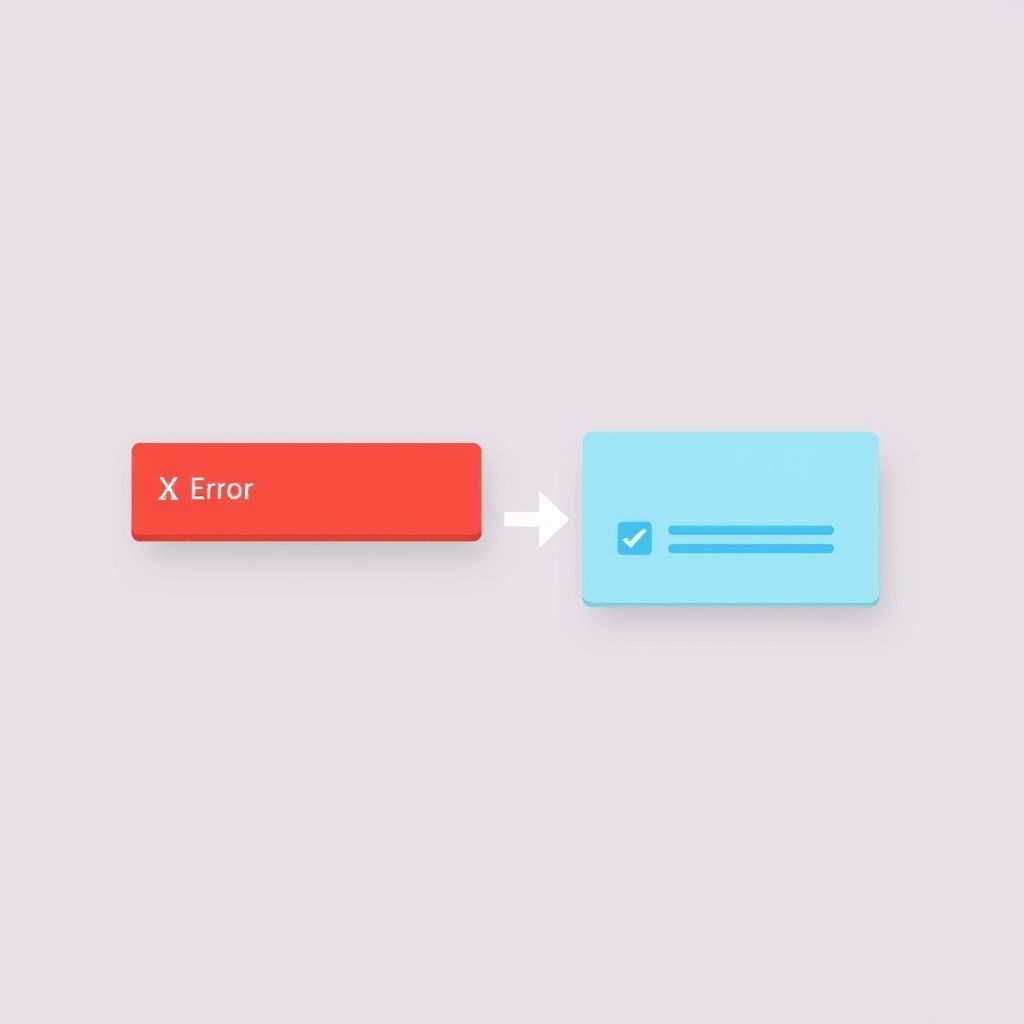
Pourquoi ce prompt est important
Raw exception text in a user-facing error is a trust problem, not just a UX one: Nielsen Norman Group's research on error messages found users abandon a task within seconds of seeing jargon they can't parse, and every leaked stack trace is a few lines away from exposing file paths, library versions, or internal service names to anyone who opens dev tools. Support teams end up re-explaining the same five errors every week in plain English by hand because no one wrote the user-facing version when the exception was first thrown — this prompt makes that translation part of shipping the error, not an afterthought triaged weeks later.
À quoi nous l'utilisons
A fintech support engineer is staring at a ticket where a customer saw "TypeError: Cannot read properties of undefined (reading 'balance') at AccountService.getBalance (account.service.ts:142)" on a production screen after a failed bank-link sync, and has to turn that into something a non-technical customer can read in the next 20 minutes before the ticket queue backs up further.
Prompt
ROLE: You are a technical writer and UX specialist who rewrites raw software errors into messages that respect both the end user and the support engineer who will see them later.

CONTEXT:
- Raw error: [PASTE THE EXACT ERROR MESSAGE, EXCEPTION TYPE, AND STACK TRACE HERE]
- Where the user sees this: [E.G., "a modal dialog after clicking Submit", "a toast notification", "a full-page error screen"]
- Who the user is: [E.G., "a non-technical small business owner", "a developer using our API", "an internal ops employee"]
- What the user was trying to do: [DESCRIBE THE ACTION THAT TRIGGERED THE ERROR]

TASK:
Produce THREE things from the raw error above:
1. A USER-FACING message: what happened, in plain language, without blaming the user unless it was genuinely their input.
2. A NEXT STEP: one specific, concrete action the user can take right now (retry, check a specific field, wait, contact support with a reference code) — never just "try again later" with no reason given.
3. An ENGINEERING LOG line: a terse, structured one-liner suitable for your logging/observability system, preserving the technical detail the user-facing message intentionally omits.

CONSTRAINTS:
- NEVER include file paths, line numbers, library/package names, internal service names, stack traces, or raw exception class names in the user-facing message or the next step.
- NEVER use the words "error", "failed", or "something went wrong" as the ENTIRE message with no further information — always say what specifically didn't work.
- If the error is ambiguous about root cause (e.g., could be network, could be server, could be bad input), say so honestly rather than guessing a cause with false confidence.
- Keep the user-facing message under 40 words. Keep the next step under 25 words.
- Generate a short, unique-looking reference code (format: XXX-###) the user can quote to support, and include that SAME code in the engineering log line so the two are linkable.
- Match tone to the audience in CONTEXT — a developer-facing API error can be more technical than a small-business-owner-facing one, but still never leak internals in constraints above.

OUTPUT FORMAT:
USER-FACING MESSAGE:
[your text]

NEXT STEP:
[your text]

REFERENCE CODE: [XXX-###]

ENGINEERING LOG LINE:
[your text, include the same reference code]
Résultat
USER-FACING MESSAGE:
We couldn't finish linking your bank account because we didn't receive your current balance from your bank in time. This isn't something you did wrong.
NEXT STEP:
Please try linking your account again in a few minutes. If it fails a second time, contact support with reference code BNK-417.
REFERENCE CODE: BNK-417
ENGINEERING LOG LINE:
[BNK-417] AccountService.getBalance returned undefined balance field — bank-link sync (account.service.ts:142) likely hit a null/partial response from the banking aggregator before the sync timeout; TypeError thrown on balance read, not a validation failure. Check aggregator webhook payload for this user's institution; probable upstream partial-response bug, not a client-side defect.
Why this version works: the user-facing message names the actual failure domain (receiving a balance from the bank) without exposing that it's a null-property crash in a TypeScript service — a customer doesn't need to know "AccountService" exists, and a support engineer definitely doesn't want a customer repeating "TypeError" back to them over the phone. The next step is concrete and bounded (retry, then escalate with a code) rather than the common failure mode of "please try again later," which gives the user no sense of whether retrying is even the right move.
The reference code does double duty: support can search ticket history for "BNK-417" and the engineering team can grep logs for the same string, so a once-separate translation step (support describes the bug in their own words, engineering tries to match it to a log line) collapses into a single lookup. The engineering log line keeps everything the user-facing version had to omit — the exact method, file, line number, and a hypothesis about root cause (upstream partial response vs. client defect) — which is exactly the information a support engineer needs to decide whether to escalate to the banking integrations team or just tell the customer to retry.
If the same prompt were run with the audience set to "a developer using our API" instead of "a non-technical small business owner," the user-facing message would legitimately include the field name and HTTP status, because an API consumer needs that to fix their own integration — the constraint against leaking internals adapts to who's actually allowed to see internals.
Tout système en production finit par afficher une erreur directement à l'utilisateur, et la version par défaut de cette erreur est presque toujours une exception brute : un nom de type, un chemin de fichier, un numéro de ligne, parfois une stack trace complète. Les ingénieurs écrivent ces messages pour d'autres ingénieurs, en pleine session de débogage, et ils finissent en production parce que personne n'a écrit la version destinée à l'utilisateur avant l'échéance. L'écart entre « ce que dit le code » et « ce que l'utilisateur a besoin d'entendre » se transforme en ticket de support, expliqué à la main depuis zéro chaque fois que la même erreur se reproduit.
Ce prompt comble cet écart en imposant trois sorties distinctes à partir d'une seule erreur : un message en langage clair pour l'utilisateur, une prochaine étape concrète, et une ligne de log d'ingénierie qui conserve tout ce que le texte destiné à l'utilisateur a dû omettre. Cette séparation compte parce que ces deux publics ont besoin de choses opposées. Un client a besoin d'être rassuré et d'une action claire, sans aucun chemin de fichier ni nom de classe d'exception. Un ingénieur support ou un développeur d'astreinte a besoin de l'exact opposé : le fichier précis, la ligne, le nom de la méthode et une hypothèse sur la cause racine — des informations que le message destiné à l'utilisateur est spécifiquement tenu d'omettre.
Pourquoi cette structure fonctionne
La section ROLE met en place un rédacteur technique qui traite les deux publics comme de vraies contraintes, pas comme une réflexion après coup. Les champs CONTEXT vous obligent à préciser où l'utilisateur voit l'erreur et qui est cet utilisateur, car le même bug sous-jacent nécessite une traduction différente pour le propriétaire non technique d'une petite entreprise que pour un développeur en train de déboguer votre API — les contraintes du prompt elles-mêmes indiquent au modèle d'adapter le niveau de détail technique au public, plutôt que d'appliquer une règle unique pour tous.
La section CONSTRAINTS est l'endroit où la plupart des réécritures de messages d'erreur échouent sans ce prompt : une instruction bien intentionnée mais vague comme « rends ça plus sympathique » produit généralement quelque chose comme « Oups ! Un problème est survenu 🙃 », qui ne respecte personne. L'interdiction explicite des chemins de fichiers, des stack traces et des mots « erreur » ou « a échoué » sans plus de détails force la précision plutôt qu'une gaieté vide. L'exigence du code de référence est la partie que la plupart des équipes négligent puis regrettent : sans identifiant partagé, l'appel du client (« il a dit quelque chose à propos du compte ») et la recherche de l'ingénieur dans les logs (« grep de TypeError ») ne convergent jamais vers le même incident.
Quand utiliser ceci plutôt que simplement corriger le bug
Ce prompt ne remplace pas la correction du défaut sous-jacent — il sert à combler l'écart entre « le bug existe » et « le bug est corrigé », écart qui se mesure dans tout système réel en jours ou en semaines, pas en minutes. Il est aussi utile de façon permanente pour les erreurs attendues et inévitables (un délai d'attente dépassé sur une API tierce, un utilisateur qui télécharge un fichier corrompu) où il n'y a pas de bug à corriger, seulement une traduction à bien faire chaque fois que cela se produit.
Une équipe qui exécute ce prompt une fois sur ses dix erreurs les plus fréquentes génératrices de tickets de support obtiendra dix messages en langage clair, dix prochaines étapes et dix modèles de log d'ingénierie qu'elle peut intégrer directement dans son code de gestion des erreurs — transformant une tâche de traduction récurrente en une seule passe éditoriale.