مولد تصویر Hero برای SaaS: از نام محصول تا ویژوال آماده انتشار
چرا این پرامپت اهمیت دارد
First impressions drive sign-ups. A professional hero image signals credibility before a user reads a single word, but hiring a designer for early-stage products is expensive. This prompt generates production-quality hero visuals in under 60 seconds using only your product name, color scheme, and tagline.
ما از آن برای چه استفاده میکنیم
Generate professional hero images for SaaS products, apps, and landing pages — no design team required
پرامپت
Create a stunning product hero image for a [PRODUCT CATEGORY] app called "[PRODUCT NAME]".

Background: Dark gradient from [COLOR 1, e.g. deep navy #0a0f2e] to [COLOR 2, e.g. rich purple #2d1b69]
Central element: A floating UI mockup — [describe your main screen: dashboard, editor, timeline, etc.]
Supporting UI elements: [2-3 floating cards, metrics, badges relevant to your product]
Subtle background: particle effects or soft light rays

Typography:
- Product name "[PRODUCT NAME]" in bold, clean sans-serif (white or light color)
- Tagline: "[YOUR TAGLINE HERE]"

Style: Professional, modern SaaS — polished startup aesthetic
Output: High resolution, landing page hero section
نتیجه
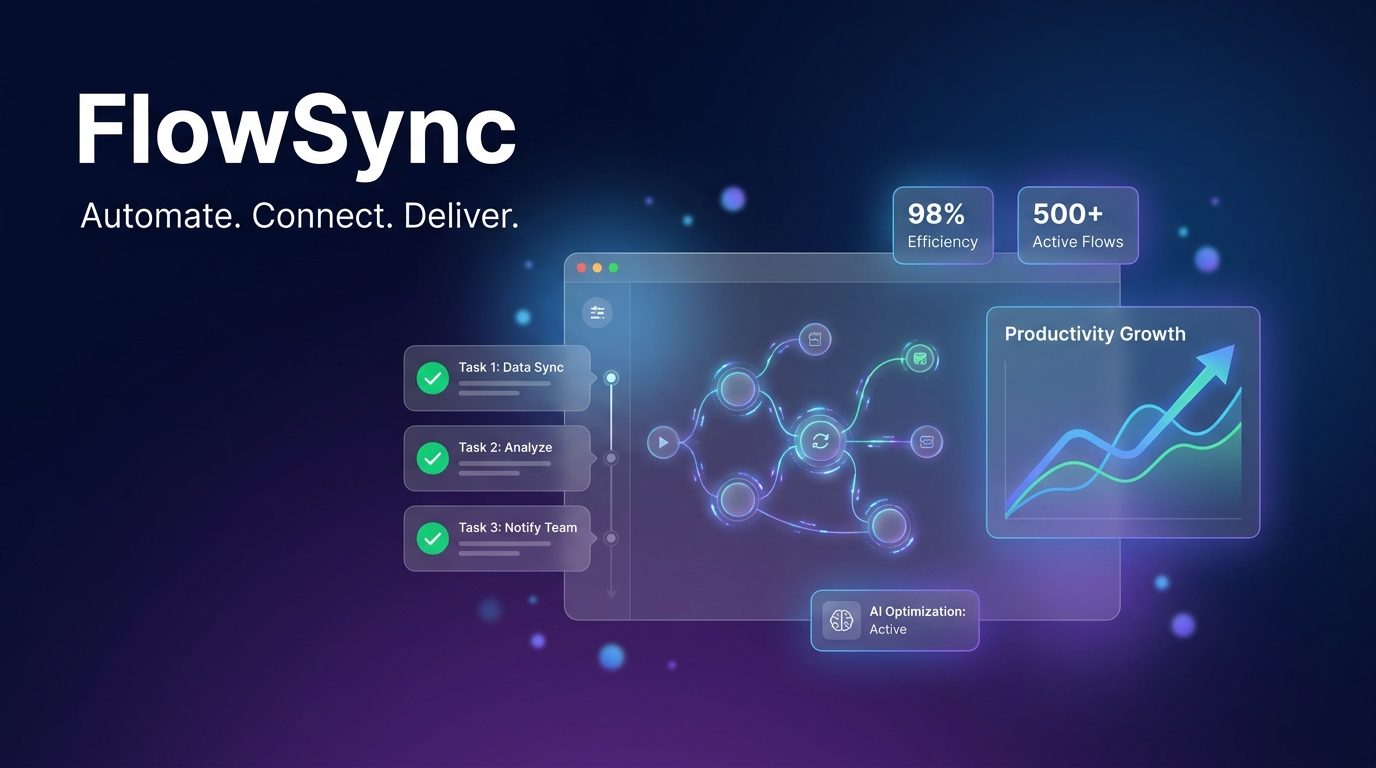
This prompt was used to generate the hero image shown above — a fictional SaaS product called FlowSync with the following inputs:
- Product category: workflow automation
- Colors: deep navy to rich purple
- Main UI: workflow node graph with status badges
- Tagline: Automate. Connect. Deliver.
Generating three to five variants by swapping gradient colors typically yields one standout visual suitable for a production launch page.
تصویر تولیدشده
اولین چیزی که بازدیدکنندگان در landing page شما میبینند، hero image است. این prompt یک قالب قابلاعتماد برای تولید ویژوالهای حرفهای SaaS بدون استفاده از طراح در اختیار بنیانگذاران، توسعهدهندگان مستقل و بازاریابان محصول میگذارد.
برای استفاده، متغیرهای داخل براکت را با اطلاعات خود جایگزین کنید: [PRODUCT CATEGORY] را با چیزی مانند «مدیریت پروژه» عوض کنید، نام محصول را وارد کنید، دو رنگ مکمل تیره برای gradient انتخاب کنید، سپس صفحهی اصلی UI و دو یا سه المان پشتیبان مانند کارتهای metric را توصیف کنید.
این prompt بیشترین کارایی را برای ابزارهای B2B SaaS، محصولات توسعهدهنده و اپلیکیشنهای بهرهوری دارد. برای fintech، پلتفرمهای analytics و ابزارهای مبتنی بر هوش مصنوعی نیز بهخوبی جواب میدهد.