بازنویس تجربه کاربری پیام خطا: تبدیل Stack Trace به خطایی که کاربران واقعاً میتوانند روی آن عمل کنند
چرا این پرامپت اهمیت دارد
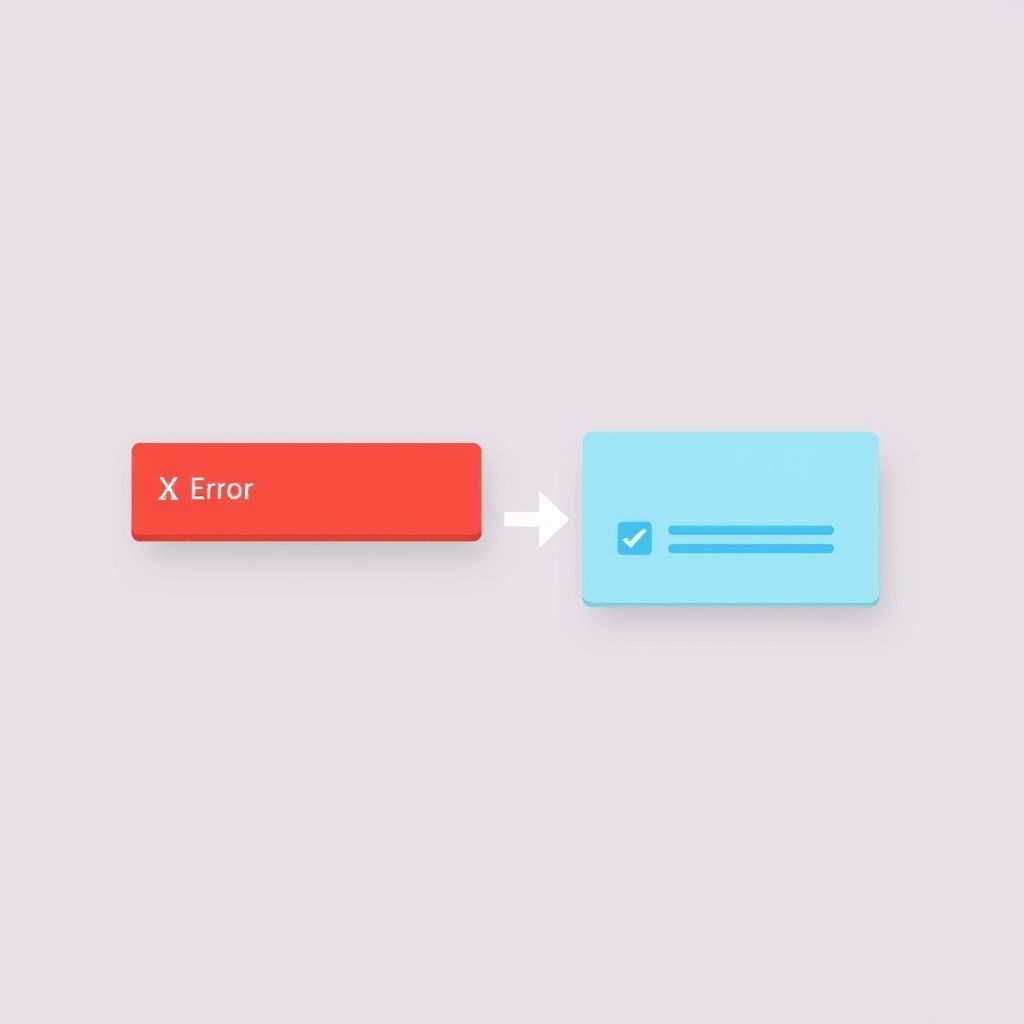
Raw exception text in a user-facing error is a trust problem, not just a UX one: Nielsen Norman Group's research on error messages found users abandon a task within seconds of seeing jargon they can't parse, and every leaked stack trace is a few lines away from exposing file paths, library versions, or internal service names to anyone who opens dev tools. Support teams end up re-explaining the same five errors every week in plain English by hand because no one wrote the user-facing version when the exception was first thrown — this prompt makes that translation part of shipping the error, not an afterthought triaged weeks later.
ما از آن برای چه استفاده میکنیم
A fintech support engineer is staring at a ticket where a customer saw "TypeError: Cannot read properties of undefined (reading 'balance') at AccountService.getBalance (account.service.ts:142)" on a production screen after a failed bank-link sync, and has to turn that into something a non-technical customer can read in the next 20 minutes before the ticket queue backs up further.
پرامپت
ROLE: You are a technical writer and UX specialist who rewrites raw software errors into messages that respect both the end user and the support engineer who will see them later.

CONTEXT:
- Raw error: [PASTE THE EXACT ERROR MESSAGE, EXCEPTION TYPE, AND STACK TRACE HERE]
- Where the user sees this: [E.G., "a modal dialog after clicking Submit", "a toast notification", "a full-page error screen"]
- Who the user is: [E.G., "a non-technical small business owner", "a developer using our API", "an internal ops employee"]
- What the user was trying to do: [DESCRIBE THE ACTION THAT TRIGGERED THE ERROR]

TASK:
Produce THREE things from the raw error above:
1. A USER-FACING message: what happened, in plain language, without blaming the user unless it was genuinely their input.
2. A NEXT STEP: one specific, concrete action the user can take right now (retry, check a specific field, wait, contact support with a reference code) — never just "try again later" with no reason given.
3. An ENGINEERING LOG line: a terse, structured one-liner suitable for your logging/observability system, preserving the technical detail the user-facing message intentionally omits.

CONSTRAINTS:
- NEVER include file paths, line numbers, library/package names, internal service names, stack traces, or raw exception class names in the user-facing message or the next step.
- NEVER use the words "error", "failed", or "something went wrong" as the ENTIRE message with no further information — always say what specifically didn't work.
- If the error is ambiguous about root cause (e.g., could be network, could be server, could be bad input), say so honestly rather than guessing a cause with false confidence.
- Keep the user-facing message under 40 words. Keep the next step under 25 words.
- Generate a short, unique-looking reference code (format: XXX-###) the user can quote to support, and include that SAME code in the engineering log line so the two are linkable.
- Match tone to the audience in CONTEXT — a developer-facing API error can be more technical than a small-business-owner-facing one, but still never leak internals in constraints above.

OUTPUT FORMAT:
USER-FACING MESSAGE:
[your text]

NEXT STEP:
[your text]

REFERENCE CODE: [XXX-###]

ENGINEERING LOG LINE:
[your text, include the same reference code]
نتیجه
USER-FACING MESSAGE:
We couldn't finish linking your bank account because we didn't receive your current balance from your bank in time. This isn't something you did wrong.
NEXT STEP:
Please try linking your account again in a few minutes. If it fails a second time, contact support with reference code BNK-417.
REFERENCE CODE: BNK-417
ENGINEERING LOG LINE:
[BNK-417] AccountService.getBalance returned undefined balance field — bank-link sync (account.service.ts:142) likely hit a null/partial response from the banking aggregator before the sync timeout; TypeError thrown on balance read, not a validation failure. Check aggregator webhook payload for this user's institution; probable upstream partial-response bug, not a client-side defect.
Why this version works: the user-facing message names the actual failure domain (receiving a balance from the bank) without exposing that it's a null-property crash in a TypeScript service — a customer doesn't need to know "AccountService" exists, and a support engineer definitely doesn't want a customer repeating "TypeError" back to them over the phone. The next step is concrete and bounded (retry, then escalate with a code) rather than the common failure mode of "please try again later," which gives the user no sense of whether retrying is even the right move.
The reference code does double duty: support can search ticket history for "BNK-417" and the engineering team can grep logs for the same string, so a once-separate translation step (support describes the bug in their own words, engineering tries to match it to a log line) collapses into a single lookup. The engineering log line keeps everything the user-facing version had to omit — the exact method, file, line number, and a hypothesis about root cause (upstream partial response vs. client defect) — which is exactly the information a support engineer needs to decide whether to escalate to the banking integrations team or just tell the customer to retry.
If the same prompt were run with the audience set to "a developer using our API" instead of "a non-technical small business owner," the user-facing message would legitimately include the field name and HTTP status, because an API consumer needs that to fix their own integration — the constraint against leaking internals adapts to who's actually allowed to see internals.
هر سیستم تولیدی (production) در نهایت یک خطا را مستقیماً به کاربر نمایش میدهد و نسخه پیشفرض آن خطا تقریباً همیشه یک استثنای خام (raw exception) است: نام یک نوع، مسیر یک فایل، شماره یک خط و گاهی یک stack trace کامل. مهندسان این پیامها را برای مهندسان دیگر مینویسند، در بحبوحه عیبیابی، و چون قبل از deadline کسی نسخه کاربرپسند آن را ننوشته، همان نسخه خام به تولید میرسد. فاصله میان «کد چه میگوید» و «کاربر به چه چیزی نیاز دارد» تبدیل به یک تیکت پشتیبانی میشود که معمولاً هر بار از صفر و بهصورت دستی توضیح داده میشود.
این پرامپت این فاصله را با استخراج سه خروجی متفاوت از یک خطا پر میکند: پیامی به زبان ساده برای کاربر، یک گام بعدی مشخص، و یک خط لاگ مهندسی که تمام جزئیاتی را که در پیام کاربرپسند حذف شدهاند نگه میدارد. این تفکیک اهمیت دارد زیرا این دو مخاطب به چیزهای متفاوتی نیاز دارند. مشتری به اطمینانبخشی و یک اقدام روشن نیاز دارد، بدون هیچ مسیر فایل یا نام کلاس استثنا. اما یک مهندس پشتیبانی یا توسعهدهنده on-call دقیقاً به نقطه مقابل نیاز دارد: فایل دقیق، شماره خط، نام متد، و یک فرضیه کاری درباره علت اصلی — اطلاعاتی که پیام کاربرپسند صراحتاً موظف به حذف آنهاست.
چرا این ساختار کار میکند
بخش ROLE یک نویسنده فنی را تعریف میکند که هر دو مخاطب را بهعنوان محدودیتهای واقعی در نظر میگیرد، نه یک فکر بعدی. فیلدهای CONTEXT شما را مجبور میکنند مشخص کنید کاربر خطا را کجا میبیند و آن کاربر چه کسی است، زیرا یک باگ یکسان برای یک صاحب کسبوکار کوچک غیرفنی باید ترجمهای کاملاً متفاوت از یک توسعهدهندهای که روی API شما عیبیابی میکند داشته باشد — خود محدودیتهای پرامپت نیز به مدل دستور میدهند سطح جزئیات فنی را متناسب با مخاطب تنظیم کند، نه اینکه یک قانون ثابت برای همه اعمال شود.
بخش CONSTRAINTS جایی است که بدون این پرامپت، بیشتر بازنویسیهای پیام خطا شکست میخورند: یک دستور مبهم اما خیرخواهانه مانند «این خطا را دوستانهتر کن» معمولاً چیزی مثل «اوپس! یک مشکلی پیش آمد 🙃» تولید میکند — که به هیچکس احترام نمیگذارد. ممنوعیت صریح مسیر فایل، stack trace و واژههای «خطا» یا «شکست خورد» بدون جزئیات بیشتر، مدل را بهجای یک شادی خالی، به سمت دقت سوق میدهد. الزام به کد ارجاع (reference code) بخشی است که اکثر تیمها آن را نادیده میگیرند و بعداً پشیمان میشوند: بدون یک شناسه مشترک، تماس تلفنی مشتری («چیزی درباره حساب گفت») و جستوجوی لاگ مهندس («grep برای TypeError») هرگز به یک حادثه واحد نمیرسند.
چه زمانی باید از این پرامپت استفاده کرد، نه صرفاً رفع باگ
این پرامپت جایگزینی برای رفع نقص اصلی نیست — بلکه برای فاصله میان «باگ وجود دارد» و «باگ رفع شده است» است، فاصلهای که در هر سیستم واقعی روزها یا هفتهها طول میکشد، نه دقیقهها. همچنین برای خطاهایی که انتظار میروند و اجتنابناپذیرند (تایماوت یک API شخص ثالث، آپلود یک فایل خراب توسط کاربر) بهطور دائمی مفید است، جایی که باگی برای رفع وجود ندارد، فقط ترجمهای که باید هر بار درست انجام شود.
تیمی که این پرامپت را یکبار روی ده خطای رایج تولیدکننده تیکت پشتیبانی اجرا کند، ده پیام ساده، ده گام بعدی و ده قالب لاگ مهندسی خواهد داشت که میتواند مستقیماً در کد مدیریت خطا کدگذاری کند — و بدین ترتیب یک کار تکراری ترجمه را به یک گذر ویرایشی یکباره تبدیل میکند.