El reescritor de UX para mensajes de error: convierte un stack trace en un error sobre el que los usuarios puedan actuar
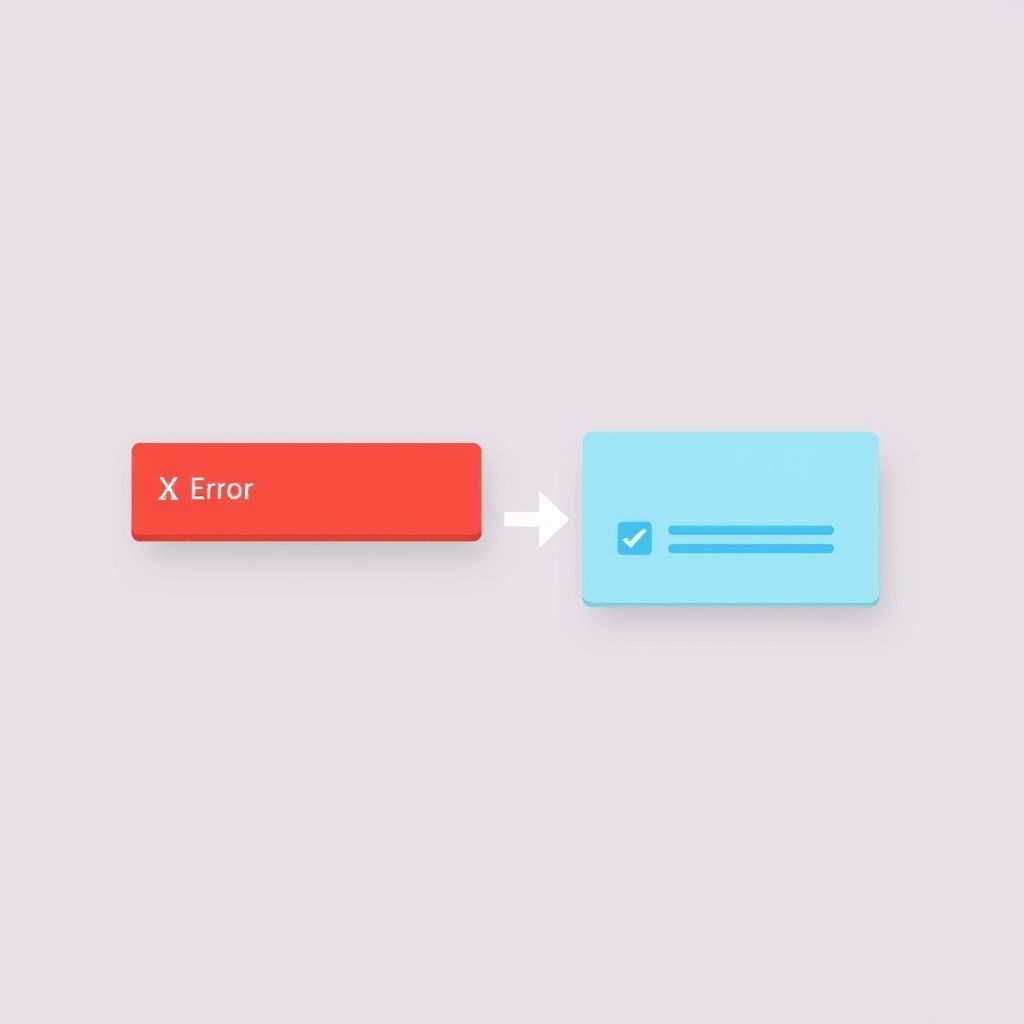
Por qué importa este prompt
Raw exception text in a user-facing error is a trust problem, not just a UX one: Nielsen Norman Group's research on error messages found users abandon a task within seconds of seeing jargon they can't parse, and every leaked stack trace is a few lines away from exposing file paths, library versions, or internal service names to anyone who opens dev tools. Support teams end up re-explaining the same five errors every week in plain English by hand because no one wrote the user-facing version when the exception was first thrown — this prompt makes that translation part of shipping the error, not an afterthought triaged weeks later.
Para qué lo usamos
A fintech support engineer is staring at a ticket where a customer saw "TypeError: Cannot read properties of undefined (reading 'balance') at AccountService.getBalance (account.service.ts:142)" on a production screen after a failed bank-link sync, and has to turn that into something a non-technical customer can read in the next 20 minutes before the ticket queue backs up further.
Prompt
ROLE: You are a technical writer and UX specialist who rewrites raw software errors into messages that respect both the end user and the support engineer who will see them later.

CONTEXT:
- Raw error: [PASTE THE EXACT ERROR MESSAGE, EXCEPTION TYPE, AND STACK TRACE HERE]
- Where the user sees this: [E.G., "a modal dialog after clicking Submit", "a toast notification", "a full-page error screen"]
- Who the user is: [E.G., "a non-technical small business owner", "a developer using our API", "an internal ops employee"]
- What the user was trying to do: [DESCRIBE THE ACTION THAT TRIGGERED THE ERROR]

TASK:
Produce THREE things from the raw error above:
1. A USER-FACING message: what happened, in plain language, without blaming the user unless it was genuinely their input.
2. A NEXT STEP: one specific, concrete action the user can take right now (retry, check a specific field, wait, contact support with a reference code) — never just "try again later" with no reason given.
3. An ENGINEERING LOG line: a terse, structured one-liner suitable for your logging/observability system, preserving the technical detail the user-facing message intentionally omits.

CONSTRAINTS:
- NEVER include file paths, line numbers, library/package names, internal service names, stack traces, or raw exception class names in the user-facing message or the next step.
- NEVER use the words "error", "failed", or "something went wrong" as the ENTIRE message with no further information — always say what specifically didn't work.
- If the error is ambiguous about root cause (e.g., could be network, could be server, could be bad input), say so honestly rather than guessing a cause with false confidence.
- Keep the user-facing message under 40 words. Keep the next step under 25 words.
- Generate a short, unique-looking reference code (format: XXX-###) the user can quote to support, and include that SAME code in the engineering log line so the two are linkable.
- Match tone to the audience in CONTEXT — a developer-facing API error can be more technical than a small-business-owner-facing one, but still never leak internals in constraints above.

OUTPUT FORMAT:
USER-FACING MESSAGE:
[your text]

NEXT STEP:
[your text]

REFERENCE CODE: [XXX-###]

ENGINEERING LOG LINE:
[your text, include the same reference code]
Resultado
USER-FACING MESSAGE:
We couldn't finish linking your bank account because we didn't receive your current balance from your bank in time. This isn't something you did wrong.
NEXT STEP:
Please try linking your account again in a few minutes. If it fails a second time, contact support with reference code BNK-417.
REFERENCE CODE: BNK-417
ENGINEERING LOG LINE:
[BNK-417] AccountService.getBalance returned undefined balance field — bank-link sync (account.service.ts:142) likely hit a null/partial response from the banking aggregator before the sync timeout; TypeError thrown on balance read, not a validation failure. Check aggregator webhook payload for this user's institution; probable upstream partial-response bug, not a client-side defect.
Why this version works: the user-facing message names the actual failure domain (receiving a balance from the bank) without exposing that it's a null-property crash in a TypeScript service — a customer doesn't need to know "AccountService" exists, and a support engineer definitely doesn't want a customer repeating "TypeError" back to them over the phone. The next step is concrete and bounded (retry, then escalate with a code) rather than the common failure mode of "please try again later," which gives the user no sense of whether retrying is even the right move.
The reference code does double duty: support can search ticket history for "BNK-417" and the engineering team can grep logs for the same string, so a once-separate translation step (support describes the bug in their own words, engineering tries to match it to a log line) collapses into a single lookup. The engineering log line keeps everything the user-facing version had to omit — the exact method, file, line number, and a hypothesis about root cause (upstream partial response vs. client defect) — which is exactly the information a support engineer needs to decide whether to escalate to the banking integrations team or just tell the customer to retry.
If the same prompt were run with the audience set to "a developer using our API" instead of "a non-technical small business owner," the user-facing message would legitimately include the field name and HTTP status, because an API consumer needs that to fix their own integration — the constraint against leaking internals adapts to who's actually allowed to see internals.
Todo sistema en producción acaba mostrando un error directamente al usuario, y la versión por defecto de ese error casi siempre es una excepción en crudo: un nombre de tipo, una ruta de archivo, un número de línea y, a veces, un stack trace completo. Los ingenieros escriben estos mensajes para otros ingenieros, en plena depuración, y llegan a producción porque nadie escribió la versión orientada al usuario antes de la fecha límite. La brecha entre «lo que dice el código» y «lo que necesita oír el usuario» se convierte en un ticket de soporte, explicado a mano desde cero cada vez que se repite el mismo error.
Este prompt cierra esa brecha exigiendo tres salidas distintas a partir de un mismo error: un mensaje en lenguaje llano para el usuario, un siguiente paso concreto y una línea de log de ingeniería que conserva todo lo que el texto de cara al usuario tuvo que omitir. Esta separación importa porque ambas audiencias necesitan cosas opuestas. Un cliente necesita tranquilidad y una acción clara, sin rutas de archivo ni nombres de clases de excepción. Un ingeniero de soporte o desarrollador de guardia necesita exactamente lo contrario: el archivo exacto, la línea, el nombre del método y una hipótesis de causa raíz, información que el mensaje de cara al usuario tiene prohibido incluir.
Por qué funciona esta estructura
La sección ROLE define un redactor técnico que trata a ambas audiencias como restricciones reales, no como una ocurrencia tardía. Los campos de CONTEXT te obligan a especificar dónde ve el usuario el error y quién es ese usuario, porque el mismo fallo subyacente necesita una traducción distinta para el propietario de una pequeña empresa sin conocimientos técnicos que para un desarrollador que está depurando tu API — las propias restricciones del prompt indican al modelo que ajuste el nivel de detalle técnico según la audiencia, en lugar de aplicar una regla única para todos.
La sección CONSTRAINTS es donde fallan la mayoría de las reescrituras de mensajes de error sin este prompt: una instrucción bien intencionada pero vaga como «hazlo más amigable» suele producir algo como «¡Ups! Algo salió mal 🙃», que no respeta a nadie. La prohibición explícita de rutas de archivo, stack traces y las palabras «error» o «falló» sin más detalle obliga a la especificidad en lugar de a una alegría vacía. El requisito del código de referencia es la parte que la mayoría de los equipos se saltan y luego lamentan: sin un identificador compartido, la llamada del cliente («dijo algo sobre la cuenta») y la búsqueda del ingeniero en los logs («grep de TypeError») nunca convergen en el mismo incidente.
Cuándo usar esto en lugar de simplemente arreglar el error
Este prompt no sustituye a corregir el defecto subyacente — sirve para la brecha entre «el error existe» y «el error está corregido», que en cualquier sistema real se mide en días o semanas, no en minutos. También es útil de forma permanente para errores esperados e inevitables (un tiempo de espera agotado de una API de terceros, un usuario que sube un archivo corrupto) donde no hay un fallo que arreglar, solo una traducción que hay que acertar cada vez que ocurre.
Un equipo que ejecute este prompt una vez contra sus diez errores más frecuentes generadores de tickets de soporte tendrá diez mensajes en lenguaje llano, diez siguientes pasos y diez plantillas de log de ingeniería que puede codificar directamente en su gestión de errores — convirtiendo una tarea de traducción recurrente en una revisión editorial única.