The SaaS Hero Image Generator: Turn a Product Name Into a Launch-Ready Visual
Why this prompt matters
First impressions drive sign-ups. A professional hero image signals credibility before a user reads a single word, but hiring a designer for early-stage products is expensive. This prompt generates production-quality hero visuals in under 60 seconds using only your product name, color scheme, and tagline.
What we use it for
Generate professional hero images for SaaS products, apps, and landing pages — no design team required
Prompt
Create a stunning product hero image for a [PRODUCT CATEGORY] app called "[PRODUCT NAME]".

Background: Dark gradient from [COLOR 1, e.g. deep navy #0a0f2e] to [COLOR 2, e.g. rich purple #2d1b69]
Central element: A floating UI mockup — [describe your main screen: dashboard, editor, timeline, etc.]
Supporting UI elements: [2-3 floating cards, metrics, badges relevant to your product]
Subtle background: particle effects or soft light rays

Typography:
- Product name "[PRODUCT NAME]" in bold, clean sans-serif (white or light color)
- Tagline: "[YOUR TAGLINE HERE]"

Style: Professional, modern SaaS — polished startup aesthetic
Output: High resolution, landing page hero section
Result
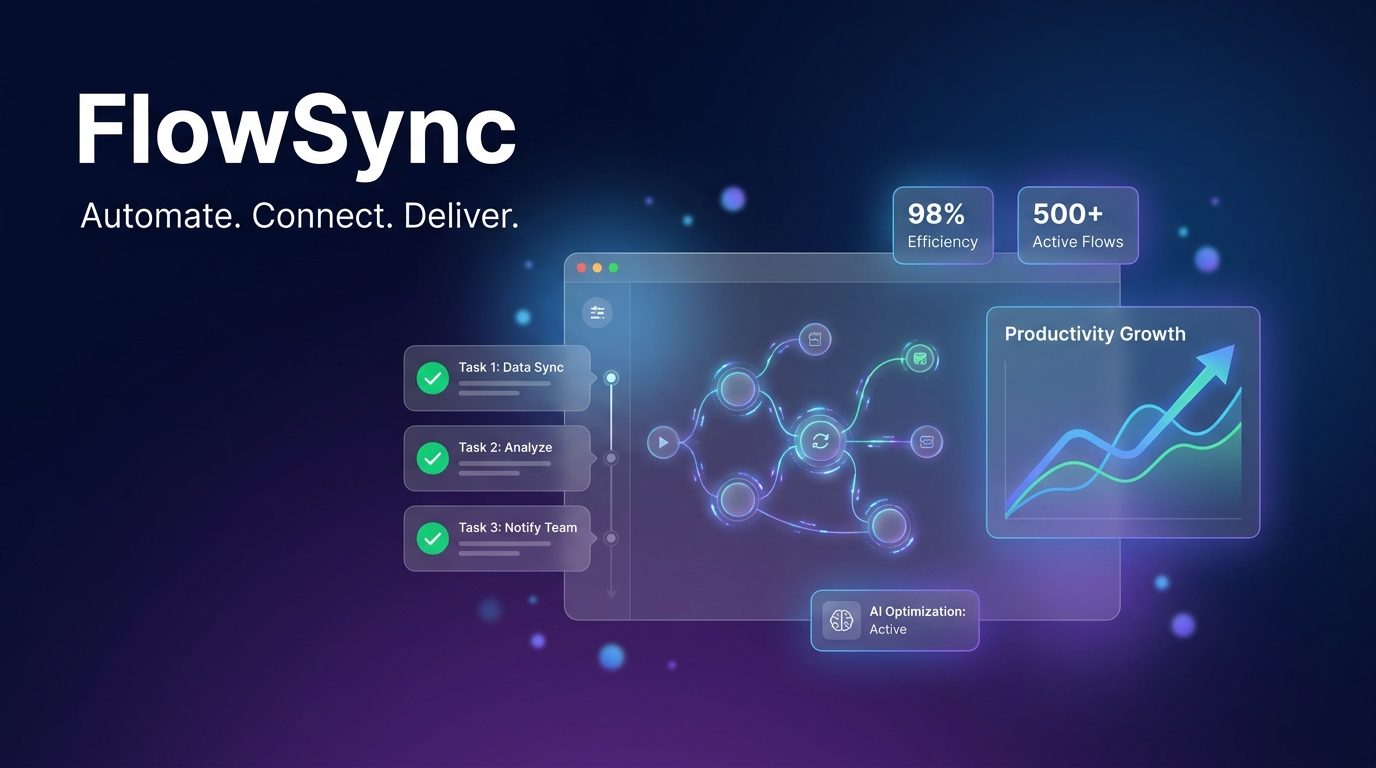
This prompt was used to generate the hero image shown above — a fictional SaaS product called FlowSync with the following inputs:
- Product category: workflow automation
- Colors: deep navy to rich purple
- Main UI: workflow node graph with status badges
- Tagline: Automate. Connect. Deliver.
Generating three to five variants by swapping gradient colors typically yields one standout visual suitable for a production launch page.
Generated Image
A strong hero image is the first thing visitors see on your landing page — and it often determines whether they stay or leave. This prompt gives founders, indie developers, and product marketers a reliable template for generating professional SaaS hero visuals without a designer.
To use it, replace the bracketed variables with your specifics: swap [PRODUCT CATEGORY] with something like "project management" or "invoicing", fill in your product name, choose two complementary dark gradient colors (deep blues, purples, and teals work well for SaaS), then describe your main UI screen and two or three supporting elements like metric cards or notification badges.
The prompt works best for B2B SaaS tools, developer products, and productivity apps where a dark, modern aesthetic matches user expectations. It also adapts well to fintech, analytics platforms, and AI-powered tools. Avoid it for consumer lifestyle apps or brands with bright, playful identity systems — the dark gradient style will feel off-brand.
Run it in GPT Image 1 for highest fidelity UI rendering, or Gemini Imagen 3 for faster iteration. Generate three to five variants by adjusting the gradient colors or the described UI elements, then pick the strongest for your launch.