Isometric Workspace Illustrator: Generate Polished Tech Visuals with One Prompt Template
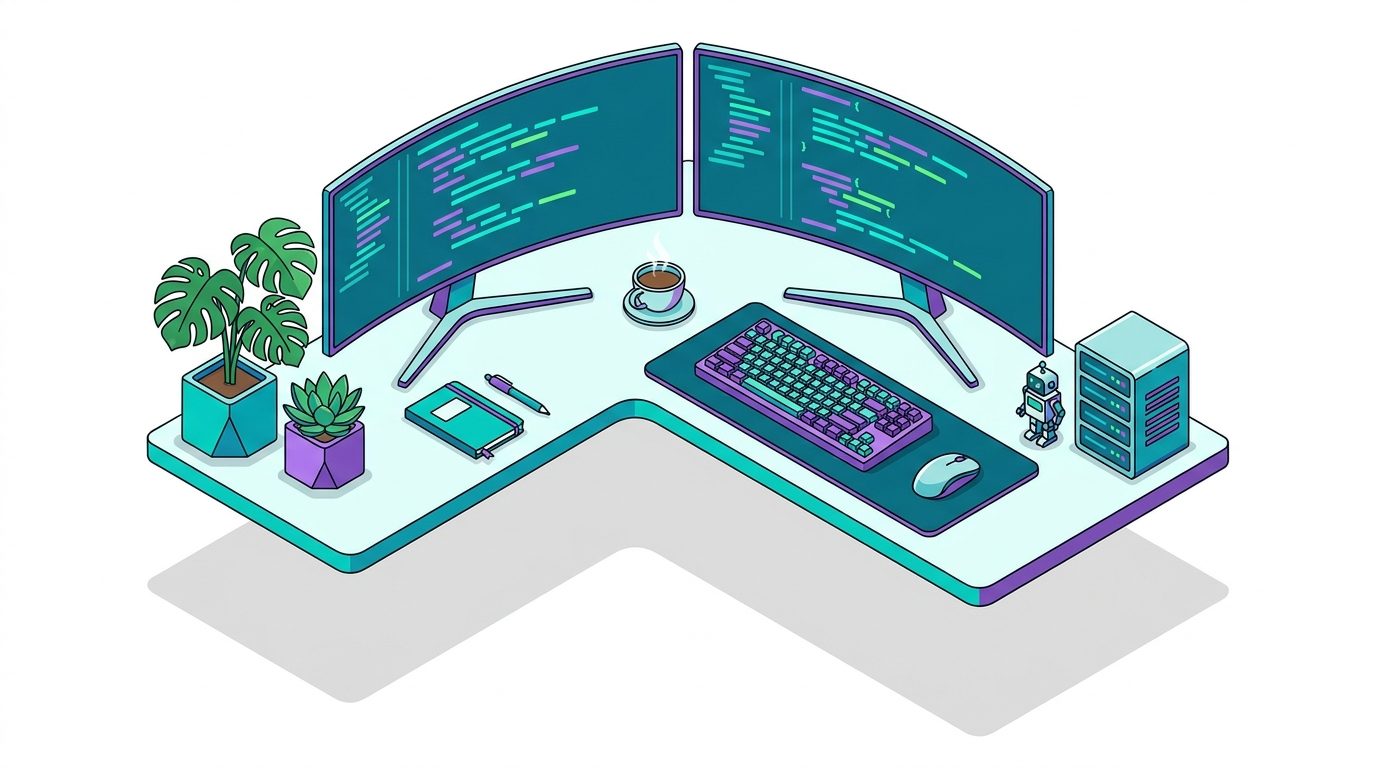
Why this prompt matters
Isometric illustrations are the dominant visual language for tech publishing and SaaS marketing. This template delivers consistent, publication-ready results across DALL-E 3, Midjourney v6, and Stable Diffusion XL by swapping a few variables — making it practical for high-volume content production.
What we use it for
Generate professional isometric-style tech workspace illustrations for blog posts, presentations, and social media — no design skills required.
Prompt
Isometric 3D illustration of a [SUBJECT] workspace, clean vector art style, vibrant [COLOR_PALETTE] colors on white background, soft drop shadows, [DETAILS], no text or labels, high detail, product render aesthetic, centered composition, slight top-down angle, crisp edges
Generated Image
What This Prompt Does
This template generates polished isometric 3D workspace illustrations using DALL-E 3, Midjourney v6, or Stable Diffusion XL. Swap a few bracketed variables and you get a publication-ready visual in seconds — no design software, no stock photo subscription, no designer required.
The Template
Isometric 3D illustration of a [SUBJECT] workspace, clean vector art style, vibrant [COLOR_PALETTE] colors on white background, soft drop shadows, [DETAILS], no text or labels, high detail, product render aesthetic, centered composition, slight top-down angle, crisp edgesVariable Reference
[SUBJECT] — The type of workspace or environment:
developer workstation— multiple monitors, keyboard, code on screendata center server room— racks, blinking LEDs, cooling unitscybersecurity operations center— dashboards, alert screens, dark roomAI research laboratory— GPU arrays, whiteboards, neural net diagramsstartup office— open floor plan, standing desks, plantshome office— cozy, bookshelf, lamp, single monitor
[COLOR_PALETTE] — Sets the visual mood:
teal and purple— clean, modern, tech-forwardorange and blue— energetic, startup feelmonochrome gray and gold— premium, enterprisecoral and navy— warm, creativemint green and charcoal— calm, professional
[DETAILS] — Optional scene elements:
mechanical keyboard, coffee cup, plants, sticky notesserver racks, cable management, cooling fanswhiteboards with diagrams, post-it notes, team collaborationmultiple monitors with dashboards and charts
Example Combinations
Tech blog header:
Isometric 3D illustration of a developer workstation workspace, clean vector art style, vibrant teal and purple colors on white background, soft drop shadows, multiple monitors with code, mechanical keyboard, coffee cup, plants, no text or labels, high detail, product render aesthetic, centered composition, slight top-down angle, crisp edgesSecurity article hero:
Isometric 3D illustration of a cybersecurity operations center workspace, clean vector art style, vibrant dark blue and red colors on white background, soft drop shadows, multiple screens with alert dashboards, server racks, no text or labels, high detail, product render aesthetic, centered composition, slight top-down angle, crisp edgesAI/ML content:
Isometric 3D illustration of an AI research laboratory workspace, clean vector art style, vibrant purple and gold colors on white background, soft drop shadows, GPU server arrays, whiteboards with neural network diagrams, researchers at desks, no text or labels, high detail, product render aesthetic, centered composition, slight top-down angle, crisp edgesTips for Best Results
- DALL-E 3: Works best as-is. Add
flat vector illustration styleif you want less photorealism. - Midjourney v6: Append
--ar 16:9 --style raw --v 6for widescreen blog headers. - Stable Diffusion XL: Use with the
isometric_diffusionLoRA for tighter style consistency across a series. - Consistency across posts: Keep the same [COLOR_PALETTE] throughout a publication for visual brand coherence.
- Avoid adding text in prompts: The
no text or labelsinstruction is intentional — AI text rendering is unreliable; add labels as a post-processing layer in Figma or Canva.
Why Isometric?
Isometric illustrations have become the dominant visual language for tech SaaS and media — Notion, Linear, Vercel, and dozens of major tech publications use them because they convey sophistication without requiring photographic resources. A consistent isometric visual style makes content instantly recognizable and professional, whether it is a blog post header, a slide deck cover, or a social card.