AI Prompt: Turn Vague Bug Reports Into Debugging Briefs
Why this prompt matters
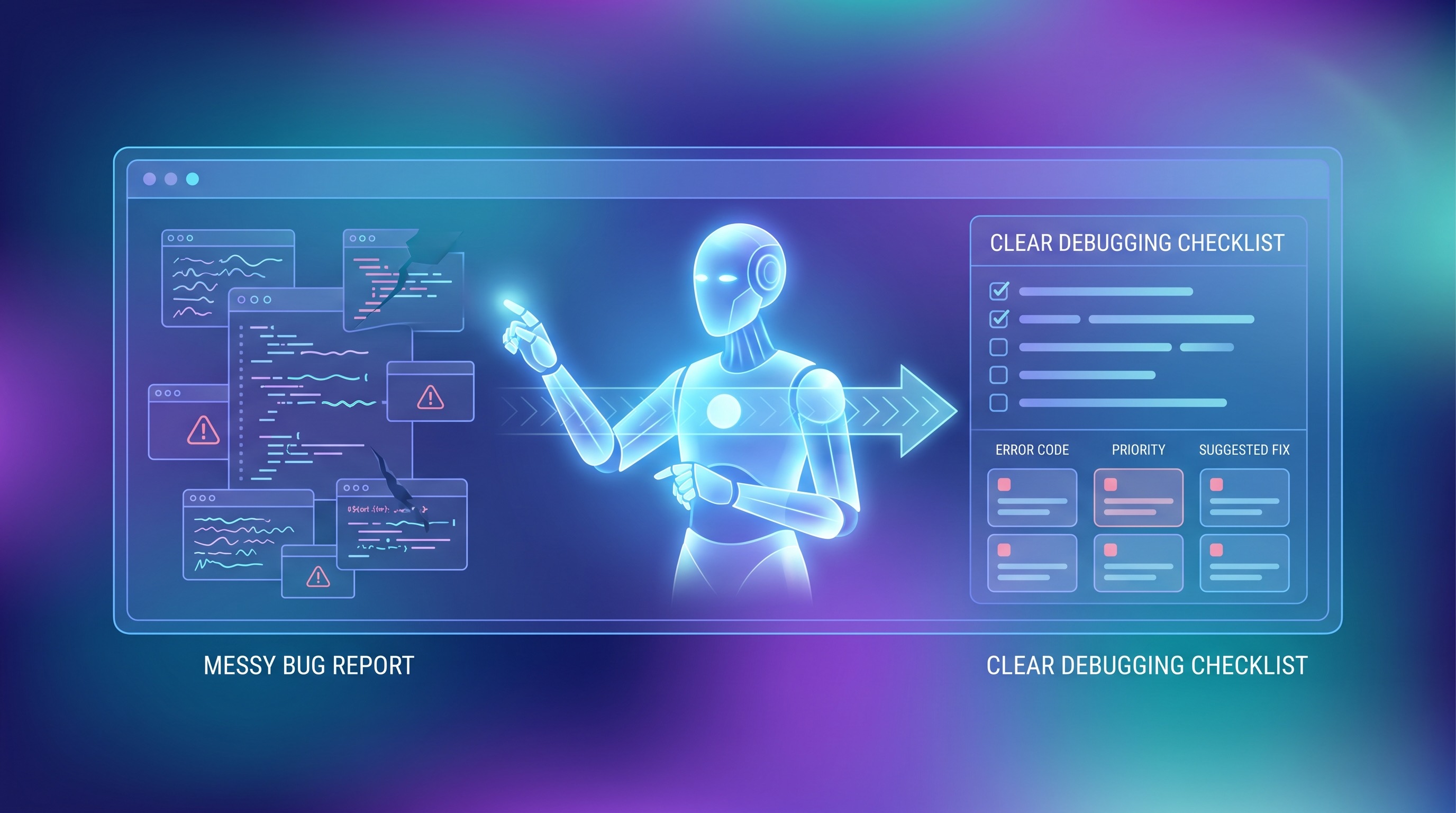
Most teams lose time not on fixing bugs, but on clarifying them. This prompt helps teams move faster by converting messy reports into structured, testable investigation plans.
What we use it for
Turn vague Slack messages, support tickets, or QA notes into a clean debugging brief that engineers can act on immediately.
Prompt
You are a senior debugging assistant. Turn the rough bug report below into a developer-ready debugging brief.

Goals:
1. Rewrite the issue in one clear sentence.
2. Extract the likely product area, affected users, and severity.
3. List missing details needed to reproduce the bug.
4. Produce step-by-step reproduction instructions using only confirmed information. If anything is unknown, mark it explicitly.
5. Suggest the 3 most likely root-cause hypotheses, ordered by probability.
6. Recommend the next 5 debugging actions, including logs, metrics, feature flags, environment checks, and recent code paths to inspect.
7. Return the result in this structure:
   - Summary
   - Known facts
   - Unknowns
   - Reproduction steps
   - Likely causes
   - Next actions

Bug report:
[PASTE RAW BUG REPORT HERE]
Bug reports often arrive as scattered Slack messages, half-complete screenshots, or a quick note from QA. The real bottleneck is not always fixing the issue, it is understanding what actually happened.
This prompt helps you turn raw bug descriptions into a clear debugging brief. It asks the model to separate confirmed facts from assumptions, identify missing details, propose likely causes, and suggest the next investigation steps.
Why this prompt is useful
It is especially helpful for engineering managers, support teams, QA leads, and developers who need to triage issues quickly without losing context. Instead of rewriting reports by hand, you can generate a structured brief in seconds.
Best way to use it
Paste the original bug report exactly as you received it. Include any device details, environment notes, error messages, screenshots, or timestamps. The more raw context you provide, the stronger the debugging brief becomes.
What to expect from the output
A good response should give you a concise summary, clear unknowns, reproducible steps when possible, several root-cause hypotheses, and a short action list for the next debugging pass.