Why Devcontainers Are Becoming the Default Way to Start Coding
For a long time, starting a new software project meant opening a setup guide, installing a list of language runtimes, fixing version mismatches, chasing missing system packages, and hoping your laptop eventually resembled everyone else’s. Teams treated that pain as normal. It was part of being a developer. But as software organizations have become more distributed, more security conscious, and more dependent on repeatable delivery, the old model has started to look expensive rather than inevitable. That is the backdrop for why devcontainers are moving from niche convenience to default starting point.
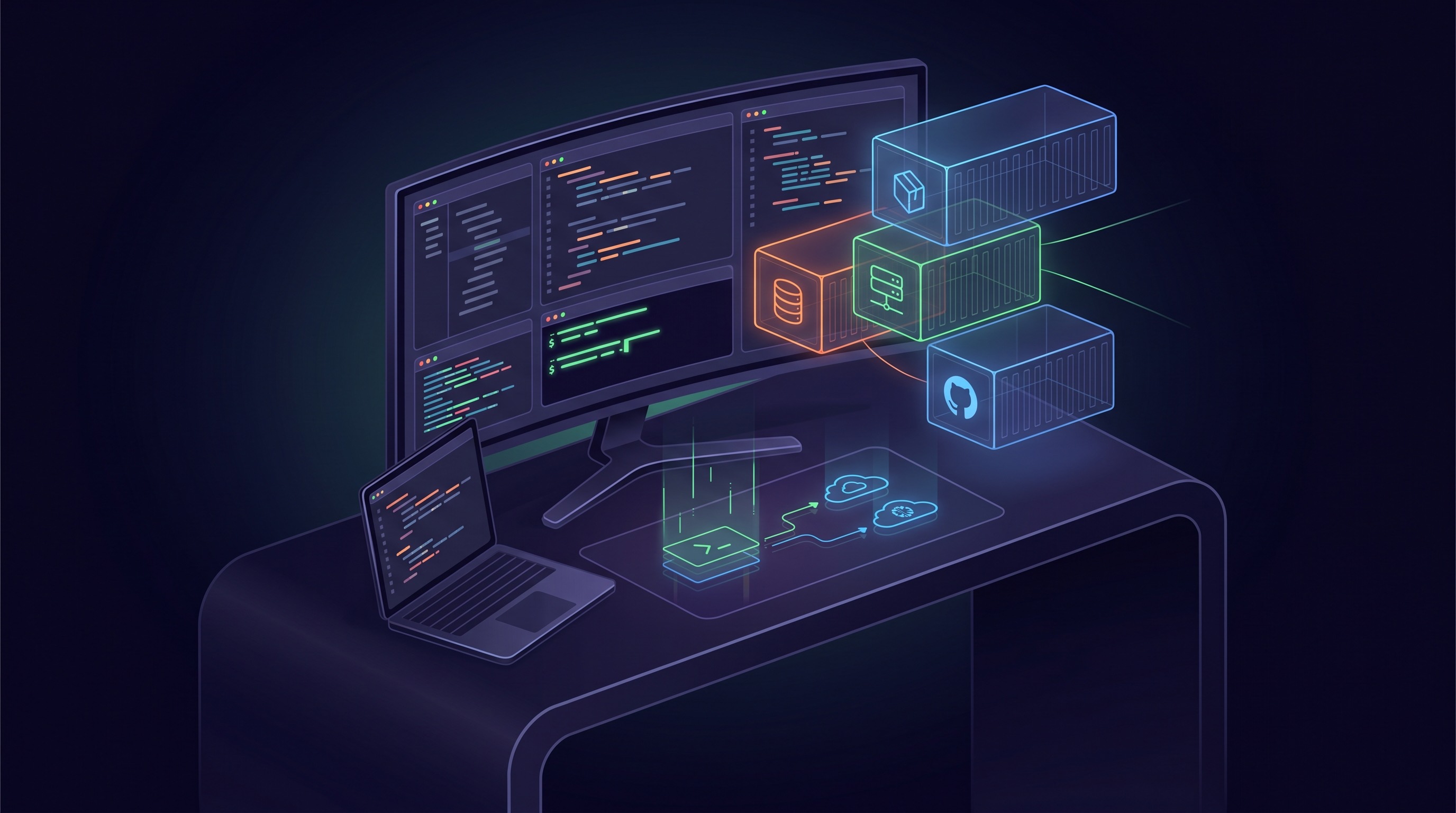
The Development Containers specification describes a dev container as a full-featured development environment that can run locally or remotely. That definition sounds technical, but the reason teams care is straightforward. A devcontainer lets a project carry its own development environment with it: runtimes, tools, extensions, shell setup, services, and configuration. Instead of every developer rebuilding the environment from scratch, the repository defines it once and the team reuses it everywhere.
Onboarding is now a product problem
One of the clearest reasons devcontainers are gaining ground is onboarding. In many teams, the hardest part of a new engineer’s first week is not understanding the codebase. It is getting the code to run. That friction is costly. It delays productivity, creates avoidable support work for senior engineers, and sends a subtle signal that internal tooling quality does not matter. Devcontainers attack that problem directly by turning setup into an artifact that can be versioned and improved like application code.
That change matters because onboarding is no longer just an HR milestone. It is an engineering systems issue. If a team can move from “follow this wiki page and ask Slack when it breaks” to “open the repo and start in a known-good environment,” it improves reliability, confidence, and speed. The payoff compounds as teams grow, especially across operating systems and time zones.
Environment drift is now too expensive
Local development drift used to be tolerated because teams were smaller and software stacks were simpler. Today, a modern application may depend on multiple services, exact compiler versions, secret injection patterns, platform CLIs, browser automation tools, and infrastructure emulators. The more moving pieces there are, the more likely it becomes that “works on my machine” is not a joke but a recurring operational cost.
Devcontainers reduce that drift by defining the environment declaratively. If the repository says a project needs a specific Node version, a database service, a package manager, and a linting toolchain, that definition can travel across editors and machines. Features and Templates make the model more reusable by letting teams compose common building blocks instead of rewriting everything per project. That is a big reason platform and developer-experience teams like them. Standardization becomes practical without forcing every team into the exact same stack.
CI parity changes the conversation
Another reason devcontainers feel increasingly default is their relationship to CI and testing. Engineering teams are under constant pressure to make local development, automated testing, and production-adjacent environments line up more closely. Every mismatch between local assumptions and CI reality creates slow feedback loops. A developer gets a green build locally, then waits for CI to reveal missing dependencies, shell differences, or hidden environment assumptions.
When teams use containers to define development environments, they get closer to a world where local, remote, and automated execution share more of the same base. That does not mean devcontainers are identical to production images, nor should they always be. But it does mean the environment becomes an explicit design surface. That alone is a major improvement over undocumented laptop tribal knowledge.
Remote work and cloud workspaces helped normalize the model
Devcontainers also benefited from a broader infrastructure shift. Once developers became comfortable writing code in remote environments, ephemeral workspaces, and browser-based IDEs, the idea of separating the editor from the machine stopped feeling strange. Tools like Codespaces made it obvious that the same repo-defined environment could run on a laptop, a cloud VM, or a shared team platform. That portability turned devcontainers from a local Docker trick into a workflow standard.
This matters for more than convenience. Security teams often prefer environments that are easier to patch, rebuild, and constrain. Platform teams like being able to offer approved base images and reusable setup patterns. Engineering managers like reducing time lost to bespoke setup issues. Devcontainers sit at the intersection of all three concerns, which is one reason they now show up in strategy conversations rather than only developer preference debates.
Where devcontainers shine
They shine when a project has meaningful setup complexity, multiple contributors, or a need for reliable reproducibility. They are especially valuable for polyglot repos, infrastructure-heavy apps, teaching environments, open source projects with many first-time contributors, and teams that want cleaner transitions between local and remote development. They also help when organizations want to treat developer experience as an internal platform capability instead of an informal support burden.
In practice, good devcontainers reduce setup docs, shrink onboarding time, surface environment choices in code review, and make it easier to experiment with secure or isolated workflows. They create a better default for ephemeral development too. A broken local state becomes less scary when the environment can be rebuilt from config instead of nursed back to health by hand.
Where they still hurt
None of this makes devcontainers frictionless. Containerized development can still be slower on some machines, awkward with heavy file I/O, and frustrating when projects need deep host integration, custom hardware access, or platform-specific tooling. Teams can also over-engineer their setup, creating huge images that are painful to build and update. A bad devcontainer can simply replace one kind of environment pain with another.
There is also a cultural trap. Teams sometimes assume that moving setup into a container automatically fixes developer experience. It does not. If the environment is poorly maintained, opaque, or overloaded with optional tooling, the same confusion just becomes reproducible confusion. Devcontainers work best when teams treat them as a product surface that deserves ownership, iteration, and performance attention.
Why default does not mean universal
Devcontainers are becoming the default way to start coding because they solve several modern engineering problems at once: onboarding, drift, parity, and portability. That does not mean every single project should use them in the same way. Simple scripts may not need the overhead. Native mobile or hardware-heavy workflows may still rely on host tools. Some teams will prefer lighter local setups for performance reasons.
But the broader trend is still clear. Development environments are no longer just personal workstation preferences. They are part of the software supply chain. Once teams accept that, versioned and portable environments become an obvious baseline. Devcontainers fit that moment well, which is why they increasingly feel less like an optional power-user feature and more like the modern starting line.