What Makes an AI PC Actually Useful
The AI PC Hype: More Than Just a Buzzword?
Everywhere you look, the "AI PC" is being hailed as the next big thing in personal computing. From major tech keynotes to laptop advertisements, the message is clear: your next computer needs AI. But beyond the marketing gloss, what does an "AI PC" actually do for you? Is it just a fancy label, or does it offer tangible benefits that improve your daily workflow, privacy, or creativity?
At IRCNF, we believe in cutting through the noise. This article will demystify the AI PC, explaining the underlying technology and, more importantly, what practical improvements you can expect from these new machines. We'll focus on the local, on-device AI capabilities that truly differentiate an AI PC, rather than just cloud-based services you can access from any internet-connected device.
Demystifying the Chips: CPU, GPU, and the New Kid, NPU
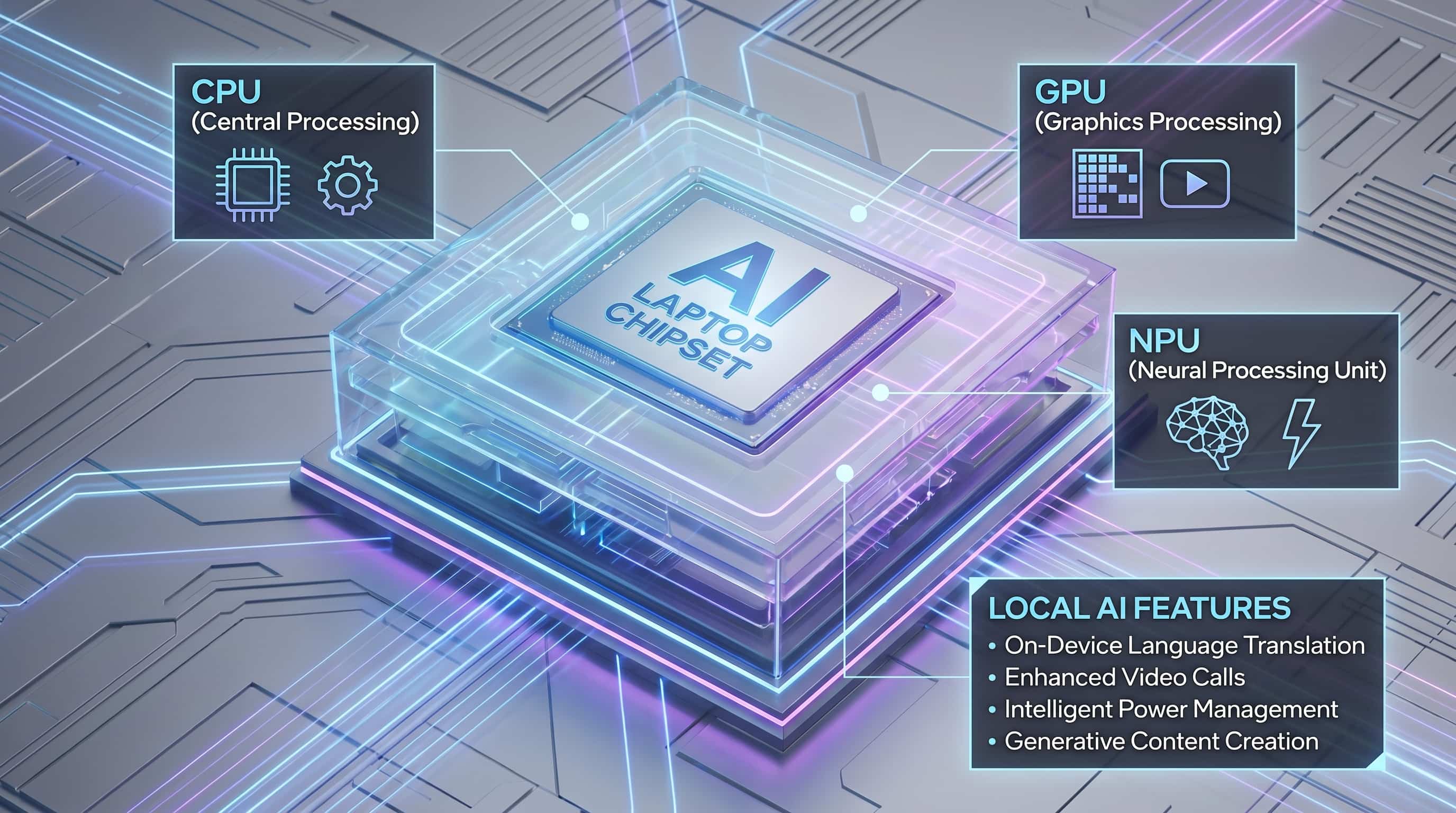
Before we dive into what an AI PC *does*, let's understand the core components that make it tick. For years, your computer's brainpower primarily came from two places:
The CPU: The Generalist Workhorse
The Central Processing Unit (CPU) is the traditional "brain" of your computer. It handles most general-purpose tasks, from running your operating system and web browser to word processing and managing files. It's excellent at sequential tasks and quickly switching between different types of operations.
The GPU: The Parallel Powerhouse
The Graphics Processing Unit (GPU) was originally designed to render graphics for games and professional applications. Its architecture allows it to perform many simple calculations simultaneously, making it incredibly efficient for tasks that can be broken down into parallel operations. This parallel processing power is why GPUs became indispensable for training complex AI models, like those behind large language models or advanced image generation, as well as for high-end video editing and 3D rendering.
The NPU: The AI Specialist
The Neural Processing Unit (NPU) is the newest addition to the PC's processing arsenal, specifically designed to accelerate AI workloads. Unlike the CPU, which is a generalist, or the GPU, which is a parallel generalist, the NPU is a specialist. It's engineered for the specific mathematical operations involved in running AI models, particularly for "inference"—applying a trained AI model to new data. The key advantage of an NPU is its incredible power efficiency for these tasks. It can perform many AI computations with far less energy than a CPU or even a GPU, making it ideal for always-on, real-time AI features on devices like laptops where battery life is critical.
What Does an NPU Do for You, Locally?
So, with an NPU on board, what practical improvements can you expect right on your device, without relying heavily on the cloud? Microsoft defines its "Copilot+ PCs" as Windows machines equipped with an NPU capable of more than 40 TOPS (Tera Operations Per Second), specifically positioning the NPU for heavy local AI tasks. Here’s where the NPU shines:
- Real-time Transcription and Live Captions: Imagine attending a virtual meeting or watching a video, and your PC provides instant, accurate captions, even translating them on the fly. An NPU can handle these complex audio processing and language model tasks efficiently, directly on your device.
- Enhanced Camera Effects: Features like background blur, eye contact correction, and automatic framing become smoother, more natural, and less taxing on your system. These smart camera effects leverage the NPU for real-time video analysis.
- On-device Translation: Beyond captions, NPUs can power real-time translation of spoken words or text within applications, offering immediate communication assistance without sending sensitive data to the cloud.
- Accessibility Features: Advanced accessibility tools, such as sophisticated voice commands or visual assistance, can run more robustly and responsively with dedicated NPU acceleration.
- Small Model Inference and Creative Assistance: While large-scale AI model training still requires powerful GPUs and cloud infrastructure, NPUs are excellent for running smaller, optimized AI models locally. This can include generating images from text prompts (think local Stable Diffusion variants), refining creative assets, or providing intelligent suggestions within your design or writing software. These tasks benefit from the NPU's efficiency for quick, iterative local processing.
The common thread here is efficiency and privacy. By performing these AI tasks directly on your device, NPUs reduce latency, improve responsiveness, and keep your data local, which is a significant win for privacy-conscious users and those needing offline capabilities.
Beyond TOPS: Memory, Software, and Workflow Matter
While a high TOPS number for an NPU sounds impressive, it's not the only metric that determines an AI PC's usefulness. Several other factors are equally, if not more, critical:
- Memory (RAM): AI models, even for inference, can be quite large. Sufficient system memory is crucial for loading and running these models effectively. A powerful NPU with insufficient RAM will still struggle to deliver a seamless experience.
- Software Support and Optimization: An NPU is only as good as the software that utilizes it. This includes the operating system (like Windows with its new AI features), application developers optimizing their software to leverage NPU capabilities, and robust drivers. Without this ecosystem, the NPU remains an underutilized chip.
- Workflow Integration: The most powerful AI features are useless if they don't seamlessly integrate into your existing workflow. AI capabilities should feel like natural extensions of your tools, not cumbersome add-ons.
It's also crucial to set realistic expectations. NPUs are designed for power-efficient *inference*, meaning applying already-trained models. They do not replace high-end GPUs for training massive AI models from scratch or for demanding tasks like professional 3D rendering. Furthermore, many of the most headline-grabbing AI experiences, especially those involving the largest, most complex models, still heavily rely on powerful cloud infrastructure. The AI PC enhances your local capabilities, but it doesn't sever the connection to the cloud entirely.
The Road Ahead: Why Now, and What's Next?
The push for AI PCs isn't arbitrary; it aligns with several converging trends. We're seeing a significant refresh cycle for Windows PCs, driven by new OS versions and hardware innovations. Integrating NPUs directly into the silicon allows for substantial improvements in battery life for AI-intensive tasks, making these features genuinely portable and always-ready.
The emphasis on privacy and offline capability is also a key driver. As users become more aware of data security, performing AI tasks locally offers a compelling advantage. Moreover, a mature vendor ecosystem, with major chipmakers like Intel, AMD, and Qualcomm investing heavily in NPU technology, ensures that these capabilities will become standard across a wide range of devices.
Looking towards the anticipated 2026 refresh cycle, the question isn't just whether AI PCs are useful today, but whether they will feel essential then. As operating systems like Windows continue to integrate AI deeply, and as more applications are optimized to harness NPUs, the local AI experience is set to become increasingly seamless and impactful. The true utility of an AI PC will be measured by how well it empowers users with efficient, private, and always-available intelligent assistance, transforming everyday tasks from mundane to magical.
Conclusion: The Practical Promise of the AI PC
The "AI PC" is more than just a marketing slogan; it represents a significant architectural shift in personal computing. While it won't replace the cloud for every AI task, and it won't make your GPU obsolete for heavy training or rendering, it brings a new class of power-efficient, on-device AI capabilities. From smarter video calls and real-time transcription to enhanced accessibility and local creative assistance, NPUs are designed to make your PC more responsive, private, and intelligent for the tasks you perform every day. As the software ecosystem matures and developers increasingly leverage these specialized chips, the practical utility of an AI PC will only continue to grow, making your next computer truly smarter, right out of the box.