USB4 2.0 Cables All Look the Same, But Only Some Can Actually Hit 80Gbps
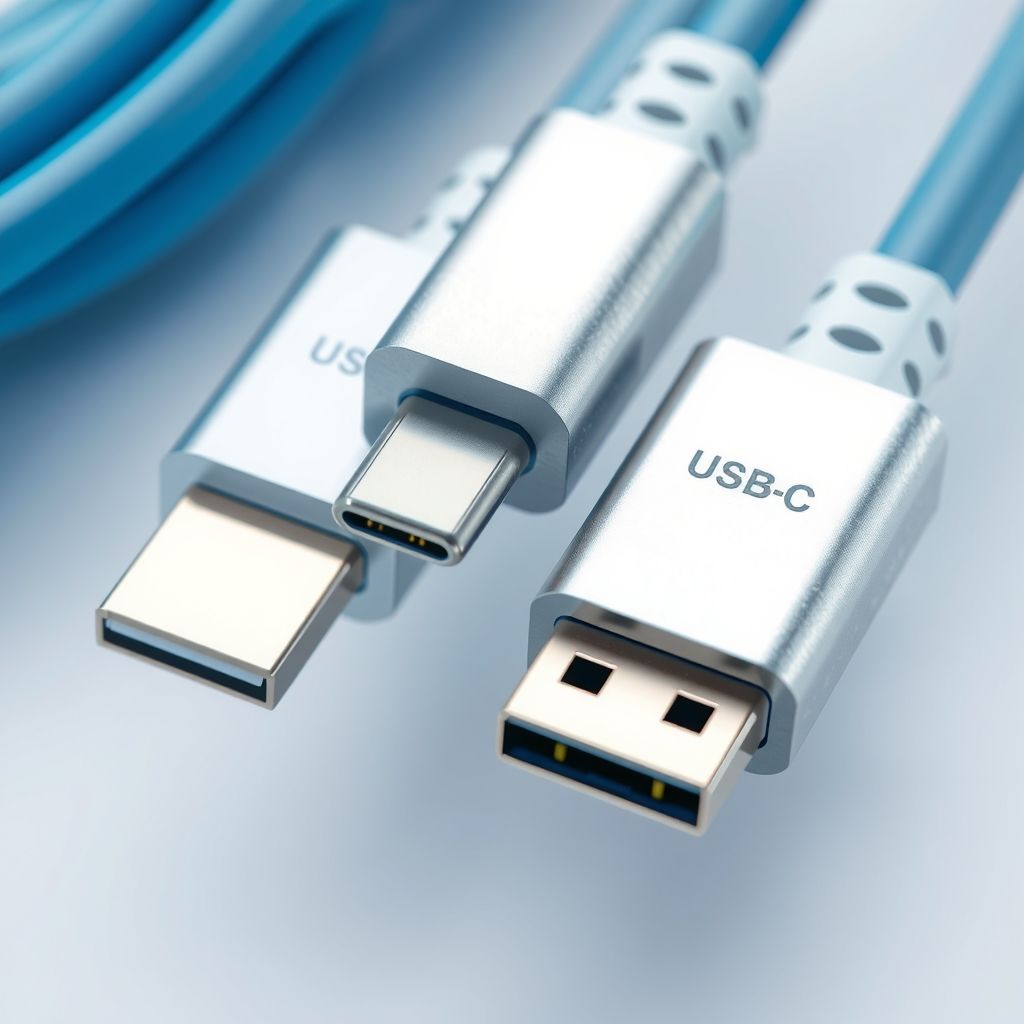
USB4 Version 2.0 hardware is finally showing up in 2026 laptops, docks, and external SSDs, promising 80Gbps of bandwidth — double what the original USB4 spec delivered. There’s just one problem: almost nothing on the cable aisle at your local electronics store tells you whether the cable in your hand can actually carry that speed, and the industry’s own labeling system is partly to blame.
A spec upgrade with no visible upgrade
USB4 Version 2.0 was finalized by the USB Implementers Forum (USB-IF) back in 2022, but the controllers needed to actually use it — from companies like ASMedia and VIA Labs — only started landing in shipping products through 2026. Thunderbolt 5, which is built on the same 80Gbps foundation, got there first and is currently the more reliable way to buy 80Gbps hardware. Plain USB4 v2 without a Thunderbolt badge is still thin on the ground.
The bandwidth jump matters for anyone moving large files: video editors working off external RAID arrays, photographers offloading RAW files from high-resolution cameras, or anyone running a dual 4K monitor setup through a single USB-C dock. At 80Gbps, a dock can push enough bandwidth for multiple high-refresh 4K displays plus a fast SSD simultaneously — something 40Gbps USB4 and Thunderbolt 4 struggle with.
The cable problem nobody fixed
Here’s the catch: USB-C cables have looked identical for a decade, and the differences between a USB 2.0 charging cable, a 40Gbps USB4 cable, and an 80Gbps USB4 v2 cable are invisible to the eye. The USB-IF introduced certification logos years ago to solve exactly this problem, but compliance is voluntary, and plenty of certified-capable cables ship with no logo printed on them at all — manufacturers skip the labeling step even when the cable itself would pass certification.
That leaves buyers in a bad spot. Picture someone who just bought a new 80Gbps external SSD and grabs “a USB-C cable” from a drawer full of cables accumulated over a decade of phone chargers, old dock cables, and generic Amazon basics. Plugged in, the drive will still work — USB-C is backward compatible — but it might run at 40Gbps, 20Gbps, or even 480Mbps if the cable is really just a USB 2.0 charging cable with a USB-C connector on each end. Nothing on screen will warn you that you’re leaving 95% of your new drive’s speed on the table.
The technical reason compounds the confusion: the USB-IF spec allows 80Gbps to run over the same passive cable construction used for 40Gbps USB4, provided the cable is short enough and built to the right wire-gauge tolerances — but it also defines a separate “active” 80Gbps cable category with embedded signal-boosting chips for longer runs. A passive cable that works at 40Gbps won’t necessarily work at 80Gbps even if it’s physically the same length, because the signal-integrity margins at double the bit rate are much tighter.
How to actually buy the right cable
Three checks will save you from the guessing game. First, look for an explicit speed rating printed on the cable or packaging — “80Gbps” or “USB4 40Gbps,” not just “USB-C” or “USB 3.2.” If a listing doesn’t state a data speed in Gbps, assume it’s a charge-only or low-speed cable regardless of what else it claims. Second, check the wattage rating too; a cable rated for 240W power delivery is not the same spec as one rated for 80Gbps data, and premium cables will state both separately. Third, keep 80Gbps cables short — the certified passive cables that hit full speed are typically capped around 0.8 meters; anything longer claiming 80Gbps should be an active cable with a chip inside, and those cost noticeably more.
If you want certainty rather than label-reading, the USB-IF maintains an online certified cable and device database searchable by product name, though it’s not exactly consumer-friendly. A cheap USB-C cable tester — the kind that plugs into both ends and reports detected protocol — is a more practical investment if you’re regularly buying cables for a mixed bag of modern hardware.
The bigger lesson for 2026 buyers: don’t assume a new 80Gbps device comes with a cable capable of using all that bandwidth, and don’t assume an old cable from your drawer is fine just because the connector fits. As USB4 v2 and Thunderbolt 5 hardware spreads through more laptops and peripherals over the next year, the cable you already own is increasingly likely to be the actual bottleneck.