The Linux Desktop Has Crossed a Threshold in 2026 — Here Is What Finally Changed
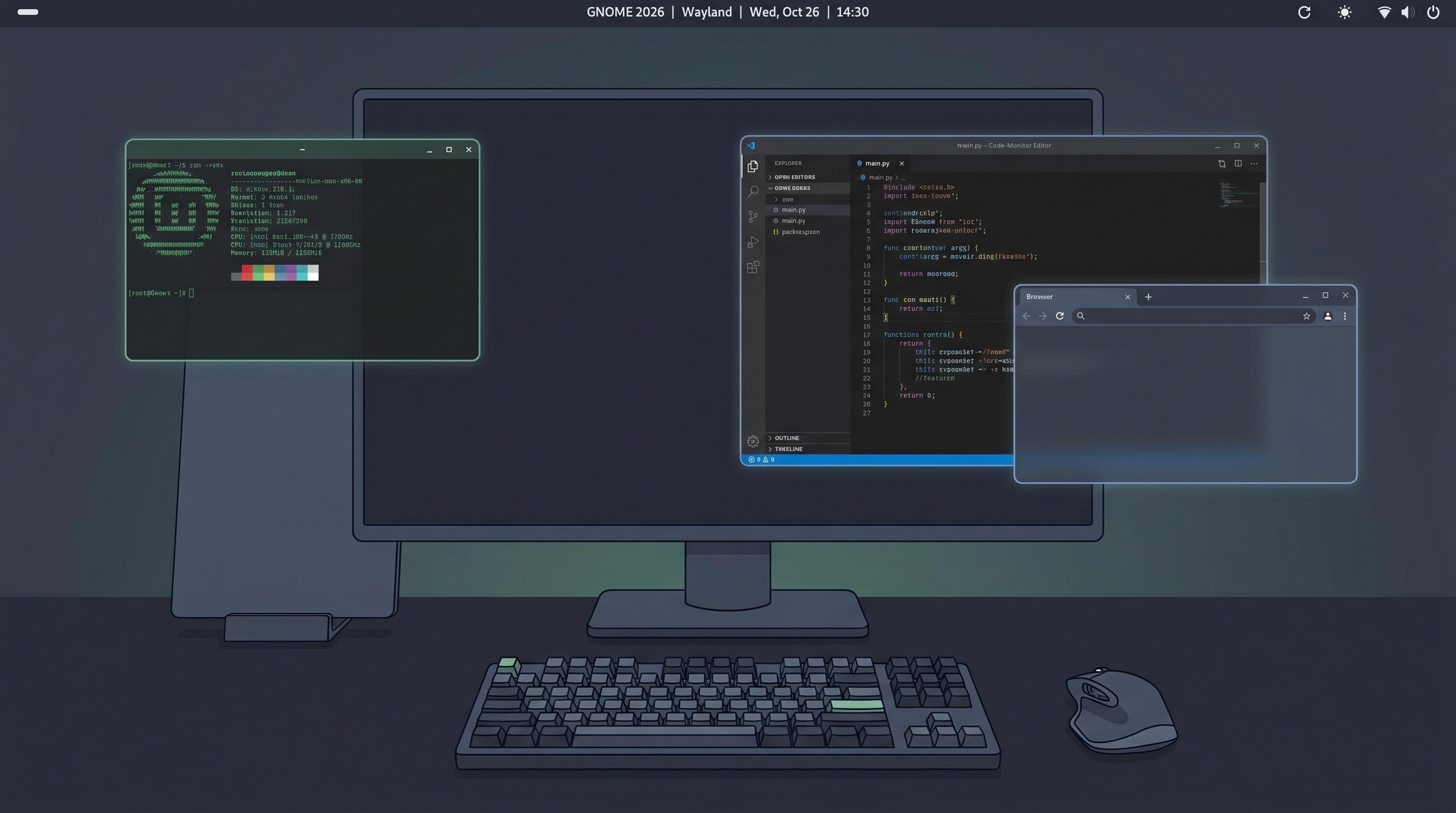
For most of its history, the Linux desktop has been a promising environment that required too many compromises for everyday use. By 2026, that description no longer holds. A cluster of changes — some years in the making, some accelerated by the Steam Deck — have pushed the Linux desktop past a functional threshold. It is not Windows, and it is not macOS, but for technical users willing to leave those behind, it is a complete environment.
The thesis here is simple: Wayland has won, NVIDIA has conceded, gaming support has matured through Proton, and the hardware ecosystem has genuinely improved. Each of those changes matters individually. Together, they change the daily experience of running Linux on a desktop.
Wayland Is Now the Default, Not the Exception
X11 has been the display server underpinning the Linux desktop since 1984. It was designed for a world of local network terminals and hardware that no longer exists. Wayland, its replacement, has been in development since 2008 — and for most of that time, users were warned that it was "not ready" for daily use.
In 2026, Wayland is the default on Fedora 40+, Ubuntu 24.04+, Pop!_OS, Arch Linux (when using GNOME or KDE), and a dozen other distributions. The holdout was NVIDIA hardware, which required proprietary kernel modules incompatible with Wayland's design. That changed with NVIDIA driver 555 in mid-2024, which shipped proper Wayland support with explicit sync — the mechanism that prevents screen tearing and input lag on Wayland compositors.
The practical difference is significant. Wayland provides proper HiDPI scaling with per-monitor density settings (something X11 never solved cleanly), better touch and stylus support, security isolation between applications, and a compositor architecture that eliminates an entire category of screen tearing artifacts. It also means window managers like GNOME Shell and KWin (KDE's compositor) can take full advantage of modern GPU compositing without the X11 protocol in the way.
GNOME 48 and KDE Plasma 6
GNOME 48, released in March 2026, is the most polished GNOME release in years. The headline feature is a rebuilt notification system with persistent history and per-app quiet modes — a pain point that dated back nearly a decade. The text editor (now officially named "Text Editor" and included by default) replaced the aging gedit and received proper syntax highlighting, a minimap, and session restore. Performance on lower-end hardware also improved meaningfully, with GNOME 48 running acceptably on machines with 4GB of RAM where GNOME 46 would stutter.
KDE Plasma 6, which launched in early 2024, completed the full migration to Qt 6 and made Wayland the default for the KDE ecosystem. Plasma 6.2 and 6.3 (shipped in late 2024 and mid-2025) closed the remaining gaps in multi-monitor handling, touchpad gesture support, and colour management. KDE has consistently offered more configuration options than GNOME, and Plasma 6 does not break that tradition — but it now does so without the visual inconsistency that made older Plasma releases feel unfinished.
NVIDIA Finally Opened Its Drivers
For years, running an NVIDIA GPU on Linux meant choosing between the proprietary driver — which worked well but could not integrate with the open-source kernel infrastructure — and the open-source Nouveau driver, which was functionally limited and could not enable many GPU features. NVIDIA open-sourced its kernel modules in May 2022 and has progressively improved them. By mid-2025, the open-source kernel modules became the recommended default for Turing-generation (RTX 2000-series) and newer cards.
This matters beyond the ideological. Open-source kernel modules integrate properly with DKMS, Secure Boot, and distribution packaging systems. They also enable features like runtime power management that the proprietary stack had blocked. The open-source path is now the standard for new installations, and the quality gap between it and Windows drivers has narrowed substantially for RTX 4000-class hardware.
Gaming: The Steam Deck Effect Is Real
Valve's Steam Deck, running Arch Linux with the KDE Plasma desktop and the Proton compatibility layer, has been the most consequential Linux desktop product in history — not because of the device itself, but because of the engineering investment it required.
Proton, Valve's fork of Wine with DirectX-to-Vulkan translation via DXVK and VKD3D-Proton, now enables over 70% of the Steam catalog to run on Linux with acceptable performance. The games that do not work are typically blocked by kernel-level anti-cheat systems (Easy Anti-Cheat and BattlEye both support Linux officially now, but require developers to enable the Linux builds). The remaining hard blockers are shrinking quarterly.
The performance gap with Windows has also narrowed. On AMD hardware with RDNA 3 GPUs, Linux with the Mesa RADV Vulkan driver often outperforms Windows in synthetic benchmarks and matches it in games. On NVIDIA hardware, the proprietary driver still leads for rasterization, but the gap is under 10% for most titles.
The Hardware Ecosystem Has Improved
Framework Laptop now ships its 13-inch and 16-inch models with official Linux support, providing tested configurations and firmware update tooling. Lenovo's ThinkPad and ThinkBook lines carry Linux certifications for most models. System76's Pop!_OS and Dell's XPS Linux line continue as the mainstream certified options. The days of hunting for obscure drivers for WiFi adapters and suspend-to-RAM are not entirely over, but they are rarer on mainstream hardware than they were three years ago.
What Still Does Not Work Well
The Linux desktop remains a poor choice if you need native Adobe Creative Cloud applications. The alternatives — GIMP, Inkscape, DaVinci Resolve (which ships a native Linux build), Kdenlive — are capable but not drop-in replacements. iMessage and FaceTime are absent. Microsoft Office 365 in the browser works, but the native Office experience is not available.
Thunderbolt and USB4 support is inconsistent on non-Intel hardware. Some docking stations that work perfectly on Windows will refuse to charge or fail to negotiate display output on Linux. This is improving but remains the most common reason technical users bounce back to macOS after attempting the switch.
Who Should Switch and Who Should Not
The Linux desktop in 2026 is a strong choice for software developers who live in the terminal and browser, anyone whose primary workflow is web-based, researchers and data scientists using Python and Jupyter, and gamers on a mid-range AMD GPU who primarily play titles with Linux builds or from the supported Proton list.
It is the wrong choice for anyone dependent on Adobe CC, professionals using specialized Windows software with no Linux equivalent, users who need maximum gaming compatibility across their entire library, and anyone who needs a zero-configuration experience out of the box.
The threshold crossed in 2026 is not that Linux can do everything Windows can. It is that Linux is a complete, stable, well-maintained environment for a large class of real workflows — and the case for switching, for that class of user, is stronger than it has ever been.