Secure Enterprise Browsers and Isolation Are Pulling Zero Trust Into the Browser
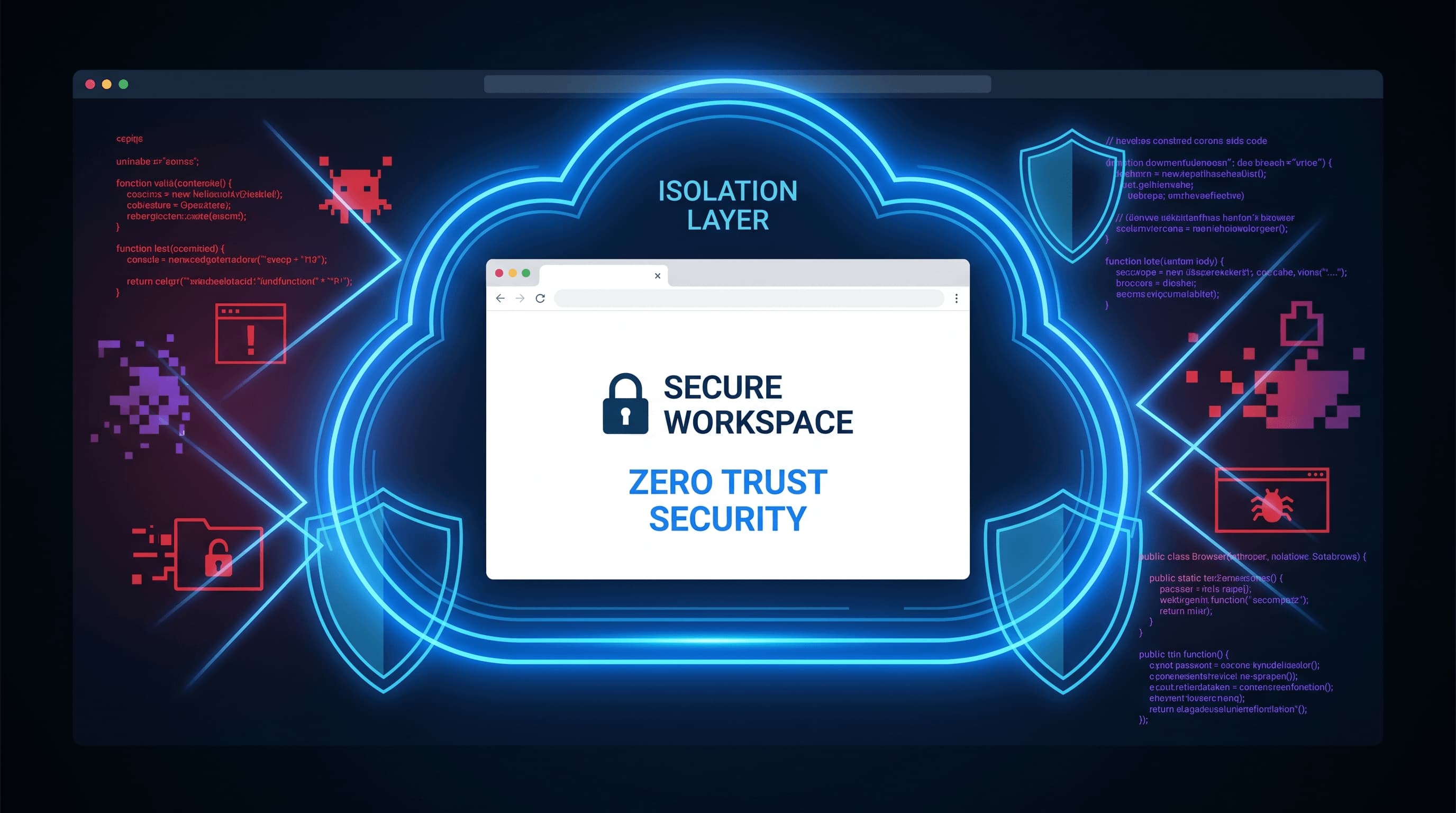
The enterprise browser, once a mere window to the internet, has fundamentally transformed into the primary workspace for modern organizations. From mission-critical SaaS applications and sensitive admin consoles to the burgeoning landscape of generative AI tools, the browser is where employees spend the majority of their digital day. This profound shift has not gone unnoticed by security architects; it has inadvertently transformed the browser into the most practical and crucial enforcement point for Zero Trust security controls, effectively pulling the "never trust, always verify" mandate directly into the user's most active interface.
This evolution is not merely a theoretical exercise but a strategic imperative. As traditional network perimeters dissolve and workforces become increasingly distributed, the efficacy of endpoint security and remote access solutions is being re-evaluated. Gartner predicts that by 2028, 25 percent of organizations will leverage secure enterprise browsers to enhance both endpoint security and remote access, a significant leap from current adoption rates. This forecast underscores a growing industry consensus, echoed in discussions by the Cloud Security Alliance and CSO, that the browser is emerging as a potent, granular policy enforcement point where identity, device posture, and session-specific rules can converge.
The Browser as the New Enterprise Endpoint
For years, the endpoint — laptops, desktops, and mobile devices — was the primary focus of security efforts. While endpoint security remains vital, the actual interaction with corporate data and applications increasingly happens within the browser. Employees access CRM systems, HR portals, financial dashboards, and now, even proprietary data through web-based interfaces. This means that the browser itself is no longer just an application running on an endpoint; it is the gateway to the enterprise, making its security paramount. Traditional endpoint agents struggle to see and control what happens *inside* the browser at a granular level, especially with the proliferation of unmanaged extensions and web-based threats.
Zero Trust's Natural Evolution to the Browser
The core tenets of Zero Trust — verify explicitly, use least privileged access, assume breach — are perfectly suited for application within the browser context. Instead of trusting a user or device simply because they've authenticated once or are on a corporate network, Zero Trust in the browser applies continuous verification. This means evaluating identity, device health, location, and even the specific application being accessed, all in real-time within the browser session. It's about ensuring that every interaction, every click, every data upload or download, adheres to predefined security policies, regardless of where the user is or what device they're using.
Demystifying Remote Browser Isolation
Remote Browser Isolation (RBI) is a foundational technology within the secure browser ecosystem, though often confused with the broader category of Secure Enterprise Browsers. In simple terms, RBI works by executing all web content — JavaScript, HTML, CSS, images — in a remote, isolated container, typically in the cloud or a secure on-premises server. Instead of the actual web content reaching the user's device, only a safe, interactive visual stream (like a video feed) is sent to their local browser. This creates an "air gap" between potentially malicious web content and the user's endpoint. If a user navigates to a phishing site or encounters malware, the threat is contained and neutralized in the remote container, never touching the local device. This makes RBI particularly effective against zero-day exploits and sophisticated web-borne attacks.
Secure Enterprise Browsers: A Broader Approach
While RBI focuses on isolating web content, Secure Enterprise Browsers (SEBs) encompass a much broader set of capabilities. An SEB is essentially a purpose-built browser designed for corporate use, integrating security, management, and productivity features directly into the browser itself. Think of it as a highly controlled and policy-driven version of Chrome, Edge, or Firefox. SEBs can enforce granular policies on everything from allowed websites and extensions to data loss prevention (DLP) controls, clipboard restrictions, and print/download permissions. They integrate deeply with identity providers (IdP) for strong authentication and can assess device posture before granting access to sensitive applications. Many SEBs incorporate RBI as one of their core protective mechanisms, but their scope extends to comprehensive session management, threat detection, and audit logging, making them a central policy enforcement point for the entire web-based workflow.
Why Now? The Pressing Threats Driving Adoption
Unmanaged Extensions and Shadow IT
The proliferation of browser extensions, many of which are downloaded without IT oversight, poses a significant risk. These extensions often request broad permissions, can inject malicious code, track user activity, or exfiltrate sensitive data. An SEB can strictly control which extensions are allowed, block unapproved ones, or even force specific enterprise-approved extensions, reining in shadow IT at the browser level.
Session Hijacking and Credential Theft
Sophisticated phishing attacks and malware can steal session cookies or credentials, allowing attackers to hijack legitimate user sessions and bypass multi-factor authentication. Browser-centric controls can monitor session integrity, detect anomalous behavior, and enforce re-authentication or terminate suspicious sessions, significantly reducing the window of opportunity for attackers.
Web-Based Phishing and Malware Delivery
The web remains the primary vector for phishing and malware delivery. While traditional email and network defenses catch many threats, advanced persistent threats (APTs) and highly targeted campaigns often leverage sophisticated web pages. RBI, as part of an SEB strategy, offers a robust defense by isolating all potentially malicious web content, effectively neutralizing these threats before they reach the endpoint.
The Rise of AI Tools and Data Leakage Risks
The rapid adoption of generative AI tools like ChatGPT, Copilot, and Gemini presents new data leakage challenges. Employees might inadvertently input sensitive corporate data into public AI models, leading to intellectual property exposure. SEBs can enforce policies that restrict data input into specific AI tools, redact sensitive information, or even block access to unapproved AI services, providing a critical layer of data governance.
Navigating the Tradeoffs and Challenges
While the benefits are compelling, adopting secure enterprise browsers and isolation isn't without its complexities. One significant concern is **user friction**. Overly aggressive policies or performance overhead from isolation technologies can frustrate users, leading to workarounds or reduced productivity. Striking the right balance between security and usability is crucial.
**Deployment complexity** and integration with existing security stacks also present hurdles. Organizations already manage a myriad of security tools — EDR, DLP, CASB, ZTNA. Adding another layer requires careful planning to ensure seamless integration, avoid policy sprawl, and prevent alert fatigue. A fragmented security posture can be as risky as an unprotected one.
**Policy sprawl** is another potential pitfall. As more granular controls become available within the browser, there's a risk of creating an unmanageable web of policies that are difficult to audit, update, and enforce consistently. Simplifying policy management and leveraging automation are key to long-term success.
Finally, there's the risk of **buying another security layer without cleaning up identity and endpoint basics**. Secure browsers are powerful, but they are not a silver bullet. If an organization has weak identity management, poor credential hygiene, or unpatched endpoints, adding a secure browser might provide a false sense of security. These solutions work best when built upon a solid foundation of fundamental security practices.
Actionable Takeaways for Organizations
For organizations considering secure enterprise browsers or remote browser isolation, a phased, strategic approach is recommended. First, **conduct a thorough risk assessment** of your web-based workflows, identifying the most critical applications and data accessed via browsers. Prioritize these for initial protection.
Second, **evaluate solutions that offer flexible policy enforcement** and strong integration capabilities with your existing identity provider and endpoint security tools. Look for platforms that can centralize policy management rather than adding to sprawl.
Third, **pilot solutions with a small group of users** to assess performance impact and gather feedback on user experience. Focus on iterative improvements to minimize friction and ensure adoption.
Fourth, **invest in foundational security hygiene** — robust identity and access management, multi-factor authentication everywhere, and consistent endpoint patching. Secure browsers enhance these basics; they don't replace them.
Finally, **educate users** on the "why" behind these new security measures. Transparency about the benefits of enhanced protection against phishing, malware, and data leakage can significantly improve user buy-in and compliance.