HTTP/3 and QUIC: What the Web's New Foundation Actually Changes
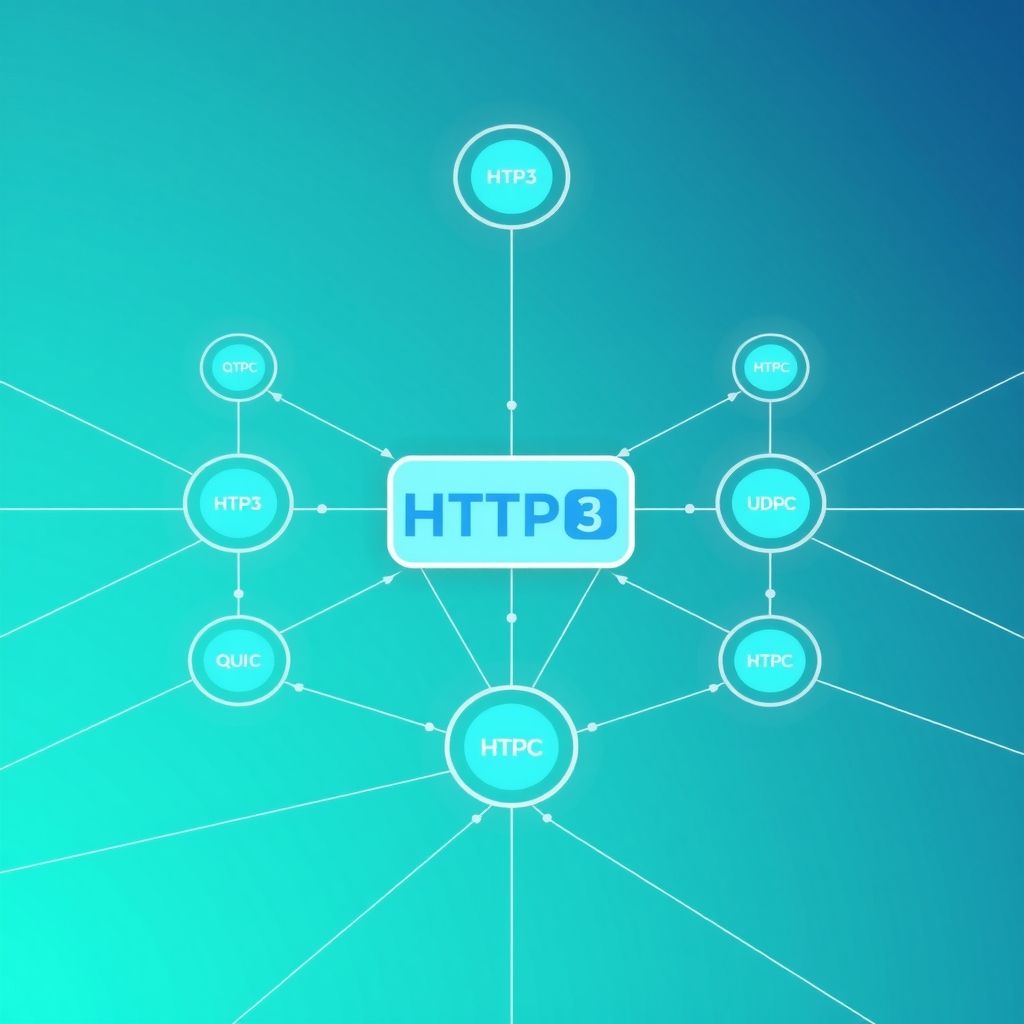
HTTP/3 Is Already the Web's Default for a Third of All Traffic
HTTP/3 now handles more than 30% of web traffic globally, and most users have no idea they are already using it. The shift from HTTP/2 to HTTP/3 is not cosmetic — it replaces the transport layer entirely, swapping TCP for QUIC, a protocol built from scratch on UDP. The result is faster connection setup, resilience to packet loss, and the ability to survive network changes without reconnecting. Understanding what changed and why it matters requires going back to the fundamental problem with TCP.
TCP's Head-of-Line Blocking: The Checkout Line Problem
Imagine a supermarket with a single checkout lane. Even if 10 customers behind you have only one item, they all wait while the cashier processes your overflowing cart. TCP works the same way: it delivers data in strict order. If one packet is lost, every subsequent packet — even those for entirely different resources — waits in queue until the missing packet is retransmitted and acknowledged. This is head-of-line (HOL) blocking at the TCP layer.
HTTP/2 introduced multiplexing, sending multiple streams of data over a single TCP connection. This solved HOL blocking at the application layer — multiple requests no longer waited for each other inside HTTP. But the fix was incomplete. A single dropped TCP packet still stalls all streams simultaneously at the transport layer, because TCP sees the connection as one ordered byte stream, unaware of the HTTP/2 boundaries above it. A 1% packet loss rate on an HTTP/2 connection can produce latencies worse than HTTP/1.1.
QUIC Eliminates HOL Blocking at the Transport Layer
QUIC was designed by Google and standardized in RFC 9000 in 2021. It runs over UDP rather than TCP, which means it takes full control of reliability, ordering, and congestion control in user space rather than delegating these to the operating system kernel. The key architectural decision: each HTTP/3 stream is independently sequenced within QUIC. A lost packet belonging to stream 3 does not block stream 7. The other streams continue flowing uninterrupted while the retransmission happens in the background.
This is not just a marginal improvement. On lossy connections — mobile networks, long-distance links, congested WiFi — the difference is measurable and consistent. QUIC also bundles TLS 1.3 natively; there is no separate TLS handshake. Security is built into the protocol, not layered on top.
0-RTT Connection Setup vs. TCP's Three-Way Handshake
A TCP connection requires a three-way handshake before any data flows: SYN, SYN-ACK, ACK. Add a TLS handshake on top and you are looking at 2–3 round trips before the first byte of content arrives. On a 100ms RTT connection (typical for a mobile user on the other side of the country), that is 200–300ms of dead time before the first HTTP request even leaves the browser.
QUIC's 1-RTT handshake combines the transport and cryptographic setup into a single round trip. More importantly, for returning visitors, QUIC supports 0-RTT resumption — the client can send data in the very first packet using session keys from a previous connection. This reduces connection setup to zero additional round trips for repeat visits, a significant win for high-frequency API calls and repeated navigations.
Connection Migration: Surviving Network Switches
TCP identifies a connection by a 4-tuple: source IP, source port, destination IP, destination port. When you walk from your office WiFi to the parking lot and your phone switches to LTE, your IP address changes. TCP sees this as a completely new endpoint — the existing connection breaks, and everything must restart from scratch. Every open request fails.
QUIC uses a Connection ID — a random identifier negotiated at handshake time — to identify the connection independently of IP address and port. When the network changes, the client sends packets with the same Connection ID from its new address. The server recognizes the ID, the connection migrates transparently, and in-flight streams continue without interruption. For mobile users — which now represent the majority of web traffic — this is a concrete reliability improvement, not a theoretical one.
Adoption Numbers: Who Is Already Running HTTP/3
Cloudflare enabled HTTP/3 across its entire network in 2020 and reports that a significant majority of its traffic now uses it. Google has been serving HTTP/3 from its core services — Search, YouTube, Gmail — since the QUIC experiment began in 2013 and at production scale since 2015. Meta serves HTTP/3 across Facebook, Instagram, and WhatsApp infrastructure.
Browser support is comprehensive: Chrome has supported QUIC/HTTP/3 since Chrome 87 (2020), Firefox since version 88 (2021), Safari since iOS 15 and macOS Monterey (2021), and Edge since version 87. As of 2024, over 96% of browser installations in active use support HTTP/3. The client side is not the bottleneck — server-side deployment is.
Performance Data: What the Numbers Actually Show
Google's internal data from deploying QUIC across Search showed an 8% reduction in mean search latency and a 13% reduction at the 99th percentile — the tail latencies that affect slow connections most. YouTube data showed a 15% reduction in rebuffering rates on QUIC compared to TCP. These numbers come from production traffic at billions-of-requests scale, not lab conditions.
Akamai's research on HTTP/3 adoption across its CDN showed average Time to First Byte (TTFB) improvements of 12–20% for users on high-latency connections. The improvements are consistently larger at higher percentiles and worse network conditions — exactly the users who matter most for global reach.
Server Implementation: What Ops Teams Need to Deploy
HTTP/3 requires UDP port 443 to be open and a TLS certificate (no change from HTTPS). The main server implementations:
- nginx: QUIC support landed in nginx 1.25.0 (mainline, 2023). Enable with
listen 443 quic reuseport;alongside the existing TCP listener and addadd_header Alt-Svc 'h3=":443"; ma=86400';so browsers discover the upgrade path. - Caddy: HTTP/3 is enabled by default since Caddy 2. No additional configuration required — it serves h3 automatically on any HTTPS site.
- H2O: One of the earliest production HTTP/3 implementations, H2O has served HTTP/3 since 2020 via its built-in
quiclylibrary. - LiteSpeed/OpenLiteSpeed: Full HTTP/3 support. A common choice for WordPress hosting stacks.
Cloud load balancers: Google Cloud, AWS CloudFront, and Cloudflare all support HTTP/3 at the edge, often requiring only a toggle to enable rather than server-level changes.
Where HTTP/3 Does Not Help (and Can Hurt)
HTTP/3's dependency on UDP creates friction in specific environments. Enterprise firewalls and deep packet inspection (DPI) systems frequently block or rate-limit UDP traffic on port 443 as a security policy. In these cases, browsers automatically fall back to HTTP/2 over TCP — the Alt-Svc negotiation fails silently. Estimates suggest 3–7% of connections cannot use HTTP/3 due to UDP blocking.
For short-lived connections on low-latency LAN environments (internal microservices, for example), the benefits of QUIC's handshake optimization are negligible — TCP's handshake on a 1ms LAN is not the bottleneck. High-throughput bulk transfers on reliable connections also see minimal gains; QUIC's per-packet overhead is slightly higher than TCP in optimal conditions.
Monitoring is also more complex: traditional network tools like tcpdump and Wireshark can capture QUIC packets but cannot decrypt the payload without session keys, since QUIC encrypts even connection metadata (unlike TCP+TLS where the TCP headers are plaintext).
Verifying HTTP/3 on Your Site
To confirm your server is advertising and negotiating HTTP/3, check for the Alt-Svc response header. A correctly configured server returns something like:
alt-svc: h3=":443"; ma=86400
This tells the browser that HTTP/3 (h3) is available on port 443 with a max-age of 86400 seconds. On subsequent requests, the browser will attempt QUIC. You can verify the protocol in use with:
- Chrome DevTools: Network tab → right-click column headers → enable "Protocol" column. HTTP/3 connections show
h3. - curl:
curl -I --http3 https://yourdomain.com(requires curl built with QUIC support, available in curl 7.88+ via--with-quicheor--with-nghttp3). - Online tools: http3check.net tests any public URL for HTTP/3 support without local tooling.
What to Do Now
- If you run nginx, upgrade to 1.25.0+ mainline and add the QUIC listener alongside your existing TCP listener. The two coexist without conflict.
- If you use Caddy, HTTP/3 is already active — verify with DevTools.
- If you sit behind Cloudflare, toggle on HTTP/3 in the Speed settings panel. It takes 30 seconds.
- Open UDP 443 on your firewall if it is currently blocked. Without this, HTTP/3 traffic falls back silently but your server logs will show zero QUIC connections and you will not see the latency gains.
- Add
Alt-Svcheaders explicitly if your reverse proxy terminates QUIC but upstream services do not advertise it. - Monitor the
h3protocol share in your analytics. If it stays below 5% after enabling, UDP is likely being blocked at the network boundary.