E-paper tablets are finding a real niche beyond the iPad
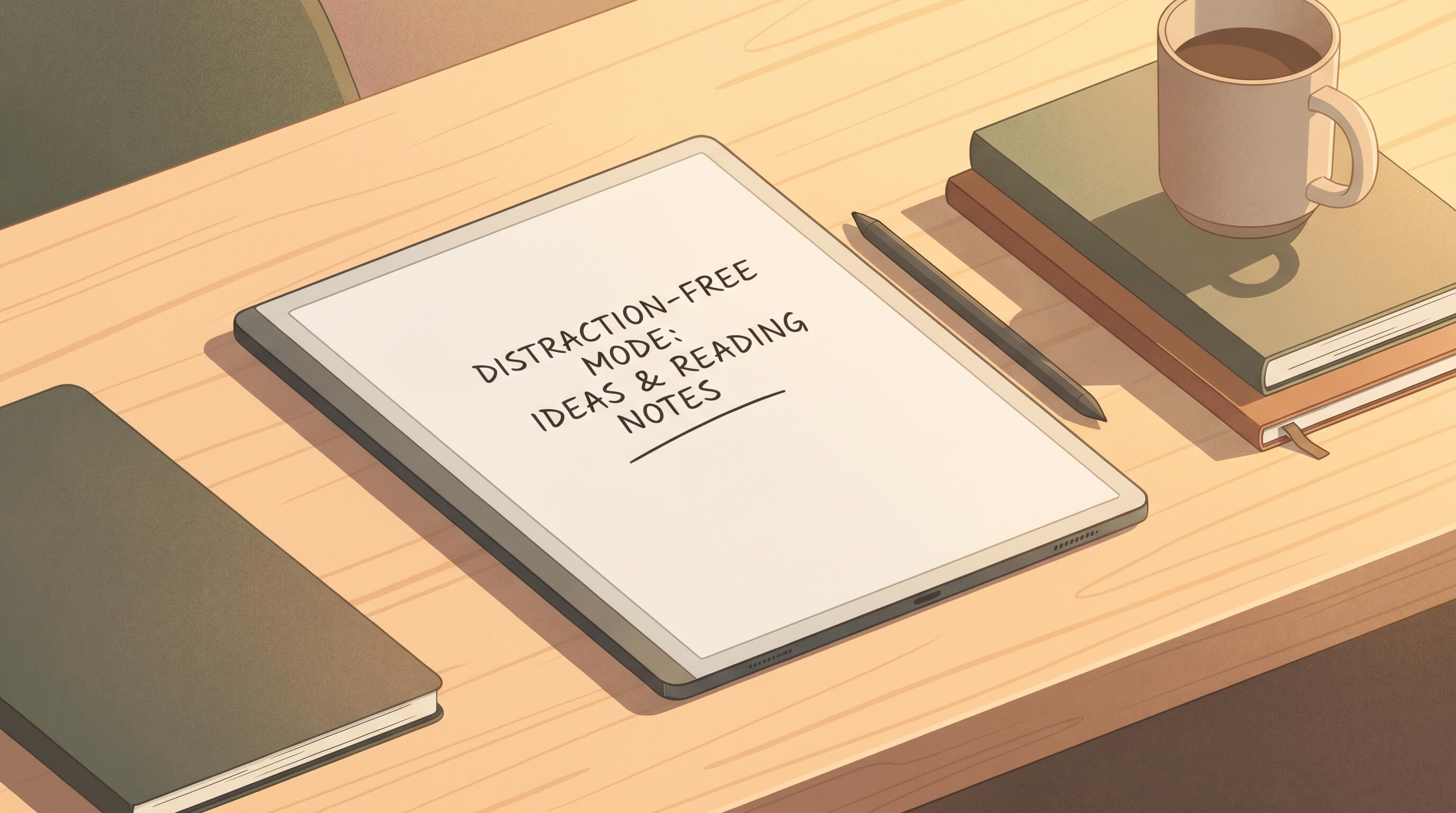
The easiest way to misunderstand e-paper tablets is to compare them directly with iPads and declare them underpowered. On paper, that verdict seems obvious. They are slower. Their app ecosystems are smaller. Color is limited or absent on many models. Video is awkward. Browsing is compromised. If your definition of a good gadget is a device that does everything, e-paper tablets will always look like expensive compromises.
But that is exactly the wrong frame. The appeal of devices from reMarkable, Boox, Supernote, Kindle Scribe, and similar makers is not that they are better general-purpose computers. It is that they are worse in ways that are useful. They remove enough digital noise to create a different kind of computing experience, one optimized for reading, annotating, drafting, and thinking in long stretches.
The feature is constraint
Consumer tech spent more than a decade maximizing capability. The result was impressive and exhausting. Phones became media hubs, tablets became portable workstations, and laptops became always-on portals for notifications, chat, video, feeds, tabs, and a dozen low-grade interruptions. In that environment, a device that deliberately narrows its role starts to feel less like a compromise and more like relief.
This is the core insight behind modern e-paper tablets. Their refresh rates are slower because the display technology is built for legibility and efficiency, not animation. Their monochrome or muted color panels are less dazzling because the goal is to mimic paper rather than outshine OLED. Their batteries last for days or weeks because the screen does not burn power in the same way a backlit display does. These are technical limitations, but they map surprisingly well to human attention.
Why writers and readers keep coming back
The strongest use case is not just note-taking. It is cognitive mode switching. On a conventional tablet, the same device that holds your manuscript also holds your inbox, browser, group chats, and streaming apps. An e-paper tablet separates that environment. You can still export files, sync notebooks, mark up PDFs, and in some cases install apps, but the default interaction is calmer. That matters more than gadget spec sheets usually admit.
Writers often describe this as feeling closer to a dedicated instrument than a general computer. Readers say something similar. Long-form reading on e-paper remains more comfortable for many people, especially indoors over extended sessions, because the display behaves more like paper than light source. For students and knowledge workers, that creates a credible hybrid device: part notebook, part document reader, part thinking tool.
The market is getting more segmented
One reason the category is improving is that vendors are no longer chasing exactly the same buyer. reMarkable continues to lean hard into minimalism and a tightly controlled experience. Boox pushes flexibility and Android compatibility for users who want more app freedom. Supernote is positioning around writing feel, long-term note management, and user loyalty. Amazon is using Kindle and Scribe to expand its reading-first ecosystem. That segmentation is healthy. It means the category is maturing beyond novelty.
It also means buyers need to think about workflow first, not brand first. If you want distraction-free drafting and annotation, a locked-down environment may be a benefit. If you want e-paper plus cloud services plus a broad app library, open Android-based devices make more sense. The best product is the one whose limitations line up with your intentions.
Color e-paper helps, but it is not the main story
Color e-paper will keep drawing attention because it makes the category easier to understand at retail. Product photos look better. Marketing gets easier. Comics, charts, and light magazine reading benefit. But color alone will not determine whether these devices matter. The deeper value remains focus, battery life, readability, and a writing surface people actually enjoy using.
That is worth emphasizing because consumer tech discussions often confuse progress with visual richness. Better for whom, and for which task, is the more useful question. If your job involves research PDFs, outlines, handwritten notes, and quiet reading, vivid color and fast animation are not automatically the priorities.
Where the category can still fail
E-paper tablets still have obvious weaknesses. Prices can be hard to justify. File sync and ecosystem lock-in vary by vendor. Accessory costs are often annoying. Some models promise productivity and then frustrate users with slow interfaces or half-finished software. Others are so minimal that they feel less like focused tools and more like expensive omissions.
There is also a messaging risk. If vendors oversell these devices as laptop or iPad replacements, they will disappoint people who expect full computing flexibility. The better argument is more modest and more persuasive: these are specialist gadgets for people who care enough about attention, reading comfort, and handwritten workflow to carry a second device.
The practical buying advice
If you spend most of your day consuming short bursts of content, an e-paper tablet is probably unnecessary. If you already read, annotate, plan, or draft for hours at a time, the category makes more sense. Before buying, define your primary job to be done. Is it reading long documents? Replacing paper notebooks? Drafting without distraction? Centralizing study materials? Different devices serve those needs differently.
The most interesting thing about this category is that it rejects the usual gadget logic that more features always win. Sometimes the right product is the one that removes temptation, slows interaction slightly, and helps the brain stay with one task. That is not a universal value proposition. But it is a real one, and that is why e-paper tablets are starting to look less like oddities and more like durable tools for a very specific kind of user.