E-ink tablets are carving out a practical middle ground between paper and iPads
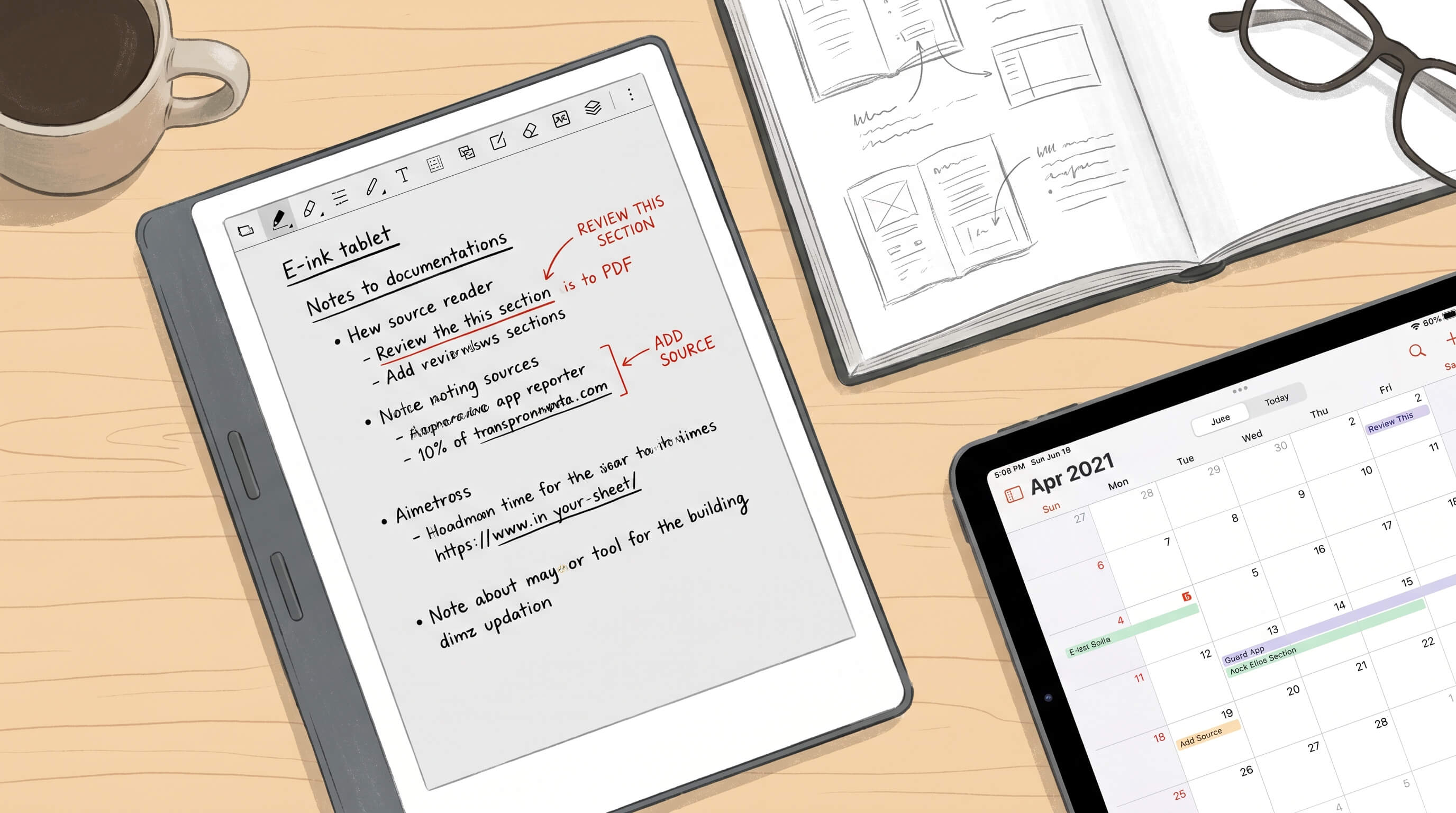
E-ink tablets are starting to make sense in a way they did not a few years ago. They are not trying to replace every screen in your life, and they are not pretending to be magic paper. Instead, they are settling into a more useful role between notebooks and iPads: a device for people who want digital convenience without the sensory and cognitive overhead of a general-purpose tablet.
That middle ground matters. Paper is fast, forgiving, and comfortable, but it is hard to search, sync, organize, or carry across projects. An iPad is powerful and flexible, but it can also be bright, noisy, heavy with options, and full of temptations that have nothing to do with reading or thinking. E-ink tablets work because they accept those tradeoffs and narrow the mission. They aim to be calm tools for focused work.
Why the category feels more relevant now
The appeal of E-ink tablets is not just the display technology. It is the whole product philosophy around it. These devices have improved in handwriting latency, file support, cloud sync, battery life, stylus feel, and software polish. At the same time, more people are looking for ways to reduce notification-driven habits and make room for deeper work. That puts E-ink tablets in a stronger position than when they were judged only as underpowered tablets.
The smartest companies in this space have stopped fighting on the wrong battlefield. They are not trying to beat an iPad on video, gaming, multitasking, or app ecosystems. They are selling something narrower and, for the right user, better: long-form reading, distraction-light note-taking, document markup, and planning sessions that feel closer to paper than to a laptop.
What E-ink tablets do better than paper
Paper still wins on immediacy. You open a notebook and start writing. There is no interface to learn, no battery icon to check, and no file structure to maintain. But E-ink tablets solve some of paper’s long-term weaknesses in ways that become more valuable over time.
- Search and organization: Digital notebooks are easier to sort by project, subject, or date, and many devices now make handwritten notes more manageable through text recognition and tagging.
- Portability at scale: Carrying one slim device with books, PDFs, meeting notes, and drafts is easier than carrying multiple notebooks and printouts.
- Document workflows: Annotating PDFs, reviewing contracts, marking up research papers, or commenting on design drafts is often cleaner on an E-ink tablet than on paper.
- Sync and backup: Paper can be lost, damaged, or forgotten at the wrong moment. A synced notebook is easier to revisit across devices.
- Reuse without clutter: People who write a lot often accumulate stacks of half-used notebooks. An E-ink tablet keeps the writing habit without the physical buildup.
These are practical gains, not futuristic ones. They matter most to people who take notes daily and want a quieter digital system.
What they do better than iPads
An iPad remains the more capable machine by a wide margin. That is obvious and not especially interesting. The more useful question is why someone would deliberately choose a less capable device for specific tasks. The answer is usually focus.
E-ink screens are easier on the eyes for many people during long reading sessions. They are not emitting the same bright, glossy visual experience associated with a conventional tablet. The slower refresh rate, often seen as a limitation, can also become part of the appeal. It discourages rapid app switching and rewards single-purpose use. For reading, outlining, journaling, and reviewing documents, that constraint can feel like a design benefit rather than a flaw.
There is also a psychological difference. When you pick up an iPad, you are holding a gateway to everything: email, video, chat, browsing, streaming, shopping, and unfinished tabs. When you pick up a focused E-ink tablet, the expectation changes. You read. You write. You think. That framing can be surprisingly powerful for people whose attention is already stretched across too many digital surfaces.
Where the compromises still show
E-ink tablets are not for everyone, and the category still has real limitations. Anyone considering one should be honest about that before spending premium money on what can look, on paper, like a simplified tablet.
- Performance is slower: Even the best devices feel more deliberate than LCD or OLED tablets. That is fine for reading and note-taking, but frustrating for people who expect fluid multitasking.
- Apps are limited: Some models support Android apps or broader software options, but the experience is rarely as polished as on a mainstream tablet.
- Color remains uneven: Color E-ink is improving, but for most serious visual work it still does not match traditional displays.
- Prices can be hard to justify: Many premium E-ink tablets cost enough to trigger comparison with more powerful devices.
- Writing feel varies: Some users love the textured stylus experience, while others still prefer actual paper or a different pen technology.
The key is to buy one for the things it is clearly good at, not for the things you hope it might eventually become good at.
Who should actually consider one
E-ink tablets are most compelling for a few specific groups. Students with heavy PDF reading loads may appreciate a device that handles textbooks, lecture notes, and annotation in one place. Writers and researchers can use them for drafting ideas, outlining chapters, and collecting notes without the usual screen clutter. Professionals who spend time reviewing documents, preparing meetings, or sketching plans may find that an E-ink device removes friction from those tasks.
They also make sense for people intentionally trying to build a lower-distraction workflow. If you have already noticed that your best thinking happens away from conventional screens, an E-ink tablet can become a useful bridge. It preserves digital storage and portability while keeping some of the mental simplicity of pen and paper.
They are less convincing for users who mainly want a media tablet, a drawing tablet, or a productivity hub with powerful apps. In those cases, an iPad or a lightweight laptop is usually the better answer.
How to judge one before buying
Ignore broad marketing claims and evaluate the device against your real habits. A few questions help clarify the fit:
- Do you read long documents every week?
- Do you take handwritten notes often enough to benefit from digital organization?
- Are distractions on your phone, laptop, or tablet affecting your work?
- Do you need simple export and sync, or deep app support?
- Would you accept slower interaction in exchange for a calmer workspace?
If most of your answers point toward reading, annotation, and focused writing, the category is worth serious attention. If not, the device may end up as an expensive side tool.
The category is growing into its real identity
The most interesting thing about E-ink tablets is that they are becoming less ambitious and more useful. Their future does not depend on replacing laptops or defeating iPads. It depends on serving people who want a dedicated reading and writing environment that feels lighter than mainstream computing and more durable than paper.
That is a credible place in the market. As software improves and hardware keeps refining small details like pen feel, sync reliability, and document handling, E-ink tablets are likely to keep attracting users who value clarity over capability overload. If you want one device to do everything, this is still the wrong category. If you want one device to do a few important things calmly and well, it is finally becoming the right one.
The practical move is simple: define the one or two jobs you want the device to own, then choose accordingly. Use it for reading, note-taking, planning, or markup, and let your other devices handle everything else. E-ink tablets are finding their place precisely because they stop trying to be universal and start being useful.