Cursor, Copilot, and Claude Code Are Not Competing — Developers Are Using All Three
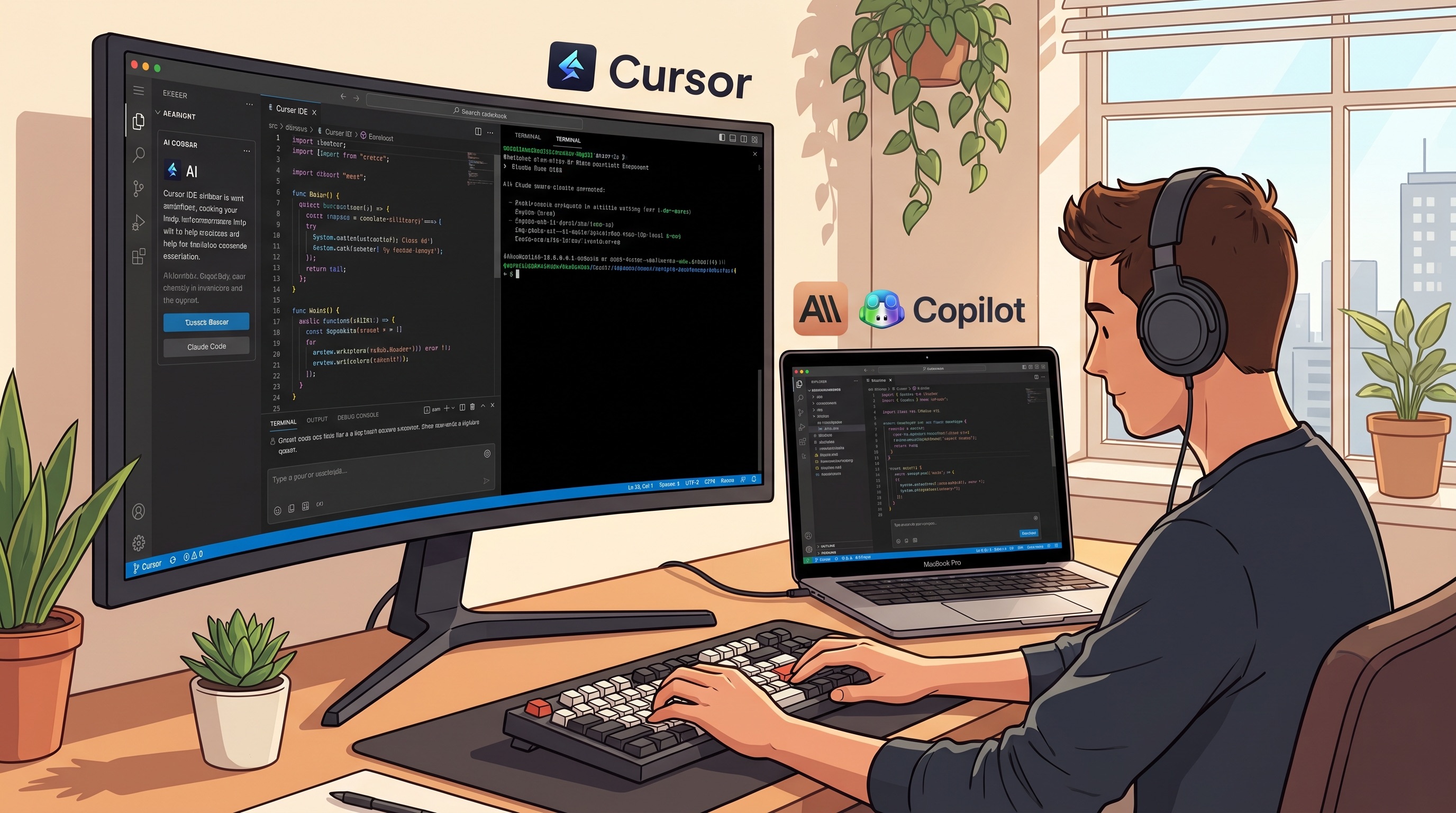
The AI coding assistant market has consolidated around three dominant tools: Cursor, GitHub Copilot, and Claude Code. If you ask developers which one is best, you will get a different answer depending on what they primarily build and how they work. The more useful question is not which one wins but what each is actually optimized for — because the developers getting the most out of these tools are typically running two of them simultaneously.
Here is the honest breakdown, based on where each tool genuinely excels and where it falls short.
The Numbers First
GitHub Copilot serves 1.8 million paying developers and is the most widely distributed tool by a significant margin, embedded across GitHub's platform and nearly every major IDE. Cursor hit a $10 billion valuation in 2025 with 50% Fortune 500 adoption — a remarkable statistic for a company that essentially forked VS Code and rebuilt it around AI. Claude Code is bundled with Claude Pro at $20/month and has seen rapid enterprise adoption since launching as a terminal-first agentic tool.
The Stack Overflow Developer Survey found 84% of developers use or plan to use AI tools. The trust number is more interesting: only 29% trust AI output to be accurate without review. That gap between adoption and trust explains a lot about how developers actually use these tools — as accelerators that require human judgment, not autonomous code writers.
GitHub Copilot: The Ambient Suggestion Layer
Copilot's strength is presence. It is in your IDE, it knows your codebase through GitHub's indexing, and it generates inline suggestions without requiring you to context-switch into a chat interface. For developers who live in VS Code or JetBrains and commit code to GitHub, Copilot is the lowest-friction option by a wide margin.
Where it is weaker: Copilot is fundamentally a suggestion tool, not an agent. It completes what you are typing; it does not plan and execute a multi-file refactor on your behalf. The Copilot Workspace feature attempts to bridge this gap, but it remains less capable at autonomous multi-step tasks than its competitors.
Best for: autocomplete-heavy workflows, developers who do not want to leave their IDE, teams deeply integrated into the GitHub ecosystem.
Cursor: The AI-Native IDE
Cursor's bet was that the IDE itself needed to be rebuilt, not extended. The result is an environment where the AI has full context of your entire codebase, not just the file you have open. The Composer feature lets you describe a change in natural language and watch Cursor propose diffs across multiple files simultaneously.
The practical advantage: when working on a feature that touches five files in different parts of a codebase, Cursor understands the relationship between them. Copilot in a traditional IDE typically sees only the current file and some context from recent edits.
The tradeoff: you are running a VS Code fork, which means some extensions behave slightly differently and you are dependent on Anysphere (the company behind Cursor) for IDE updates and maintenance. This is a reasonable bet given the company's trajectory, but it is a real dependency.
Best for: full-stack developers working on complex multi-file features, anyone willing to make the IDE switch for better AI integration, teams doing significant refactoring work.
Claude Code: The Terminal Agent
Claude Code is the outlier in this comparison because it is not an IDE tool. It runs in your terminal, operates across your entire repository, and is built for autonomous multi-step tasks: writing tests, refactoring across directories, debugging complex issues, or executing a series of file operations based on a high-level instruction.
The key distinction: when you ask Claude Code to "add input validation to every API endpoint in this service," it reads the codebase, creates a plan, and executes it step by step — asking for confirmation at decision points. Copilot and Cursor are more conversational within the IDE; Claude Code operates more like a junior developer you can hand a task to.
It also integrates with Claude's broader context window and tool use capabilities, which means it can fetch documentation, browse relevant files, run tests, and interpret results in a single flow — without you having to orchestrate each step.
Best for: large-scale refactors, writing comprehensive test suites, complex multi-step tasks that would take a developer an hour to execute manually, CI/CD script generation.
Windsurf and the Long Tail
Windsurf (from Codeium) deserves mention for its Cascade feature — a form of multi-file context navigation that some developers find superior to Cursor for understanding large codebases. Cline is the open-source option that integrates with local models via Ollama, relevant for teams with data residency requirements. Sourcegraph Cody is the enterprise choice for multi-repository codebases.
None of these have displaced the top three for most developers, but they serve real needs in specific contexts.
The Pattern That Actually Works
Developers who use these tools heavily have largely converged on a two-tool approach: an IDE assistant for ambient code completion and file-level work, plus a terminal agent for bigger tasks.
The most common pairing is Cursor (or Copilot) for daily IDE work, plus Claude Code for refactoring and test generation. The tools are not redundant — they operate at different levels of abstraction. The IDE assistant handles the constant micro-decisions of writing code; the terminal agent handles the macro-level tasks that would otherwise consume hours.
What to Actually Do
If you are not using any AI coding tool yet, start with GitHub Copilot — low friction, wide IDE support, free tier available. If you are already using Copilot and want more, try Cursor for a month and evaluate whether the IDE switch is worth it for your workflow. If you are doing significant refactoring or test coverage work, add Claude Code (bundled in Claude Pro at $20/month) and use it specifically for those large-scope tasks.
The 29% trust figure from Stack Overflow is the one to keep in mind throughout. These tools make you faster, but code review is not optional. The developers getting the most value from AI assistants are those who review AI output with the same rigor they apply to a junior colleague's PR — quickly but carefully, catching the confident-but-wrong suggestions before they reach production.