Calendar and Task Apps Are Becoming Command Centers for Work Coordination
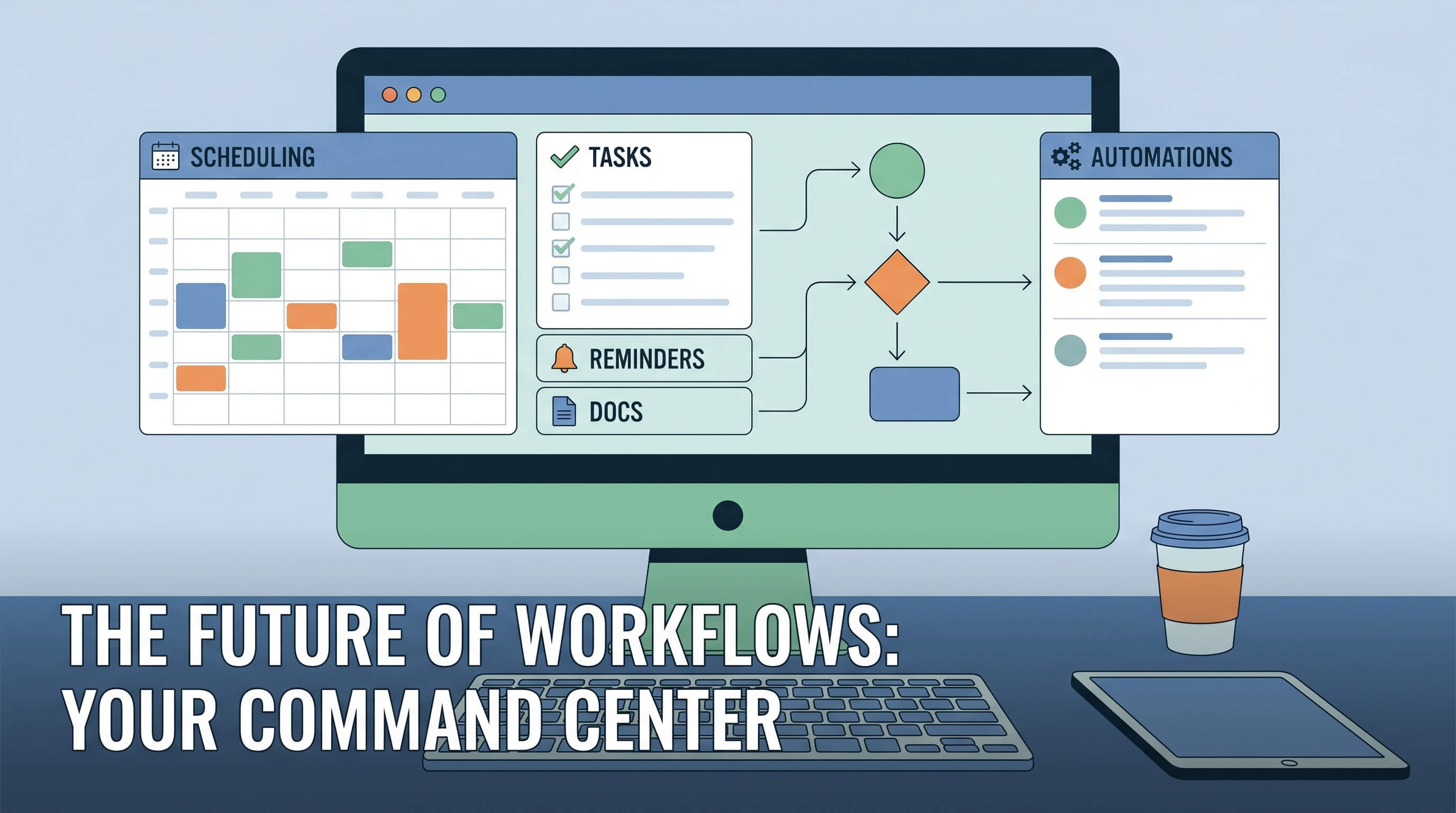
Calendar and task apps used to have a clear place in work software. One showed time, the other tracked to-dos, and everything else lived somewhere else. Documents were in shared drives, project updates were in chat, automations sat in separate tools, and AI help appeared as an overlay rather than a workflow surface. In 2026, those boundaries are breaking down. Calendar and task apps are increasingly becoming command centers for how work is coordinated, not just recorded.
This shift is happening because time and priority are where coordination pressure shows up first. People do not experience work as a neat stack of software categories. They experience it as meetings, deadlines, dependencies, follow-ups, interruptions, and decisions about what needs attention now. The tools that sit closest to those moments have an opportunity to pull more workflow around them. That is exactly what modern calendar and task products are doing.
Scheduling is no longer separate from execution
Traditional calendars were largely passive. They told you where to be and when. Traditional task managers captured obligations but often sat one step removed from the actual work. That split now feels artificial. A meeting creates preparation tasks, documentation needs, follow-up actions, and status changes. A task often needs a time slot, collaboration context, and supporting material. Users increasingly expect one surface to connect those pieces.
That is why more products are blending events, tasks, notes, links, docs, and assignee context in the same workspace. A calendar entry is becoming a container for preparation and outcomes, while a task is becoming a small coordination object rather than a line in a checklist. The value is not aesthetic consolidation. It is reducing the number of hops needed to move work forward.
Work coordination happens in the gaps between tools
A lot of workplace friction lives between applications rather than inside them. Teams waste time translating a meeting into actions, turning actions into reminders, moving reminders into project boards, and searching chat threads for decisions that should have been attached to the schedule or the task in the first place. The more software fragments those steps, the more coordination overhead grows.
Calendar and task apps are well positioned to absorb some of that overhead because they already anchor daily attention. People check them repeatedly. They are naturally temporal. They are where priorities become visible. When these tools add lightweight docs, meeting briefs, status fields, linked automations, and AI-generated summaries, they become more than planning aids. They become operational surfaces.
AI fits naturally here because context is structured
One reason AI has gained traction inside calendar and task apps is that the context is unusually useful. Time, participants, deadlines, historical tasks, recurring patterns, project labels, and linked materials create a structured layer that helps an assistant do something practical. AI can draft agendas, summarize meetings, propose next actions, reschedule work, detect overload, suggest focus blocks, and surface neglected commitments with much less guesswork than a generic chat tool facing a blank prompt.
This is a meaningful difference. In many productivity products, AI feels bolted on. In scheduling and task coordination, it often has a clear job. That makes these apps strong candidates to become the place where AI feels less like novelty and more like default support for everyday operational decisions.
Automation is moving closer to the calendar
Another change is the growing overlap between coordination tools and automation. A meeting can trigger a doc template, create follow-up tasks, notify the right channel, update a CRM field, or prepare a status packet before participants even join. A task completion can schedule a review, unblock a teammate, or generate a report. These are not futuristic scenarios. They are increasingly normal expectations in software that wants to reduce coordination drag.
As automation moves closer to the time-and-priority layer, calendars and task apps start to look less like endpoints and more like control planes. The user is not just viewing obligations there. They are orchestrating work.
The command-center model changes competition
This shift also changes who competes with whom. Calendar apps no longer compete only with other calendars. Task managers no longer compete only with other to-do lists. They now overlap with note-taking tools, meeting assistants, project software, internal wikis, workflow automation products, and lightweight CRM or team operations systems. The center of gravity is moving toward whoever best combines timing, priorities, context, and action.
That does not mean one app will replace every other work tool. It means the daily coordination layer is becoming more strategically valuable. Products that own it can influence what gets seen, scheduled, delegated, and followed up. In software markets, that is a powerful position.
There are risks in turning everything into a hub
Of course, becoming a command center is not automatically good. Some products overreach and create cluttered interfaces that try to be an inbox, project manager, document editor, CRM, and AI copilot all at once. The best tools in this category succeed because they add coordination depth without losing speed and clarity. If opening the app feels heavier than the work it is supposed to simplify, the strategy fails.
There is also a governance issue. Once a coordination tool starts holding summaries, action history, meeting outcomes, workload signals, and automations, it becomes a more sensitive system of record. Teams need confidence around permissions, data retention, and how AI features treat internal context.
Why users keep rewarding this direction
Despite those risks, the direction keeps making sense because it matches how work actually happens. Most knowledge work is not just creating output. It is coordinating who does what, by when, with which context, and after which conversation. Time and tasks are where that coordination becomes concrete. That is why the software closest to them is expanding.
The practical takeaway is that calendar and task apps are no longer minor productivity utilities. They are becoming command centers because they sit at the intersection of attention, accountability, and execution. As they add docs, automation, and AI assistance, they increasingly define the daily operating layer of work. In 2026, the most important work app in a team may not be the one with the biggest database or the most complex project board. It may be the one that best turns meetings, priorities, and follow-up into coordinated action.