Browser isolation is becoming the quiet default for enterprise web security
Browser isolation used to sit in the same bucket as other specialized security controls: useful for high-risk users, too expensive for broad deployment, and often awkward enough that most employees would complain the moment IT turned it on. That framing no longer fits.
The browser has become the operating system for a huge share of enterprise work. Email, CRM, HR systems, developer tools, internal dashboards, customer support, and document workflows now run through a tab. At the same time, enterprises are dealing with a messy mix of managed laptops, contractor devices, BYOD policies, and third-party access. In that environment, browser isolation is moving from niche security layer to a sensible default: keep risky web content away from the endpoint, and reduce the damage a single click can do.
The browser now carries too much enterprise risk
For many security teams, the shift starts with a simple observation: most modern user-driven attacks either begin in the browser or end there. Phishing pages harvest credentials in the browser. Malicious ads and drive-by downloads land through the browser. Shadow IT starts with someone logging into an unapproved SaaS app in the browser. Even when the initial lure arrives by email or chat, the actual compromise path often runs through a web session.
That matters because the traditional endpoint-first model is under strain. EDR is necessary, but it is reactive by design. Secure web gateways help, but URL filtering and reputation checks do not catch every malicious page, especially when attackers spin up fresh domains or compromise legitimate sites. Security awareness training still has value, but no serious team believes training alone will stop well-crafted credential theft campaigns.
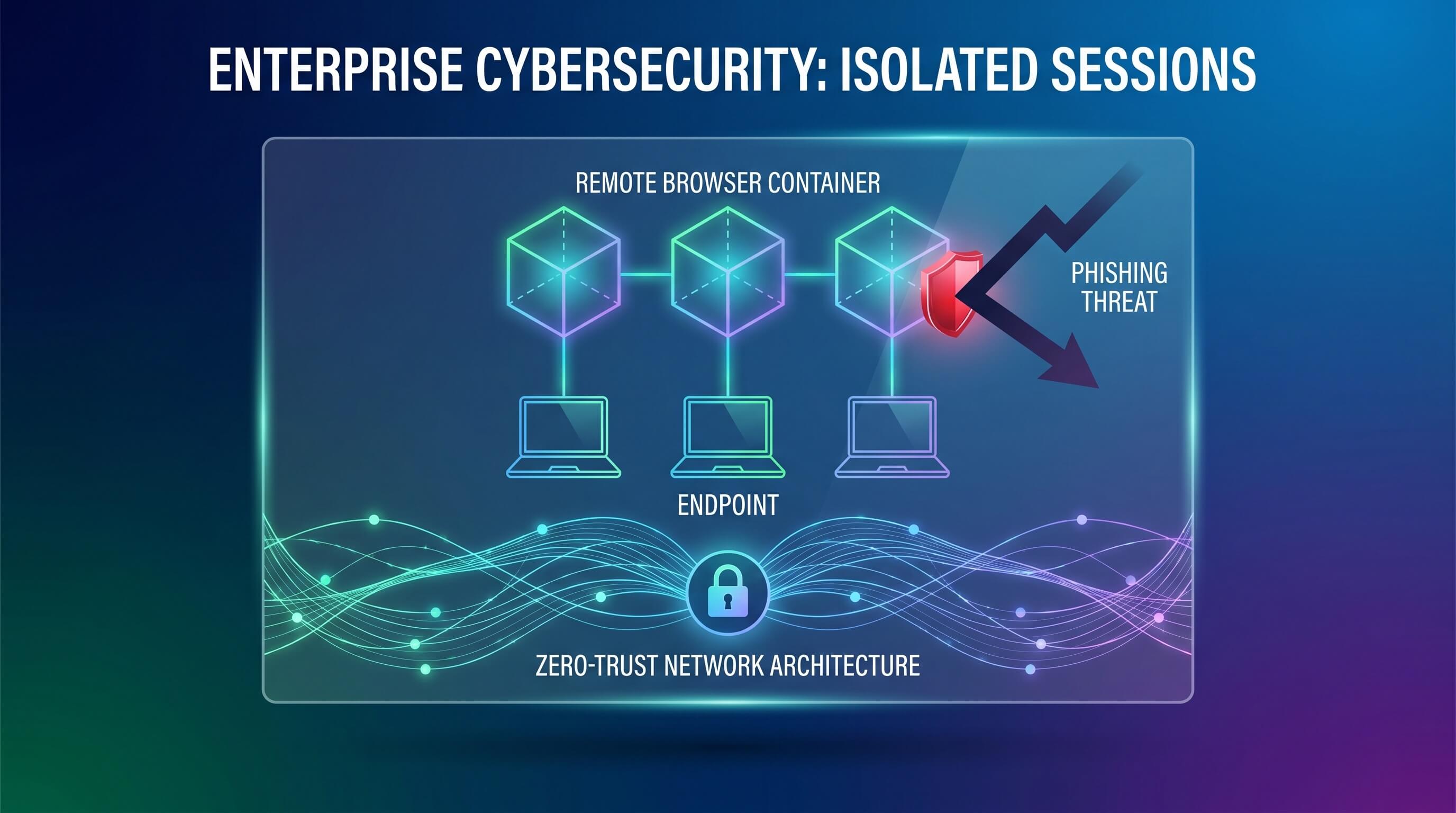
Isolation changes the architecture instead of trying to win every detection race. Rather than trusting the local browser to safely render whatever the user opens, remote browser isolation executes the session elsewhere and delivers only a safe visual stream or a tightly controlled representation back to the device. The practical goal is not perfection. It is damage containment.
Why this model makes more sense now than it did five years ago
Earlier generations of isolation products often stumbled on user experience, cost, and compatibility. Latency was noticeable. Complex web apps sometimes broke. Security teams had to justify why a relatively expensive control should be reserved for a subset of executives or contractors.
Those constraints have weakened. Enterprise connectivity is better, rendering pipelines are more mature, and security buyers are more willing to trade invisible infrastructure spend for lower incident frequency. Just as important, the use cases expanded. Isolation is no longer only about opening suspicious links from external email. It is increasingly positioned as a policy layer for unmanaged devices, third-party access, privileged admin sessions, and high-risk browsing categories.
That broader scope changes the economics. If one platform can reduce malware exposure, contain phishing, enforce download restrictions, and make SaaS access safer from non-corporate devices, it starts to look less like a specialty add-on and more like a core access control.
Zero trust made the timing better
Browser isolation also fits neatly into how enterprises already think about zero trust. The core idea is familiar: never grant broad implicit trust based on network location alone, and verify access continuously based on user, device, application, and behavior. Isolation extends that logic to web execution.
Consider a contractor using a personal MacBook to access an internal procurement app. In an older model, the company had two bad choices: fully enroll the device into management, or accept the risk of sensitive data touching an endpoint it does not control. Isolation creates a third option. The user can access the app through an isolated session, while policies block clipboard use, local downloads, printing, or unsanctioned file uploads. The contractor gets access. The enterprise keeps tighter control over where data can move.
This is one reason security and IT teams are increasingly deploying isolation selectively at first, then widening the blast radius. They may begin with unmanaged devices and third parties, then add high-risk categories such as newly registered domains, unknown URLs, or personal webmail sessions. Over time, selective isolation starts to look a lot like the enterprise browsing default, with exceptions for trusted low-risk paths rather than the other way around.
Phishing resilience is the real driver
Vendors often market browser isolation as a broad web security platform, but the strongest enterprise argument is still phishing resilience. Attackers do not need kernel exploits when a fake Microsoft 365 login page will do. They do not need ransomware immediately if they can steal a session cookie, access a mailbox, and move laterally through SaaS.
Isolation helps in two ways. First, it reduces the chance that malicious web content can directly compromise the endpoint. Second, it gives security teams a cleaner control point for risky sessions. That matters in a threat landscape where payloadless attacks, identity compromise, and browser-based data theft are more common than old-school malware droppers.
The key nuance is that isolation does not eliminate phishing by itself. If a user willingly types credentials into a convincing fake page, the architecture still needs identity protections such as phishing-resistant MFA, conditional access, and session monitoring. But in practice, enterprises are not choosing one control. They are stacking them. Isolation is gaining traction because it makes the rest of that identity-centric security model more durable.
It is also becoming a data control layer
Another reason browser isolation is spreading beyond narrow security teams is that it solves governance problems that CISOs and CIOs both care about. Once work happens in the browser, the browser becomes a major path for data leakage. Employees paste source code into consumer AI tools. Contractors download customer lists to personal machines. Finance teams export spreadsheets from sanctioned apps and move them into unsanctioned ones.
Isolation platforms increasingly address this with policy controls tied to the browsing session itself. An enterprise can allow read access to an internal app from a personal device while blocking download, watermarking the session, or restricting copy-and-paste. It can permit limited use of public AI tools while preventing uploads from sensitive repositories. It can give an acquired company temporary access to shared systems without fully merging endpoint stacks on day one.
Where browser isolation works best today
Isolation is strongest where organizations need secure access without full endpoint trust. Common examples include BYOD programs, vendors and contractors, M&A integration periods, offshore support teams, privileged admin access, and employees handling sensitive records from semi-managed environments.
It also makes sense in industries where phishing and web-borne malware have outsized cost: financial services, healthcare, legal services, government contractors, and education. But the more interesting story is horizontal adoption. As enterprise work keeps consolidating into browser sessions, isolation becomes easier to justify almost anywhere.
What buyers should ask before rolling it out
Security teams should look past the generic block the bad web pitch and ask sharper questions. How well does the product handle modern SaaS applications? What is the latency impact on everyday browsing? Can policies differ by app, user group, and device trust level? Does the system integrate cleanly with identity providers, DLP controls, and secure service edge tooling?
Most importantly, ask what problem the deployment is meant to solve first. If the main issue is contractor access, start there. If it is phishing resilience for the whole workforce, measure isolation as part of a broader identity defense strategy. Browser isolation works best when it enters the stack as a targeted architectural choice, not as a checkbox replacement for every other control.
Actionable takeaways
If you run security architecture, treat the browser as one of your most exposed execution environments, not just a user convenience layer. If you manage zero-trust access, consider isolation as a way to support unmanaged devices without surrendering data control. If you evaluate vendors, test real workflows rather than polished demos because compatibility and policy granularity matter more than marketing language.
Browser isolation is not exciting in the way AI security tools are exciting. That may be exactly why it is spreading. It solves a mundane but growing enterprise problem: too much sensitive work happens in a place that was never designed to be trusted by default. The quiet shift is that more organizations are deciding they no longer need to trust it quite so much.