ARM Windows Laptops Are Finally Credible Mainstream Computers
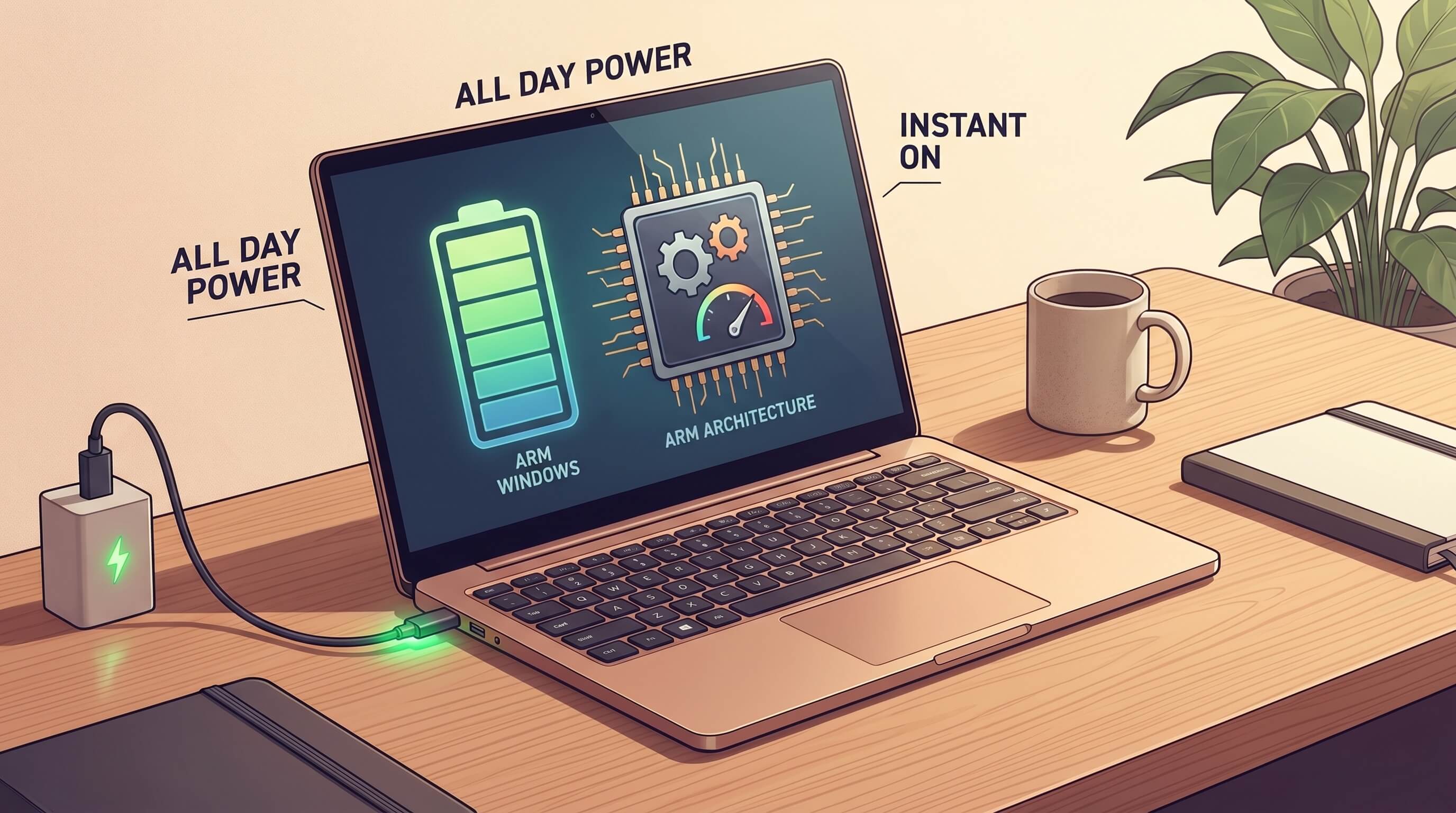
For years, Windows on ARM laptops lived in an awkward category. They promised thin designs, quiet operation, and excellent battery life, but buyers had to accept too many caveats around app compatibility, performance consistency, and overall trust. They were interesting devices for early adopters, not safe recommendations for ordinary people buying a work or school computer.
That is no longer the right way to describe the category. ARM Windows laptops are finally credible mainstream computers because the total package has improved at the same time: the processors are faster, battery life is meaningfully better, everyday responsiveness is competitive, and Windows compatibility has become good enough for most common workloads. They are not the best choice for every buyer, especially people tied to specific legacy drivers or niche professional software, but they have crossed the line from curiosity to practical default option for a large slice of the laptop market.
The shift is bigger than one chip launch
It is tempting to explain this change as a simple story about newer Snapdragon systems, but the real shift is broader. A mainstream laptop platform succeeds only when hardware, operating system behavior, application support, thermals, sleep reliability, and battery tuning all improve together. Earlier ARM Windows machines usually got one or two of these things right. The newest generation gets enough of them right at once that normal users can stop thinking about the architecture and just use the computer.
That matters because mainstream credibility is not won in benchmark charts alone. It is won when a laptop wakes instantly, stays cool on a lap, lasts through a travel day, runs the browser tabs and meeting apps people depend on, and does not create surprise friction during setup. For a broad set of office, student, communication, and web-heavy workloads, ARM Windows laptops now clear that bar.
Battery life and standby are now real reasons to switch
The strongest practical case for ARM laptops is still efficiency, but it now feels less like a promise and more like a daily advantage. Many x86 laptops have improved significantly, especially with more disciplined power management, yet ARM systems still tend to make efficiency easier to achieve in thin and light designs. That shows up in quieter fans, cooler chassis temperatures during routine work, and less anxiety about carrying a charger everywhere.
Just as important, connected standby behavior and resume experience have become more consistent on the better ARM laptops. A machine that sleeps badly or drains overnight loses trust quickly, no matter how strong its synthetic scores look. When an ultraportable can sit in a bag, wake quickly, and still have useful battery left later in the day, it starts to feel more like a dependable appliance than a fragile PC. That reliability is a mainstream feature, not an enthusiast detail.
Performance is finally good in the tasks people actually do
Older discussions around Windows on ARM often got stuck at one extreme or the other. Supporters talked as if architecture efficiency solved everything. Critics pointed to compatibility failures and declared the whole category unserious. The more useful view is that mainstream laptop buying is dominated by ordinary workloads: browser-heavy work, Office documents, messaging, video meetings, PDF handling, light photo edits, cloud dashboards, and many SaaS tools.
In those jobs, current ARM Windows laptops are often simply fast enough to feel premium. App launches are quick, multitasking is smooth, and sustained responsiveness is better than many buyers expect from thin fan-light systems. That does not mean every ARM Windows machine beats every x86 laptop. It means the category has escaped the apology phase. A buyer no longer needs to choose ARM only for ideology, novelty, or battery life. They can choose it because the computer is genuinely good.
Compatibility has moved from blocker to checklist
The biggest mental hurdle for buyers remains compatibility, and that caution is reasonable. Even now, ARM Windows laptops should not be sold as universal replacements for every legacy Windows notebook. But the nature of the question has changed. It used to be, “Will this machine run enough of my software to be usable?” Now it is closer to, “Do I depend on one or two specific tools that still make x86 the safer choice?”
That is major progress. Native ARM versions of major apps are more common, and Prism-style emulation has reduced the penalty for many programs that still arrive as x86 builds. For common productivity stacks, the experience is far better than the old Windows on ARM reputation suggests. Browsers, collaboration software, media apps, and many creative or developer utilities are increasingly workable, sometimes excellent.
The remaining risk is concentrated in areas that always matter more to professionals than consumers: specialized VPN clients, corporate security agents, printer utilities, audio plugins, engineering software, older games with anti-cheat dependencies, unusual accessories, and custom drivers. Those are real caveats, and sellers should be plain about them. But caveats are different from category failure. Mainstream buyers do not need every edge case to be solved before a platform becomes credible.
Why this matters for the Windows laptop market
A credible ARM option changes the market even for people who never buy one. It pressures the whole Windows ecosystem to compete harder on idle power, acoustics, thermals, wake reliability, and battery life rather than chasing only peak short-burst performance. That is healthy. Too many thin Windows laptops have historically asked buyers to accept noisy cooling or disappointing unplugged endurance in exchange for specification-sheet muscle they barely use.
ARM laptops also give OEMs a clearer template for premium mobility machines. The appeal is not only benchmark efficiency. It is the ability to build laptops that feel calm, portable, and durable in real life. If that pushes x86 systems from Intel and AMD to improve their own designs further, buyers win regardless of architecture.
Who should buy one now
ARM Windows laptops are now a smart default shortlist option for several groups:
- Students who mostly live in browsers, Office, note-taking apps, and video calls.
- Knowledge workers whose jobs revolve around email, documents, Slack, Teams, Zoom, CRM tools, and cloud software.
- Frequent travelers who value long battery life, instant wake, and lighter chargers more than maximum upgradeability.
- Home users who want a premium-feeling laptop for everyday computing without much maintenance drama.
They are a weaker fit for buyers whose work depends on very specific Windows legacy behavior. If your income depends on a particular driver, plugin chain, local virtualization setup, or proprietary enterprise tool, architecture still matters and pre-purchase verification is essential.
How to buy one without making a mistake
The best way to shop ARM Windows laptops in 2026 is not to ask whether ARM is “ready” in the abstract. It is to verify your own workload.
- List your must-have apps before buying, especially corporate tools and peripherals.
- Check for native ARM versions first, then confirm whether emulated performance is acceptable.
- Look for real battery and standby reviews, not just benchmark summaries.
- Prioritize RAM and display quality because these machines are often sealed and intended to be kept for years.
- Be honest about gaming and niche pro software. If those dominate your use, x86 may still be the safer pick.
The key takeaway is simple: ARM Windows laptops no longer need a defensive sales pitch. They are not perfect, and they are not universal, but they are finally credible mainstream computers. For many people buying a laptop today, the right question is no longer whether ARM Windows is viable. It is whether there is any remaining reason in their workflow not to choose it.