AI-native document editors are turning files into workflow surfaces
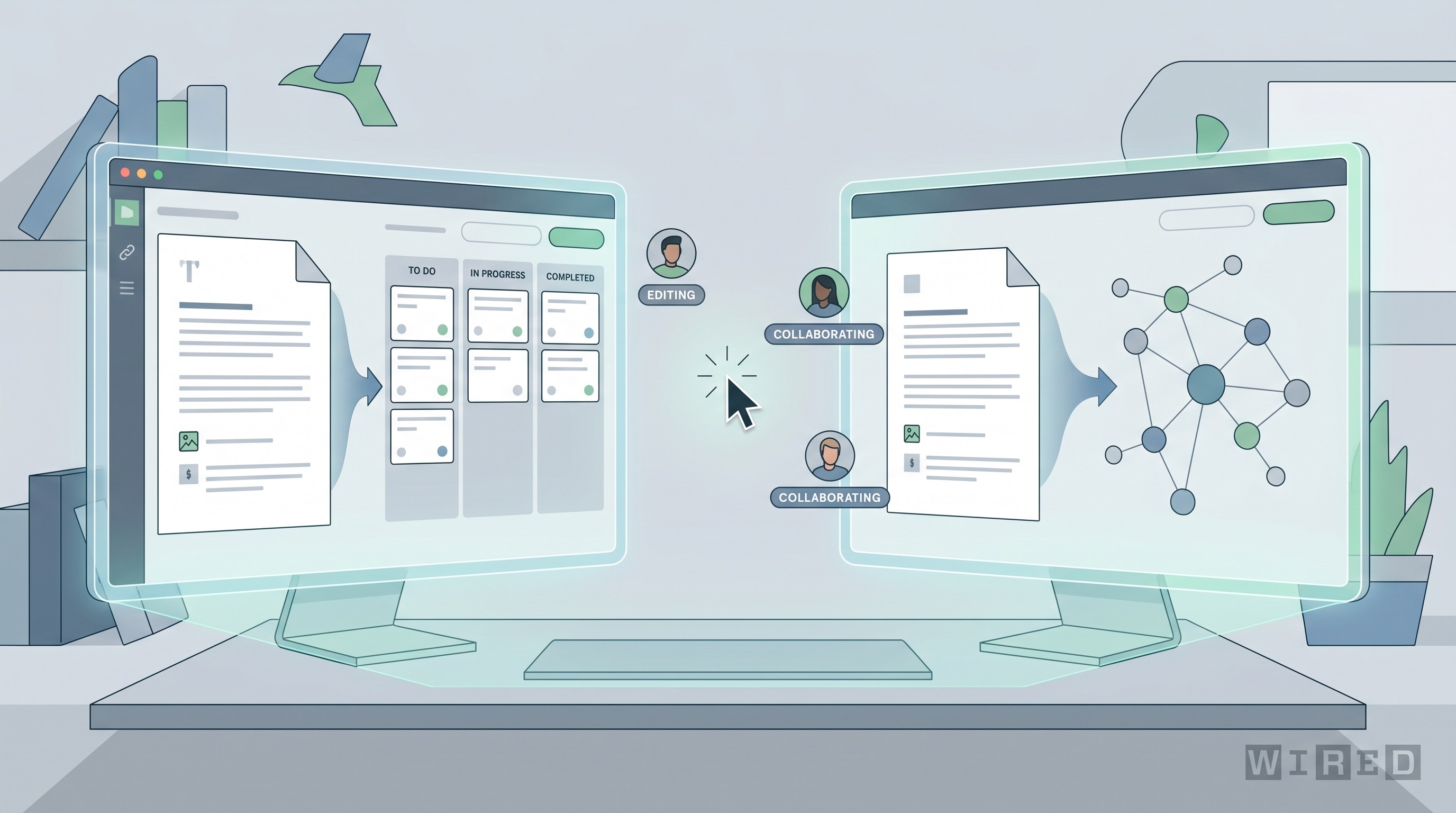
The document is having an identity crisis, and that is probably good news for software. For years, docs were mostly containers. You opened one to write, collect notes, or preserve a decision that had already happened elsewhere. Now the major collaboration platforms are trying to turn the document into something more active: a surface that can gather context, draft work, coordinate people, and trigger the next step.
That shift is what makes modern editors feel different from old productivity suites with an AI assistant bolted on. The interesting products are not merely adding autocomplete. They are redesigning the relationship between text, structured data, company knowledge, and action.
The file is no longer the endpoint
Google's March 2026 Workspace update is a good example of the new direction. Gemini in Docs can now draft from selected files, emails, and web context, while Sheets can build project structures and fill in information using both internal context and Google Search. That sounds like a better writing assistant on the surface, but the deeper change is architectural. The document is becoming an interface into a wider system of memory.
Notion is pushing even further. In its January 2026 release notes, the company described mobile AI notes, model switching, and an agent that can work in the background, build databases, search workspace knowledge, and continue tasks from a phone. Microsoft is moving in a similar direction with Loop and Copilot, where reusable components, shared state, and Microsoft Graph context make documents feel less static and more like live collaboration objects.
Once that context layer exists, the document stops being just a place to write. It becomes the control surface for work that spans messages, meetings, tasks, trackers, and reference material.
Why this matters more than better writing suggestions
The obvious use case is faster drafting. Yes, AI can help produce a first pass, summarize meeting notes, and normalize tone across teams. But those are only the entry-level benefits. The more important value is reduced coordination cost.
A surprising amount of office work consists of moving the same information between systems. A project brief becomes meeting notes, then a task list, then a dashboard update, then a customer-facing explanation. Traditional software makes people do that translation manually, which is one reason knowledge work often feels like administrative drag disguised as collaboration.
AI-native editors attack that drag directly. They can pull context from adjacent tools, structure messy information, and push outputs into the next stage of a workflow. A planning page can generate a status summary. A meeting note can become action items. A research doc can become a comparison table and then a stakeholder brief. The software is trying to make the document less like digital paper and more like a working membrane between systems.
The winners will be the apps that understand state, not just language
This is where the category gets interesting. Plenty of products can generate text. Fewer can understand the state of a project, the permissions around a workspace, the provenance of information, and the right moment to update a task or alert a teammate. That requires much tighter integration between AI features and the product's underlying data model.
Notion has an advantage because its documents and databases already live close together. Coda has long pushed the same idea with docs that behave like apps. Google has the advantage of owning email, files, search, and office tools in one stack. Microsoft has Graph, Teams, Outlook, Planner, and enterprise identity. The competition is no longer about who has the smartest paragraph generator. It is about who can turn a piece of text into a reliable entry point for actual work.
That also means trust matters. If an editor can act on your behalf, it needs strong permission controls, auditability, and clear boundaries between retrieval and action. Enterprise buyers will not care how elegant the prose is if the system cannot explain where a summary came from or what data it touched.
There is a risk of making documents too busy
Not every part of this trend is automatically helpful. One risk is interface overload. A document that writes, summarizes, notifies, assigns, queries, and recommends can become an exhausting place to think. The best collaboration software has always balanced power with calm. AI features can easily wreck that balance if every blank page turns into a sales demo for automation.
There is also a quality problem. AI-native editors are at their best when they operate over trusted internal context and well-structured project data. When the underlying information is messy, stale, or politically contested, the resulting summaries can sound authoritative while quietly flattening disagreement. That is dangerous in strategy docs, compliance workflows, and technical decision-making.
The right design response is not to reduce ambition. It is to make provenance visible and action reversible. Users need to know what source material shaped a summary, what the system inferred, and how to correct it without fighting the tool.
Software categories are starting to collapse into the document
The broader implication is that the line between document editor, knowledge base, project tracker, and lightweight app builder is getting weaker. Once AI can transform one representation into another, these stop feeling like separate categories. The doc becomes the place where teams talk to their software stack in natural language and structured prompts, then watch the system assemble the right artifacts.
That does not mean every company will consolidate on one giant workspace platform. In fact, many will keep mixed environments. But it does mean the products that win mindshare will be the ones that make the document the easiest place to start, not the last place where work gets copied for record-keeping.
For two decades, productivity software trained people to think of files as outputs. AI-native editors are training them to think of files as operational surfaces. That may sound like a subtle distinction, but it changes where work begins, where context lives, and which software ends up at the center of the modern office stack.