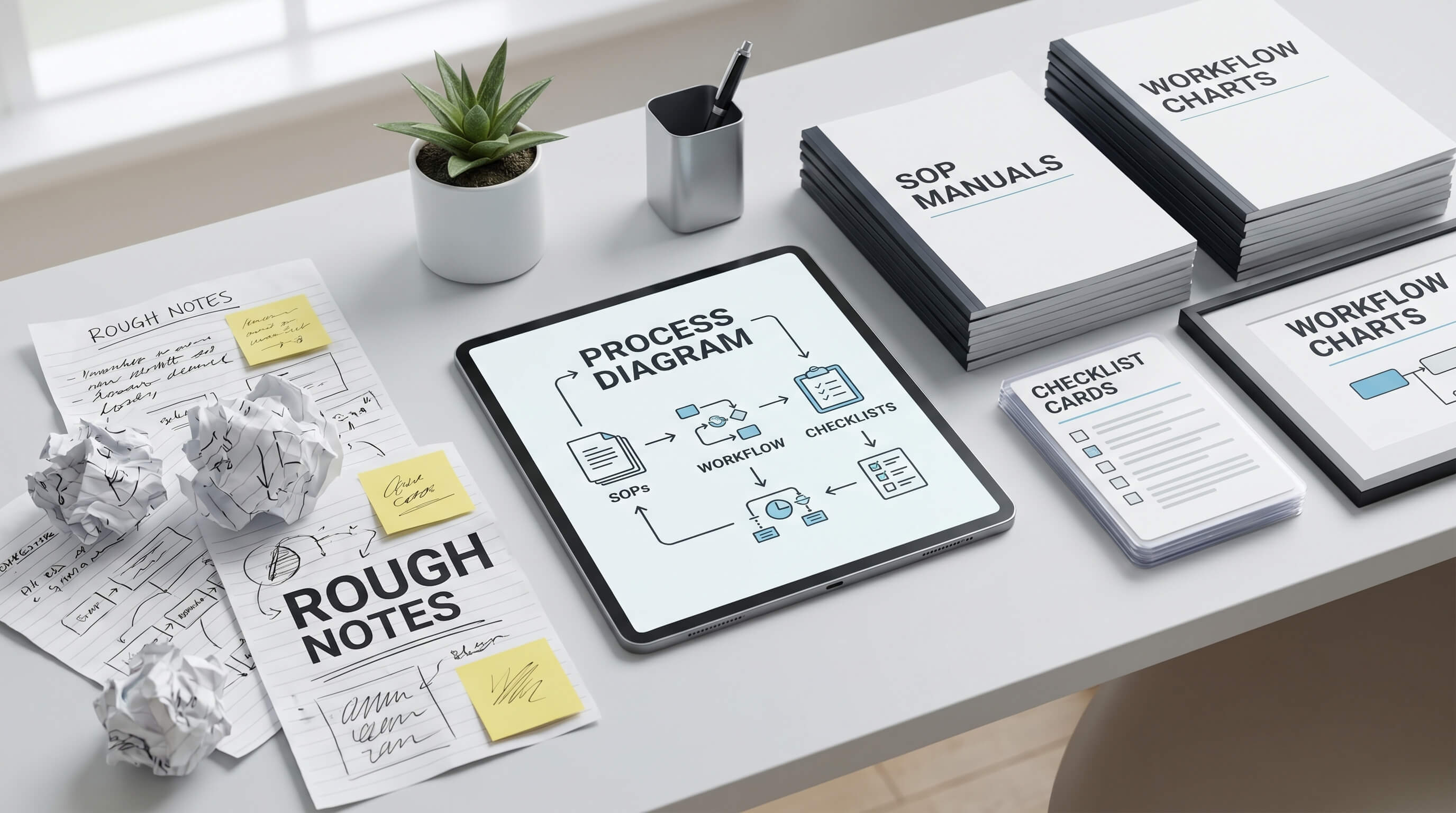
هذا Prompt يحول الملاحظات المتفرقة إلى SOP
لماذا تهم هذه المطالبة
Teams lose time and make repeat mistakes when critical workflows live only in Slack threads, someone’s memory, or a rushed meeting recap. A good SOP Prompt turns undocumented tribal knowledge into repeatable execution, which reduces rework, training time, customer-facing errors, and compliance drift.
فيم نستخدمها
You have scattered notes from a team lead, screenshots from chat, and half-finished bullet points from a Notion page, and you need to turn them into a clean SOP before onboarding a new hire or handing work to another team.
المطالبة
Role:
Act as a senior operations manager and process designer who specializes in turning messy team notes into clear, usable SOPs.

Context:
I will give you rough notes from a real workflow. The notes may be incomplete, out of order, repetitive, and written in shorthand. Your job is to reconstruct the process into a practical SOP that a new team member can follow without extra explanation.

Task:
Using the notes below, create a complete SOP for [PROCESS NAME] for [TEAM OR COMPANY].

Notes:
[PASTE ROUGH NOTES HERE]

Audience:
The SOP is for [ROLE OR TEAM] with [SKILL LEVEL] experience.

Constraints:
- Keep the SOP grounded in the notes. Do not invent major steps unless a missing step is required for safety, clarity, or logical continuity.
- If something is ambiguous, label it as an assumption or open question.
- Identify prerequisites, tools, approvals, edge cases, and common failure points.
- Rewrite vague instructions into specific actions.
- Use direct language, not consultant jargon.
- Include warnings where a mistake could create delays, data loss, customer issues, or compliance risk.
- If the notes imply branching paths, separate them clearly.
- Add a short “manager review checklist” at the end so a supervisor can verify the SOP is ready to use.

Output Format:
1. SOP Title
2. Purpose
3. When to Use This SOP
4. Required Inputs / Tools / Access
5. Step-by-Step Procedure
6. Decision Points / Edge Cases
7. Common Mistakes to Avoid
8. Open Questions / Assumptions
9. Manager Review Checklist
النتيجة
SOP Title: Customer Refund Requests for Annual SaaS Plans
Purpose: This SOP explains how the support team should review, approve, and process refund requests for annual subscriptions while keeping billing records, CRM notes, and customer communication aligned.
When to Use This SOP: Use this SOP when a customer requests a refund for an annual plan through email, chat, or a support ticket.
Required Inputs / Tools / Access: - Help desk access in [SUPPORT TOOL] - Billing access in [PAYMENT PLATFORM] - CRM access in [CRM NAME] - Refund policy document - Manager approval for exceptions above [AMOUNT THRESHOLD]
Step-by-Step Procedure: 1. Open the customer ticket and confirm the request is specifically about an annual subscription refund, not a renewal cancellation only. 2. Verify the customer identity using the billing email, account ID, and the last invoice number. If those do not match, pause the case and request verification before taking any billing action. 3. Check the purchase date, renewal date, payment amount, and refund eligibility window in the billing platform. 4. Review the refund policy against the account history. If the request falls inside the standard refund window, continue. If it falls outside the window, move to the exception path. 5. Check the CRM for prior credits, complaints, or previous refund exceptions. Add an internal note summarizing what you found. 6. If the request is standard and within policy, process the refund in [PAYMENT PLATFORM], confirm the amount, and capture the transaction reference. 7. Update the subscription status correctly. If the refund should also terminate access, confirm the account change in the admin console. Do not assume the billing refund automatically disables the subscription. 8. Reply to the customer with the approved refund amount, expected settlement timing, and whether account access changes immediately or at the end of the current term. 9. Update the ticket with the refund ID, policy basis, and final resolution status, then mark the case complete.
Decision Points / Edge Cases: - If the customer is outside the refund window but has a duplicate charge, system error, or documented onboarding failure, escalate to a manager. - If the customer used a reseller or marketplace purchase, do not process directly. Redirect using the partner refund path. - If the account shows heavy product usage after renewal, note that in the escalation summary because it may affect exception approval.
Common Mistakes to Avoid: - Refunding before identity verification - Closing the ticket before recording the refund reference - Forgetting to update subscription access after the refund - Treating cancellation and refund as the same action
Open Questions / Assumptions: - Assumption: Manager approval is required for refunds above the stated threshold. - Open question: Should partial refunds be allowed for mid-term enterprise exceptions?
Manager Review Checklist: - Steps are in the correct order - Tools and approvals are named clearly - Exception paths are separated - Customer-facing communication is included - Compliance or revenue risks are flagged
معظم الفرق لا تعاني من نقص المعلومات، بل من تشتتها بين رسائل Slack وملاحظات الاجتماعات والوثائق غير المكتملة وذاكرة شخص واحد. هذا Prompt صُمم لهذه المشكلة تحديداً، إذ يحول الملاحظات الخام إلى SOP منظم يمكن لموظف جديد أن يتبعه فعلاً.
تركيبة Prompt هنا مهمة. قسم Role يضع النموذج في موقع operations manager بدلاً من كاتب عام. ويشرح Context أن المادة المصدر قد تكون ناقصة أو غير مرتبة، لذلك يجب إعادة تنظيمها لا مجرد إعادة صياغتها. أما Task وConstraints فيجعلان المخرجات مرتبطة بعملية حقيقية ويمنعان النموذج من اختراع خطوات كبرى لمجرد أن يبدو النص احترافياً.
القيمة الحقيقية تظهر في أقسام edge cases وassumptions وmanager review checklist. هذه الأجزاء تجعل النتيجة أقرب إلى مسودة تشغيلية جاهزة للتسليم، لا مجرد مستند جميل. لهذا السبب يمكن استخدام هذا Prompt في الدعم والعمليات والمالية وonboarding والعمليات الداخلية.
إذا كان فريقك يكرر دائماً أنه يجب توثيق العمل بشكل أفضل، فهذا Prompt يوفر طريقة عملية للبدء فوراً.