هذا الـ AI Prompt يحوّل بيانات الاستبيانات إلى خطة عمل
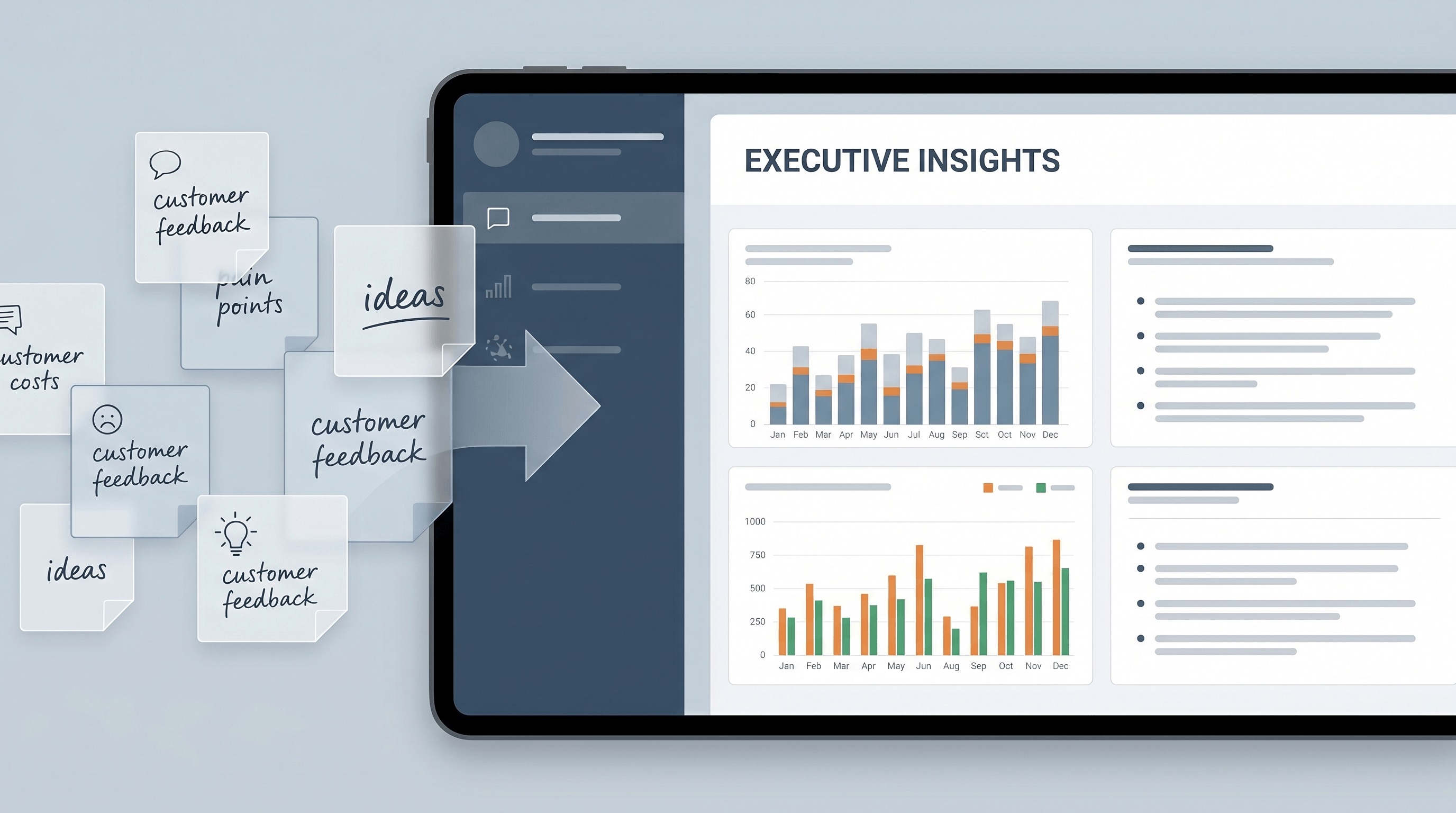
لماذا تهم هذه المطالبة
Survey projects often fail at the last mile. Teams collect hundreds of responses, then waste hours manually clustering comments, arguing over weak patterns, or presenting leadership with a pile of disconnected charts. A strong analysis prompt turns messy feedback into prioritized decisions, which helps teams act faster and reduces the risk of overreacting to the loudest comments instead of the strongest signals.
فيم نستخدمها
You have just closed a customer or employee survey and need to brief leadership before the next planning meeting. Instead of dumping charts into slides, you need a fast, decision-oriented readout that explains what changed, what matters most, and what the team should do next.
المطالبة
Role: Act as a senior research analyst and insight strategist for [COMPANY / TEAM NAME].

Context: I will give you raw survey data, pasted comments, response counts, rating breakdowns, and background on what decision we need to make. The audience is [EXECUTIVE TEAM / PRODUCT TEAM / CUSTOMER SUCCESS / MARKETING]. The survey goal is [GOAL OF THE SURVEY]. The data may be messy, repetitive, emotionally charged, or incomplete.

Task: Analyze the survey results and turn them into an executive-ready insight report that explains what matters, what is noise, and what actions should happen next.

Constraints:
1. Separate quantitative patterns from qualitative themes.
2. Identify the 5-7 most important findings, not every possible observation.
3. Highlight contradictions, outliers, weak signals, and data limitations.
4. Do not overclaim causation when the survey only supports correlation or directional insight.
5. If sample size, question wording, or response quality weakens confidence, say so explicitly.
6. Quote short respondent comments only when they sharpen a theme.
7. Prioritize decisions and actions by likely business impact and ease of implementation.
8. If the dataset suggests different conclusions for different segments, split them clearly by [CUSTOMER TYPE / REGION / TEAM / ROLE / TENURE].
9. Keep the writing concise, specific, and executive-friendly. Avoid generic filler.

Output Format:
1. Survey Snapshot
   - Purpose of survey
   - Who responded
   - Sample size
   - Important caveats

2. Key Findings
   - Ranked list of the most important findings
   - Evidence for each finding
   - Confidence level: High / Medium / Low

3. Theme Breakdown
   - Top recurring positive themes
   - Top recurring negative themes
   - Surprising or contradictory themes

4. Segment Differences
   - Differences by [SEGMENT TYPE]
   - What each difference may imply

5. Recommended Actions
   - Immediate actions for the next 30 days
   - Medium-term actions for the next 90 days
   - One action to avoid because the data does not support it

6. Executive Summary
   - A final 150-200 word summary for leadership

Data to analyze:
[PASTE SURVEY SCORES, TABLES, COMMENTS, AND CONTEXT HERE]
النتيجة
Survey Snapshot: The survey was designed to understand why trial users of AcmeFlow were not converting to paid plans after the first 14 days. We received 842 responses from users in North America and Europe, including 311 product managers, 228 operations leads, 179 founders, and 124 analysts. The strongest caveat is self-selection bias: dissatisfied users were slightly more likely to leave open-text feedback than satisfied users. We should treat the qualitative comments as directional, not perfectly representative.
Key Findings: First, setup friction is the single biggest conversion blocker. Forty-six percent of respondents who did not upgrade said they were unsure how to configure workflows after initial onboarding. Confidence: High. Second, value perception depends heavily on role. Founders responded positively to dashboard visibility, while operations leads cared more about automation reliability and integration depth. Confidence: High. Third, pricing is a secondary issue, not the primary one. Only 18 percent cited price alone, but 39 percent said price felt too high relative to the value they reached in the first week. Confidence: Medium. Fourth, support quality is performing well but is underused. Many respondents praised support once they engaged, yet only 22 percent of struggling users contacted the team. Confidence: Medium. Fifth, European respondents showed higher concern about data export and compliance documentation than North American respondents. Confidence: Medium.
Theme Breakdown: Positive themes included fast reporting, clean UI, and strong cross-team visibility. Negative themes clustered around confusing setup steps, unclear templates, and unreliable first-time integrations with Slack and HubSpot. A surprising contradiction emerged in workflow complexity: advanced users wanted more control, while new users felt overwhelmed by the same flexibility.
Recommended Actions: In the next 30 days, the team should simplify first-run setup into a guided path with three opinionated templates, add an in-app prompt to contact support after failed integration attempts, and rewrite pricing-page messaging around time-to-value rather than feature volume. Over the next 90 days, the team should create role-specific onboarding for operations leads, expand integration diagnostics, and publish clearer compliance documentation for EU buyers. One action to avoid: cutting price immediately. The survey does not show a pure pricing problem; it shows a delayed value realization problem.
Executive Summary: Users are not rejecting the product’s promise. They are struggling to reach the moment where that promise becomes obvious. The biggest opportunity is to reduce setup friction, especially for operations-heavy teams, while clarifying role-based value much earlier in the trial. Pricing pressure exists, but it is mostly downstream of weak onboarding and uneven activation. If AcmeFlow improves first-week guidance and integration reliability, conversion should rise without requiring broad discounting.
معظم الفرق لا تواجه صعوبة في جمع بيانات الاستبيانات. المشكلة الحقيقية هي شرح ما تعنيه هذه البيانات دون إغراق الجميع بالمخططات والتعليقات والتفسيرات المتضاربة.
هذا الـ Prompt صُمم لسدّ تلك الفجوة بالضبط. فهو يحوّل الإجابات غير المنظمة إلى تحليل منظم يفصل الإشارة عن الضوضاء، ويُرتّب أهم النتائج، وينتهي بإجراءات محددة بدلاً من ملاحظات غامضة.
لماذا يعمل هذا الـ Prompt
الهيكل يجبر النموذج على فعل أكثر من مجرد التلخيص. عليه فصل الأنماط الكمية عن المواضيع النوعية، وتعيين مستويات الثقة، ووضع علامات على الأدلة الضعيفة، وتجنب اليقين المصطنع. هذا مهم لأن تحليل الاستبيانات غالباً ما يضل الطريق عندما تعامل الفرق كل تعليق بنفس الأهمية أو تخلط بين الارتباط والسببية.
كما يتضمن تحليل الشرائح، حيث تكمن غالباً الرؤى الحقيقية. متوسط درجات واحد يمكن أن يخفي فروقاً حادة بين العملاء الجدد والمستخدمين المتمرسين، أو بين منطقة وأخرى. الـ Prompt يجعل هذه الاختلافات واضحة بدلاً من طمسها.
ما يجعله يستحق الحفظ
هذا ليس مجرد Prompt تجريبي لاستخدام واحد. إنه مفيد لاستبيانات رضا الموظفين، وبحوث رضا العملاء، والتغذية الراجعة بعد الإطلاق، وتحليل التسرب، واستمارات متابعة الفعاليات، ومراجعات العمليات الداخلية.
المخرجات النهائية مُصممة لصنع القرار الفعلي. بدلاً من تسليم الإدارة جدول بيانات وكومة من الاقتباسات، تحصل على نتائج مُرتّبة، وتناقضات، واختلافات بين الشرائح، وخطوات تالية فورية. هذا يجعل الـ Prompt عملياً لدورات التقارير الأسبوعية والشهرية.
كيف تستخدمه بشكل جيد
ألصق الأرقام والتعليقات معاً. تضمين عدد الردود، وحجم العينة، وأي قيود معروفة. إذا كنت تريد نتيجة أقوى، حدد الجمهور والقرار الذي يعتمد على الاستبيان.
المدخلات الجيدة تحسن النتيجة بشكل كبير. إذا كان النموذج يعرف ما إذا كان التقرير موجهاً للمنتج، أو العمليات، أو الموارد البشرية، أو القيادة التنفيذية، فيمكنه ترتيب الأولويات الصحيحة والكتابة بالمستوى المناسب من التفصيل.
أفضل حالات الاستخدام
هذا الـ Prompt يكون قوياً بشكل خاص عندما تكون التغذية الراجعة فوضوية، عاطفية، متكررة، أو موزعة على عدة مجموعات من المستجيبين. يساعد في إنشاء سرد نظيف من بيانات غير مكتملة دون التظاهر بأن البيانات أكثر دقة مما هي عليه.
هذا التوازن هو القيمة الحقيقية. ملخص الاستبيان المفيد لا يصف الردود فقط. بل يساعد الفريق على تقرير ما يجب فعله بعد ذلك.